Sketch To
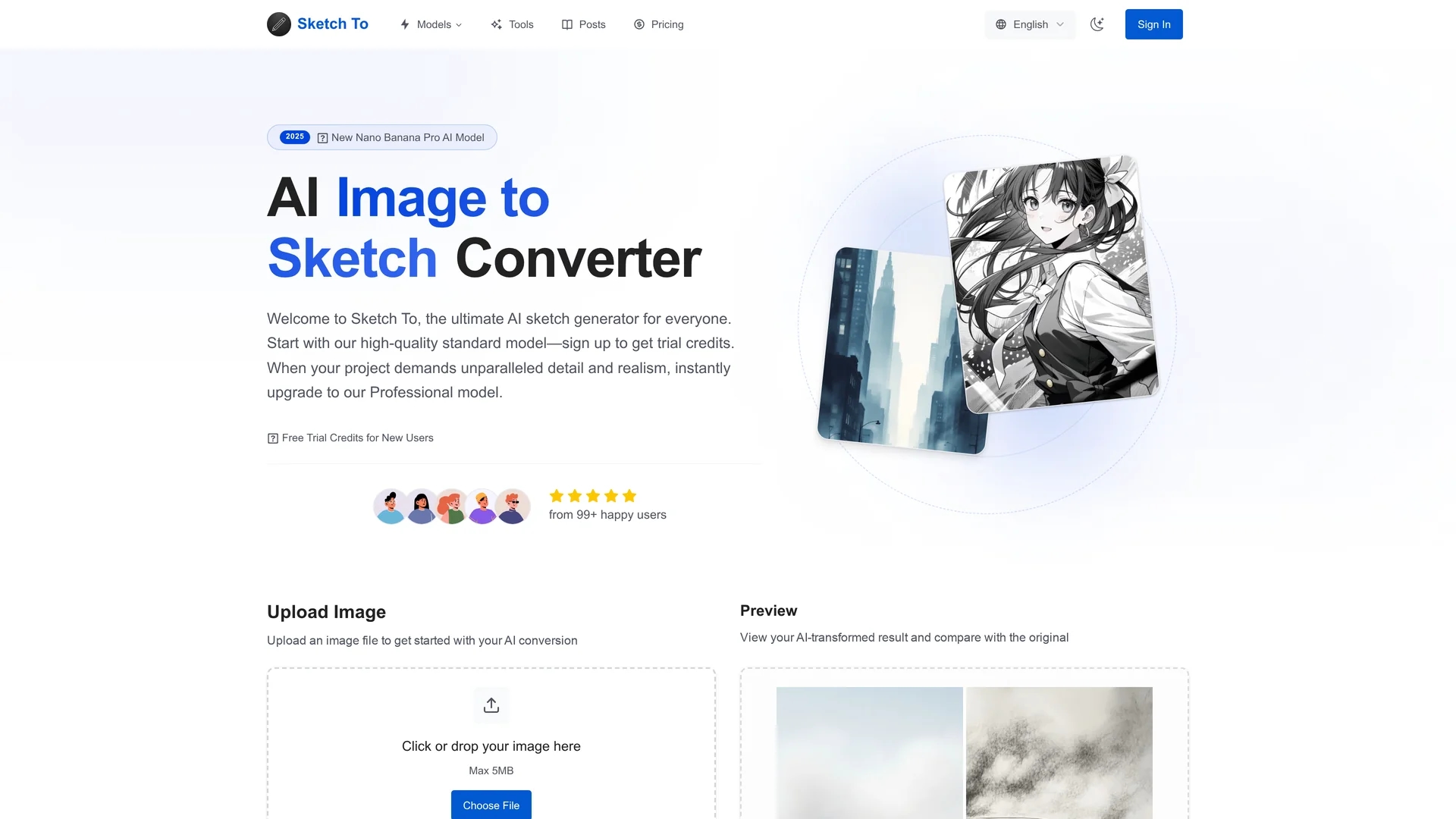
Sketch To converts photos into pencil-style sketches and reconstructs sketches into realistic images using selectable artistic styles and model-based quality settings; cloud processing yields quick previews and high-resolution downloads.
Disclaimer: Visionary Hub is not affiliated with, endorsed by, or the operator of this tool. All trademarks, logos, and content are the property of their respective owners. Full disclaimer available here
Key Features
Image-to-Sketch
Converts photos into pencil-style sketches with artistic presets.
Sketch-to-Image
Transforms sketches into realistic images using advanced AI.
Credit-Based Models
Standard and Professional models use credits for flexible usage.
Live Preview
Drag-and-drop upload with instant preview and side-by-side comparison.
Get Started
Share & Save
Share on Social Media
Why Choose Sketch To
Dual Models:
Choose between Standard and Professional AI models for different quality needs.Fast Processing:
Cloud-based engine delivers image conversions within seconds.High Resolution:
Download print-ready, high-resolution images suitable for professional use.
Pricing
Sketch To offers a free trial with credits for new users. Paid plans include Basic at $7.99/month (billed annually) and Pro at $15.99/month (billed annually), with monthly options at $9.99 and $19.99 respectively. Plans provide credits for conversions and commercial licenses on Pro.
About Sketch To
Sketch To converts photos into pencil-style sketches and reconstructs sketches into realistic images using selectable artistic styles and model-based quality settings; cloud processing yields quick previews and high-resolution downloads.
What Sketch To Does
Sketch To converts photos into pencil-style sketches and reconstructs sketches into realistic images, offering users an intuitive way to create artistic visuals. This benefits artists, designers, and content creators by simplifying complex image transformations.
The tool features two AI models: a Standard model for everyday use and a Professional model for higher detail and realism. It supports common image formats like JPG, PNG, and WEBP, provides drag-and-drop upload, live previews, side-by-side comparisons, and high-resolution downloads. Cloud-based processing ensures conversions complete within seconds.
Use cases include creating product sketches for catalogs, transforming concept art into photorealistic images for architecture or real estate, and generating stylized portraits for social media or personalized gifts.
Pros & Cons
Versatile Models
Offers both casual and professional quality options.
User-Friendly
Simple upload and instant processing with clear previews.
Credit System
Professional model requires credits, which may add cost for heavy users.
File Size Limit
Supports images up to 10MB, limiting very large files.
Frequently Asked Questions
Standard offers high-quality conversions for hobbies; Professional provides superior detail for commercial projects.
Basic plan starts at $7.99/month billed annually; Pro plan at $15.99/month billed annually with credit-based usage.
Supports JPG, PNG, WEBP, and other common formats up to 10MB in size.
Yes, the Professional model includes a commercial license for business use.
Most conversions complete within seconds using cloud-based processing.
Similar Tools You Might Like
Discover more AI-powered tools that complement your workflow
List Your AI Tool & Reach Thousands of Users
Join 500+ AI innovators already thriving on our platform. Get visibility, feedback, and boost your conversions.
Expand Your Audience
Connect with over 50,000 AI enthusiasts actively looking for tools like yours.
Boost Your Authority
Get verified reviews and ratings to build credibility in the AI marketplace.
Drive Conversions
Our premium placements and targeted audience deliver quality leads and sign-ups.