
Side Reader
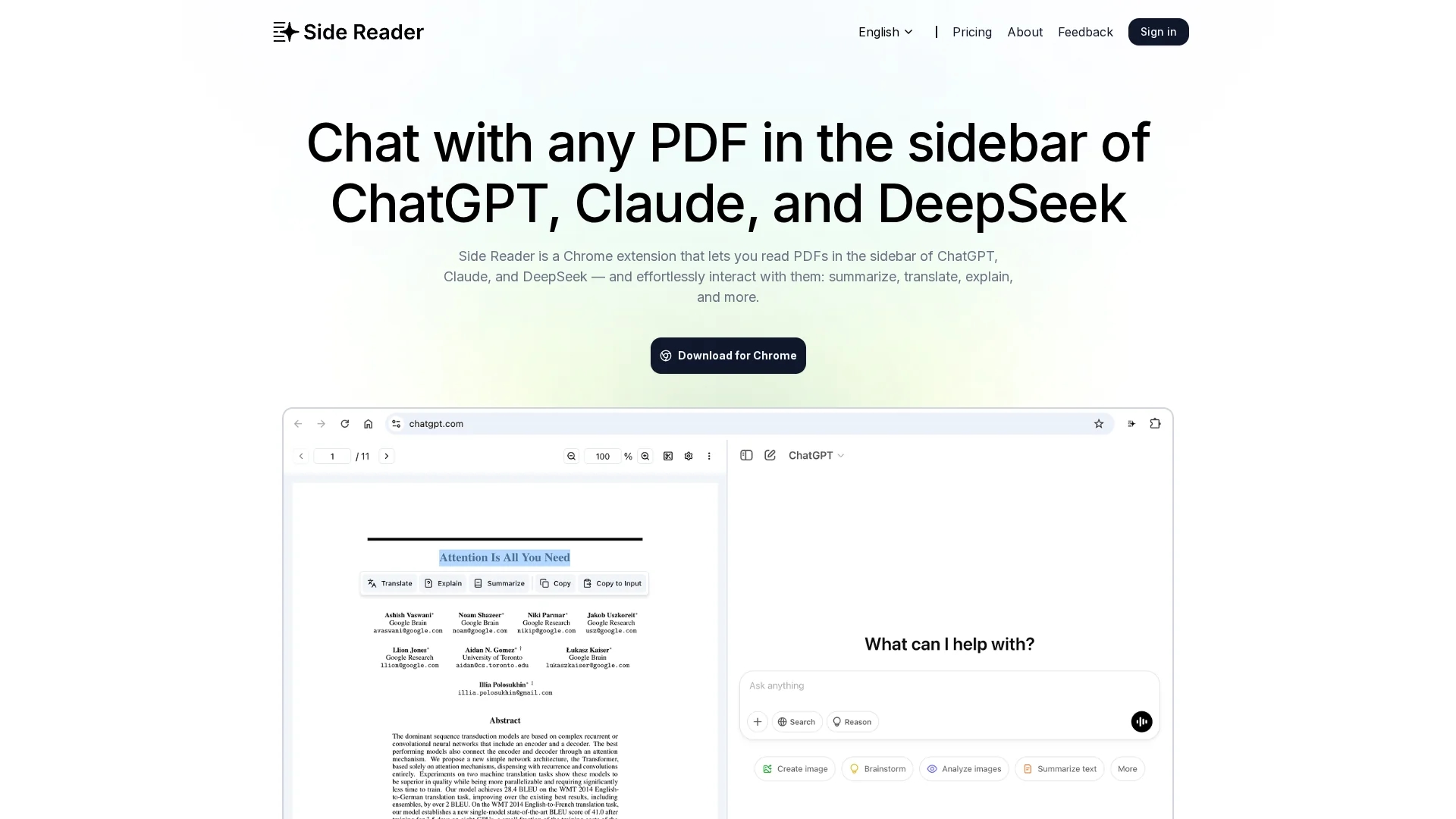
Side Reader is a Chrome extension that enhances PDF reading with AI-powered summarization, translation, and explanation, featuring file storage, zoom, navigation, custom buttons, and split-screen view for productivity.
Disclaimer: Visionary Hub is not affiliated with, endorsed by, or the operator of this tool. All trademarks, logos, and content are the property of their respective owners. Full disclaimer available here
Key Features
PDF Summarization
Generates concise summaries to quickly grasp document content.
Translation Support
Translates PDFs into different languages on-the-fly.
Local File Storage
Stores uploaded PDFs locally for easy access and management.
Zoom & Navigation
Offers zoom functionality and page navigation for optimal viewing.
Get Started
Share & Save
Share on Social Media
Why Choose Side Reader
AI Integration:
Seamlessly connects with ChatGPT and Claude for advanced PDF interactions.Custom Controls:
Allows tailored AI responses with customizable interaction buttons.Split-Screen View:
Enhances productivity by enabling simultaneous viewing of multiple PDFs.
Pricing
Side Reader offers a freemium pricing model with a free plan that includes basic features and a lifetime plan priced at $29. The lifetime plan provides extended capabilities and customer support. Pricing details are subject to change; visit the official site for the latest information.
About Side Reader
Side Reader is a Chrome extension that enhances PDF reading with AI-powered summarization, translation, and explanation, featuring file storage, zoom, navigation, custom buttons, and split-screen view for productivity.
What Side Reader Does
Side Reader enhances the PDF reading experience by allowing users to interact with documents through AI-powered summarization, translation, and explanations. This helps users quickly understand complex or lengthy content without manual reading.
The extension integrates with AI models like ChatGPT and Claude, offering features such as local file storage, zoom controls, page navigation, and customizable AI interaction buttons. It also supports a split-screen view for multitasking and comparing multiple documents simultaneously.
Ideal for academic, professional, and multilingual users, Side Reader streamlines document review, research, and language comprehension across various industries and use cases.
Pros & Cons
User-Friendly
Intuitive interface simplifies PDF reading and AI interaction.
Productivity
Split-screen and custom buttons improve multitasking efficiency.
Limited Pricing Info
Pricing details are minimal and may require visiting the site.
Developer Info
No clear developer or company information is publicly provided.
Frequently Asked Questions
Side Reader integrates with AI tools like ChatGPT and Claude for PDF interaction.
Yes, Side Reader offers a free plan with some feature limitations.
Yes, it supports on-the-fly translation of PDF documents.
Yes, it stores uploaded PDFs locally for easy access.
You can register via the login page at https://www.side-reader.com/login.
Similar Tools You Might Like
Discover more AI-powered tools that complement your workflow
List Your AI Tool & Reach Thousands of Users
Join 500+ AI innovators already thriving on our platform. Get visibility, feedback, and boost your conversions.
Expand Your Audience
Connect with over 50,000 AI enthusiasts actively looking for tools like yours.
Boost Your Authority
Get verified reviews and ratings to build credibility in the AI marketplace.
Drive Conversions
Our premium placements and targeted audience deliver quality leads and sign-ups.