
Sally Suite AI
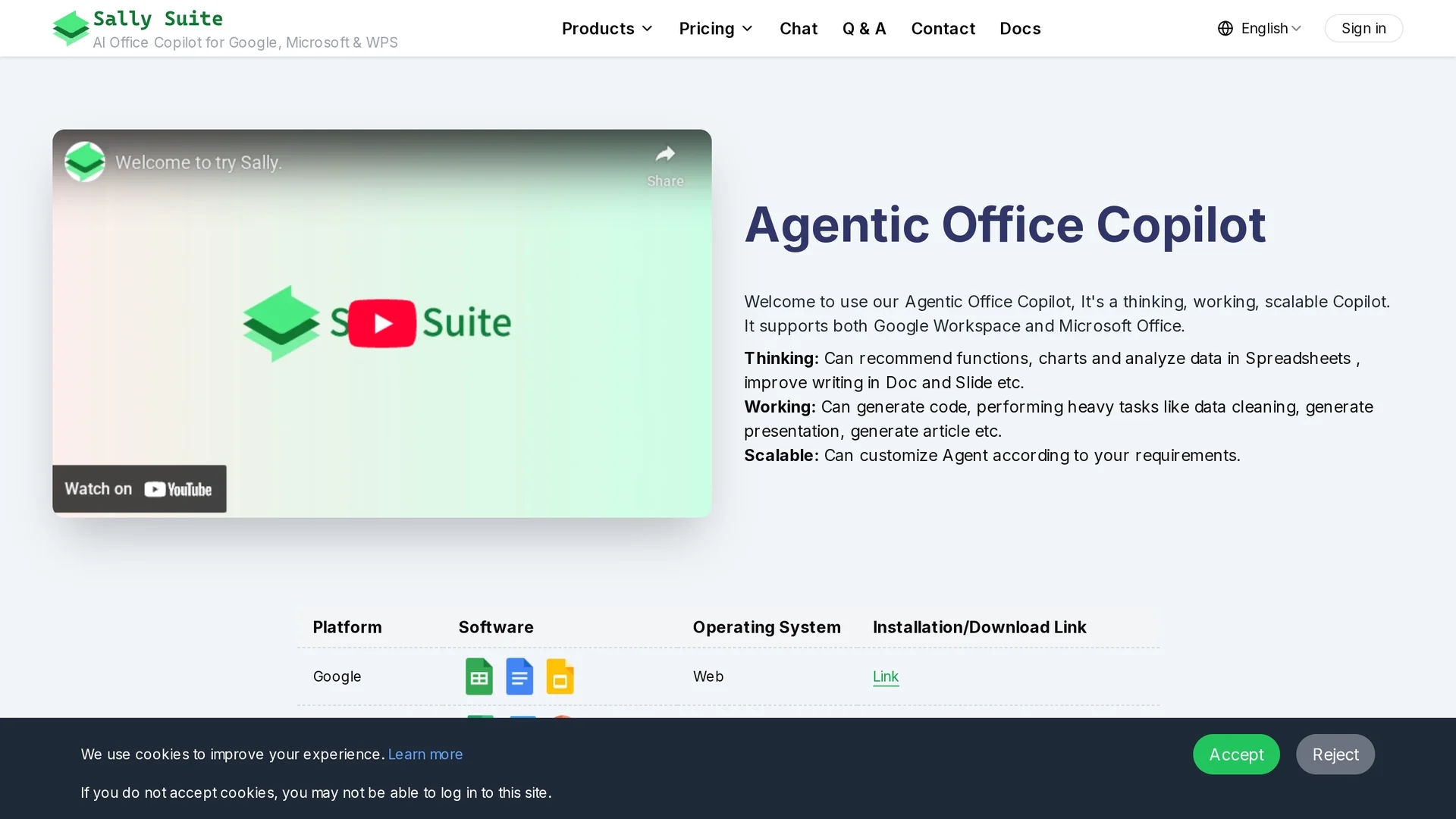
Sally Suite is an AI-Agent Copilot integrating with Google Workspace and Microsoft Office to enhance productivity through intelligent data analysis, writing assistance, and automated presentation generation.
Disclaimer: Visionary Hub is not affiliated with, endorsed by, or the operator of this tool. All trademarks, logos, and content are the property of their respective owners. Full disclaimer available here
Key Features
AI-Agent Copilot
Automates tasks across office applications enhancing productivity.
Data Analysis
Uses Python and Jupyter for advanced spreadsheet data processing.
Writing Assistance
Improves document and email writing with AI-powered suggestions.
Presentation Generation
Automates creation of presentations and speaker notes.
Get Started
Share & Save
Share on Social Media
Why Choose Sally Suite AI
Multi-Platform:
Supports Google Workspace and Microsoft Office seamlessly.Customizable:
Allows AI-Agent customization to fit specific workflow needs.Data Privacy:
Runs locally in browser; user data is not uploaded or stored externally.
Pricing
Sally Suite offers a free trial version. Detailed pricing plans including Complete, Flexible, and Offline versions are available on the official pricing page.
About Sally Suite AI
Sally Suite is an AI-Agent Copilot integrating with Google Workspace and Microsoft Office to enhance productivity through intelligent data analysis, writing assistance, and automated presentation generation.
What Sally Suite AI Does
Sally Suite functions as an AI-Agent Copilot that integrates with Google Workspace and Microsoft Office to streamline office workflows. It helps users generate functions, analyze spreadsheet data, improve document writing, and automate presentation creation.
The tool features intelligent data analysis using Python and Jupyter, enhanced writing assistance in Docs and Word, automated email generation and summarization in Outlook, and presentation generation in Slides and PowerPoint. It supports custom AI models and runs as a browser-based plugin ensuring data privacy.
Industries such as data analytics, research, marketing, and education benefit from its capabilities, enabling efficient document management, data processing, and communication tasks.
Pros & Cons
Wide Integration
Works across multiple platforms including Google Workspace and Microsoft Office.
Privacy Focused
Data remains on user device; no external uploads.
Integration Limits
Some manual steps required for text insertion and movement.
Trial Restrictions
Free trial period is shorter than initially advertised.
Frequently Asked Questions
Yes, you can add custom models like OpenAI or DeepSeek; API keys are stored locally.
No, it runs in the browser and cannot access local file systems.
GPT-4o-mini and GPT-4o are recommended for writing; GPT-4o, Claude 3.5 Sonnet, and DeepSeek for data analysis.
Yes, Sally Suite can be deployed privately within enterprise intranets.
Sally runs locally in the browser; no data leaves the device and can be deleted anytime.
Similar Tools You Might Like
Discover more AI-powered tools that complement your workflow

List Your AI Tool & Reach Thousands of Users
Join 500+ AI innovators already thriving on our platform. Get visibility, feedback, and boost your conversions.
Expand Your Audience
Connect with over 50,000 AI enthusiasts actively looking for tools like yours.
Boost Your Authority
Get verified reviews and ratings to build credibility in the AI marketplace.
Drive Conversions
Our premium placements and targeted audience deliver quality leads and sign-ups.