
Selects - cutback.video
Selects - cutback.video is an AI-powered rough cut tool that auto-syncs footage, organizes chapters, and creates story-driven edits for faster video prep.
Disclaimer: Visionary Hub is not affiliated with, endorsed by, or the operator of this tool. All trademarks, logos, and content are the property of their respective owners. Full disclaimer available here
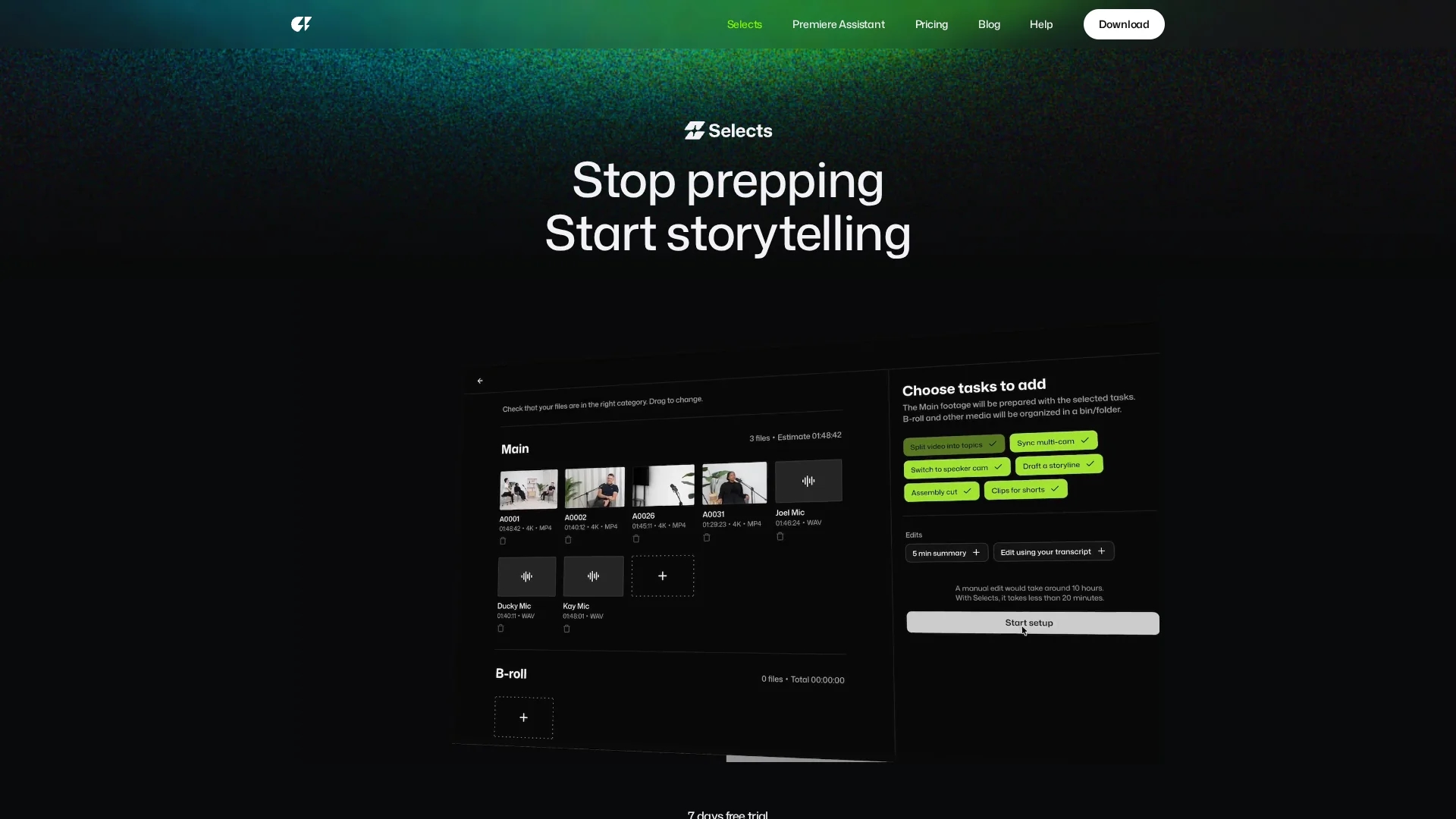
Key Features
Multi-cam sync
Automatically syncs multiple camera angles including 4K and 360° footage.
Chapter organization
Segments footage into topic-based chapters for easy navigation.
Natural language search
Enables quick retrieval of specific scenes via conversational queries.
Non-destructive edits
Allows safe editing with color-coded markers and transcripts.
Get Started
Share & Save
Share on Social Media
Why Choose Selects - cutback.video
Time-saving:
Reduces video prep time by automating syncing and organization.AI-powered search:
Find specific footage moments instantly using natural language queries.Seamless integration:
Exports ready-to-edit timelines to popular editing software.
Pricing
Selects offers a 7-day free trial. Pricing plans include Starter (free), Lite ($8-$9/month), Basic ($13-$15/month), Pro ($30-$35/month), and custom Enterprise options. Verify current pricing on the official site.
About Selects - cutback.video
Selects - cutback.video is an AI-powered rough cut tool that auto-syncs footage, organizes chapters, and creates story-driven edits for faster video prep.
What Selects - cutback.video Does
Selects automates the initial video editing process by syncing multi-camera footage, organizing raw clips into chapters, and creating story-driven rough cuts. This reduces prep time and accelerates project turnaround.
Key features include AI-powered multi-cam synchronization, natural language search to find specific moments, automatic chapter creation, and seamless export to major NLEs like Premiere Pro and Final Cut Pro. It supports 4K and 360° videos and cuts silences and filler words automatically.
Ideal for podcasts, interviews, livestream highlights, documentaries, and social media content, Selects helps video professionals efficiently manage large volumes of footage and deliver polished edits faster.
Pros & Cons
Efficiency
Significantly speeds up the video editing preparation process.
Compatibility
Works with major NLEs like Premiere Pro, Final Cut Pro, and DaVinci Resolve.
Learning curve
Users may need time to adapt to AI-driven editing workflows.
Pricing tiers
Advanced features require paid plans beyond the free starter option.
Frequently Asked Questions
Selects automates syncing, organizes footage into chapters, and creates story-driven rough cuts.
Yes, Selects offers a 7-day free trial before requiring a paid subscription.
Selects focuses on prep and rough cuts; final editing is done in software like Premiere Pro.
Yes, it automatically syncs multi-camera files including 4K and 360° videos.
Selects exports structured project files compatible with Premiere Pro, Final Cut Pro, and DaVinci Resolve.
Similar Tools You Might Like
Discover more AI-powered tools that complement your workflow


List Your AI Tool & Reach Thousands of Users
Join 500+ AI innovators already thriving on our platform. Get visibility, feedback, and boost your conversions.
Expand Your Audience
Connect with over 50,000 AI enthusiasts actively looking for tools like yours.
Boost Your Authority
Get verified reviews and ratings to build credibility in the AI marketplace.
Drive Conversions
Our premium placements and targeted audience deliver quality leads and sign-ups.