
ScreenPipe
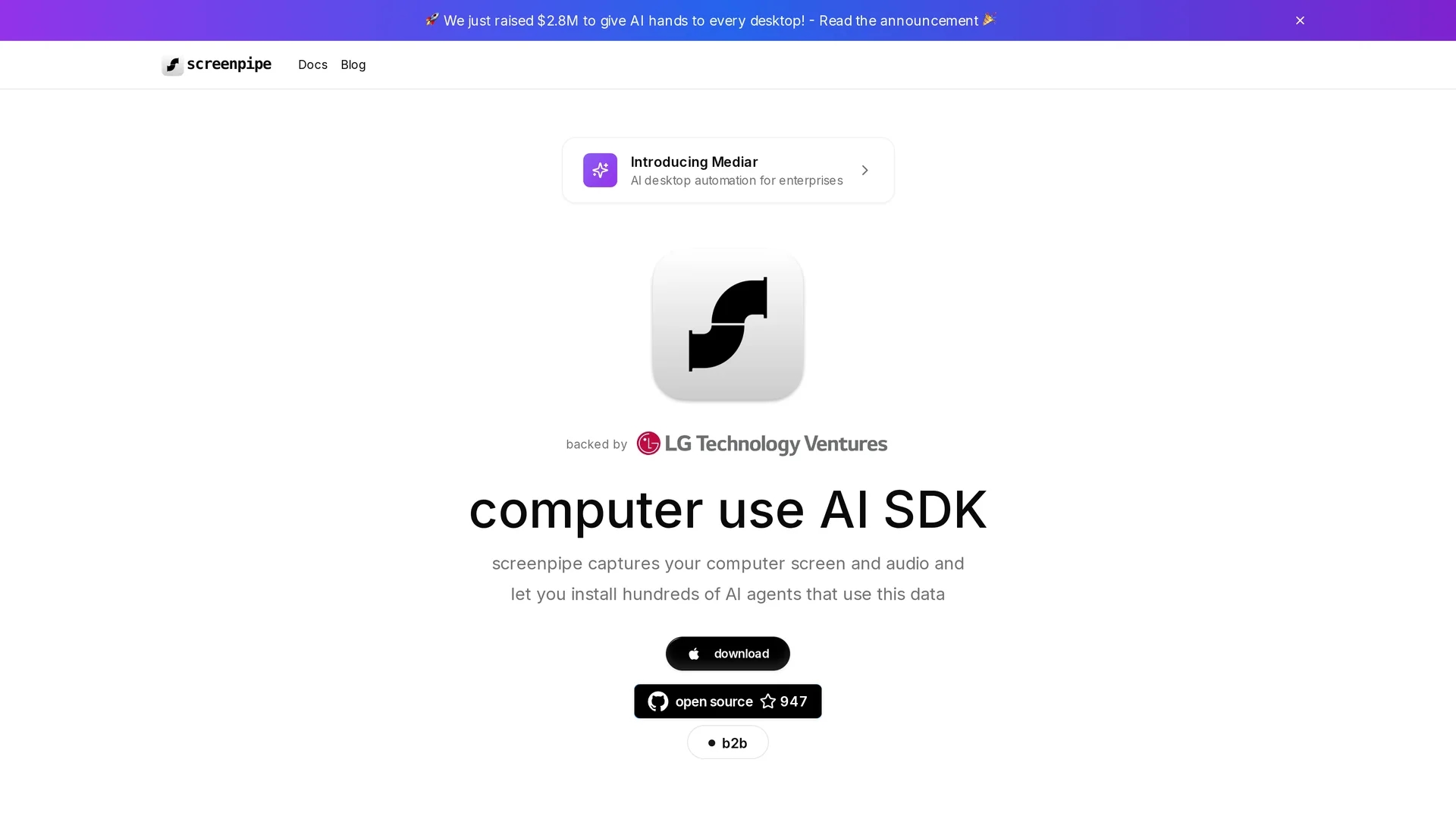
Screenpipe is an AI-powered process mining and screen recording tool capturing desktop activities across Linux, macOS, and Windows with real-time data processing and transcription.
Disclaimer: Visionary Hub is not affiliated with, endorsed by, or the operator of this tool. All trademarks, logos, and content are the property of their respective owners. Full disclaimer available here
Key Features
Process Mining
AI-powered analysis of desktop activities to identify workflow inefficiencies.
Screen Recording
Continuous capture of screen and audio across multiple platforms.
Text Extraction
Real-time extraction of text from screen content for structured data use.
Audio Transcription
Converts recorded audio into text to support documentation and analysis.
Get Started
Share & Save
Share on Social Media
Why Choose ScreenPipe
Cross-Platform:
Supports Linux, macOS, and Windows for versatile desktop activity capture.Real-Time Processing:
Offers immediate text extraction and audio transcription during recording.Local API:
Enables seamless integration with AI agents and local language models.
Pricing
For current prices, visit the official page as specific pricing details are not provided.
About ScreenPipe
Screenpipe is an AI-powered process mining and screen recording tool capturing desktop activities across Linux, macOS, and Windows with real-time data processing and transcription.
What ScreenPipe Does
Screenpipe continuously records desktop activities and audio across multiple operating systems, enabling users to track and analyze user interactions in real time. This helps identify workflow inefficiencies and optimize user experience.
The tool features AI-powered text extraction, audio transcription, and video compression, storing data in structured formats accessible via a local API. It integrates with local large language models to automate documentation and support AI agent development.
Screenpipe is suitable for developers, data analysts, and productivity professionals who need detailed insights into software usage, training material creation, and automated process documentation.
Pros & Cons
Multi-Platform
Works on Linux, macOS, and Windows for broad user compatibility.
Integration
Supports integration with local AI models via a dedicated API.
Pricing Info
No clear pricing details publicly available on the homepage.
Signup Link
No direct user signup or registration link found on the homepage.
Frequently Asked Questions
Screenpipe supports Linux, macOS, and Windows for desktop activity capture.
Yes, it provides real-time audio transcription to convert speech into text.
Pricing details are not specified; users should visit the official site for updates.
Yes, it integrates with local large language models via a local API.
Documentation is available at https://docs.screenpi.pe.
Similar Tools You Might Like
Discover more AI-powered tools that complement your workflow
List Your AI Tool & Reach Thousands of Users
Join 500+ AI innovators already thriving on our platform. Get visibility, feedback, and boost your conversions.
Expand Your Audience
Connect with over 50,000 AI enthusiasts actively looking for tools like yours.
Boost Your Authority
Get verified reviews and ratings to build credibility in the AI marketplace.
Drive Conversions
Our premium placements and targeted audience deliver quality leads and sign-ups.