
ScreenML
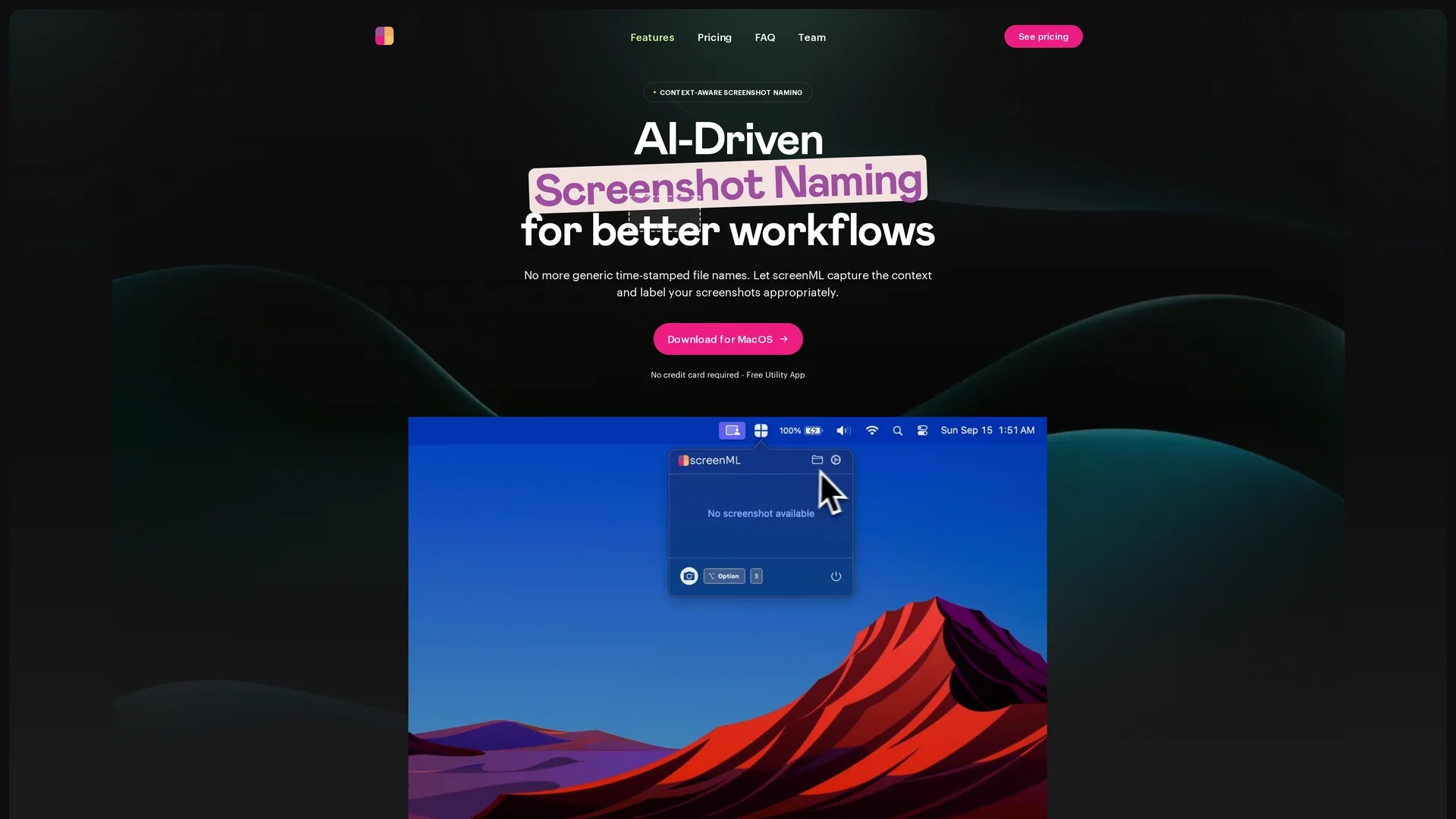
ScreenML is a macOS app that uses AI to generate context-aware screenshot file names, improving organization with annotation and preview features for efficient workflows.
Disclaimer: Visionary Hub is not affiliated with, endorsed by, or the operator of this tool. All trademarks, logos, and content are the property of their respective owners. Full disclaimer available here
Key Features
Context-Aware Naming
Automatically creates descriptive file names based on screenshot content and active apps.
AI Model Integration
Uses ChatGPT, Google Gemini, and Claude for intelligent filename generation.
Screenshot Preview
Allows users to preview screenshots with generated names before sharing.
Annotation Access
Supports opening screenshots in Preview for annotation and clipboard sharing.
Get Started
Share & Save
Share on Social Media
Why Choose ScreenML
AI Naming:
Generates context-aware filenames using advanced AI models for precise screenshot labeling.Annotation Support:
Enables annotation workflows integrated with macOS Preview for quick edits.Workflow Efficiency:
Streamlines screenshot organization and retrieval, saving time and reducing clutter.
Pricing
ScreenML offers a free plan allowing up to 50 context-aware screenshots monthly. A Pro plan at $6.99/month is coming soon with increased limits and advanced features.
About ScreenML
ScreenML is a macOS app that uses AI to generate context-aware screenshot file names, improving organization with annotation and preview features for efficient workflows.
What ScreenML Does
ScreenML automates the naming of screenshots by analyzing their content and context with AI, generating descriptive file names that improve organization and searchability. This reduces time spent manually renaming files and avoids generic timestamps.
The app integrates foundational AI models like ChatGPT, Google Gemini, and Claude to interpret active applications and visible elements in screenshots. It also supports annotation workflows by opening images in Preview and allows users to preview screenshots with generated names before sharing.
This tool is useful for software developers, creative designers, digital marketers, and technical users who require streamlined documentation and efficient image management in their workflows.
Pros & Cons
Automated Organization
Reduces manual effort by generating meaningful screenshot filenames automatically.
Free Tier
Offers a free plan with 50 screenshots per month and basic customization.
Internet Required
Needs an internet connection to access AI models for filename generation.
Limited Pro Access
Pro plan with advanced features and higher limits is not yet available.
Frequently Asked Questions
ScreenML is a macOS app that uses AI to generate intelligent, context-aware screenshot file names.
It uses AI models like ChatGPT, Google Gemini, and Claude to analyze screenshot content and context.
Yes, the free plan allows up to 50 context-aware screenshots per month with basic features.
Yes, it needs internet to communicate with AI models for generating filenames.
Basic customization is available; advanced options will be included in the upcoming Pro version.
Similar Tools You Might Like
Discover more AI-powered tools that complement your workflow

List Your AI Tool & Reach Thousands of Users
Join 500+ AI innovators already thriving on our platform. Get visibility, feedback, and boost your conversions.
Expand Your Audience
Connect with over 50,000 AI enthusiasts actively looking for tools like yours.
Boost Your Authority
Get verified reviews and ratings to build credibility in the AI marketplace.
Drive Conversions
Our premium placements and targeted audience deliver quality leads and sign-ups.