Scraib.app
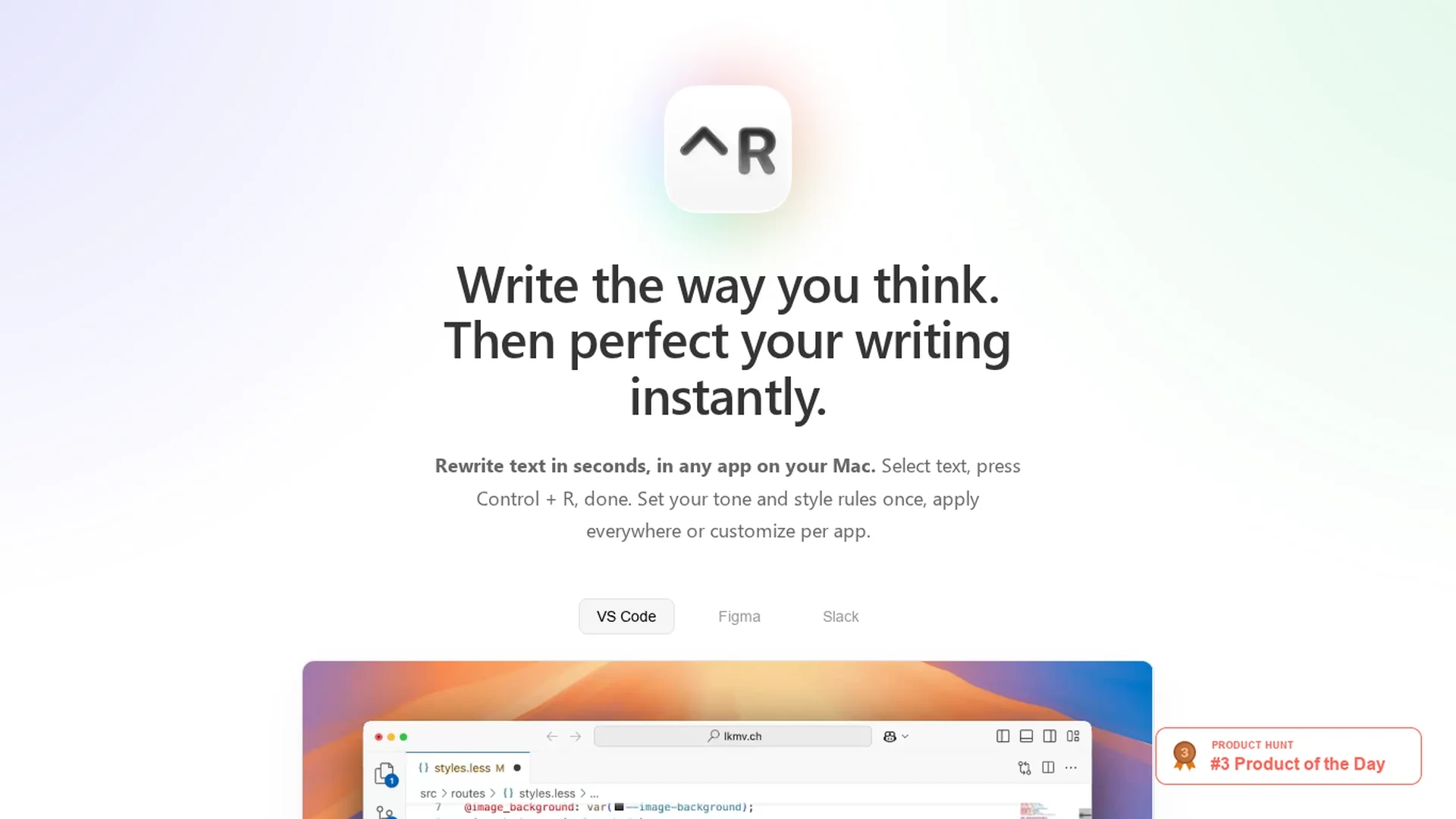
Scraib.app corrects grammar, tone, and style in any macOS app, rewriting selected text with a keyboard shortcut and customizable per-app rules using preferred AI providers or local runtime.
Disclaimer: Visionary Hub is not affiliated with, endorsed by, or the operator of this tool. All trademarks, logos, and content are the property of their respective owners. Full disclaimer available here
Key Features
Keyboard Shortcut
Rewrite selected text instantly with Control + R in any app.
Multi-AI Support
Supports ChatGPT, Claude, Gemini, Grok, Ollama, LiteLLM, and OpenRouter.
Local Runtime
Run AI models locally with Ollama for on-premise processing.
Per-App Customization
Apply unique tone and style rules for each macOS application.
Get Started
Share & Save
Share on Social Media
Why Choose Scraib.app
In-App Editing:
Edit text directly within any macOS app without switching windows.Custom Rules:
Set global or per-app tone and style rules for consistent writing.Privacy Focused:
Use your own AI keys or run models locally to keep data private.
Pricing
Scraib.app offers a 7-day free trial subscription at $3.99/month. Alternatively, users can make a one-time purchase for $10 to unlock the app and use their own AI provider API keys. Prices may vary by country due to App Store tiers.
About Scraib.app
Scraib.app corrects grammar, tone, and style in any macOS app, rewriting selected text with a keyboard shortcut and customizable per-app rules using preferred AI providers or local runtime.
What Scraib.app Does
Scraib.app rewrites and corrects selected text's grammar, tone, and style in any macOS application using a single keyboard shortcut (Control + R), allowing users to edit text in context without switching windows.
It enables users to set custom tone and style rules globally or per app, integrating with AI providers like ChatGPT, Claude, Gemini, and local runtimes such as Ollama for privacy-focused processing.
This tool is ideal for refining emails, code comments, marketing copy, and creative writing across apps like VS Code, Figma, and Slack, improving clarity and consistency in professional and creative workflows.
Pros & Cons
Seamless Integration
Works system-wide across all macOS apps without workflow disruption.
Flexible AI Options
Allows use of preferred AI providers or local AI runtime for privacy.
Platform Limitation
Available only for macOS, limiting cross-platform use.
Additional AI Costs
Users must pay separately for AI provider usage beyond app fees.
Frequently Asked Questions
It supports all macOS apps, including VS Code, Figma, Slack, and others.
Supports ChatGPT, Claude, Gemini, Grok, Ollama, LiteLLM, and OpenRouter.
Yes, a 7-day free trial is offered before subscription payment.
Yes, by running AI models locally with Ollama, data stays on your device.
Select text and press Control + R to rewrite and correct it instantly.
Similar Tools You Might Like
Discover more AI-powered tools that complement your workflow
List Your AI Tool & Reach Thousands of Users
Join 500+ AI innovators already thriving on our platform. Get visibility, feedback, and boost your conversions.
Expand Your Audience
Connect with over 50,000 AI enthusiasts actively looking for tools like yours.
Boost Your Authority
Get verified reviews and ratings to build credibility in the AI marketplace.
Drive Conversions
Our premium placements and targeted audience deliver quality leads and sign-ups.