
SaveDay
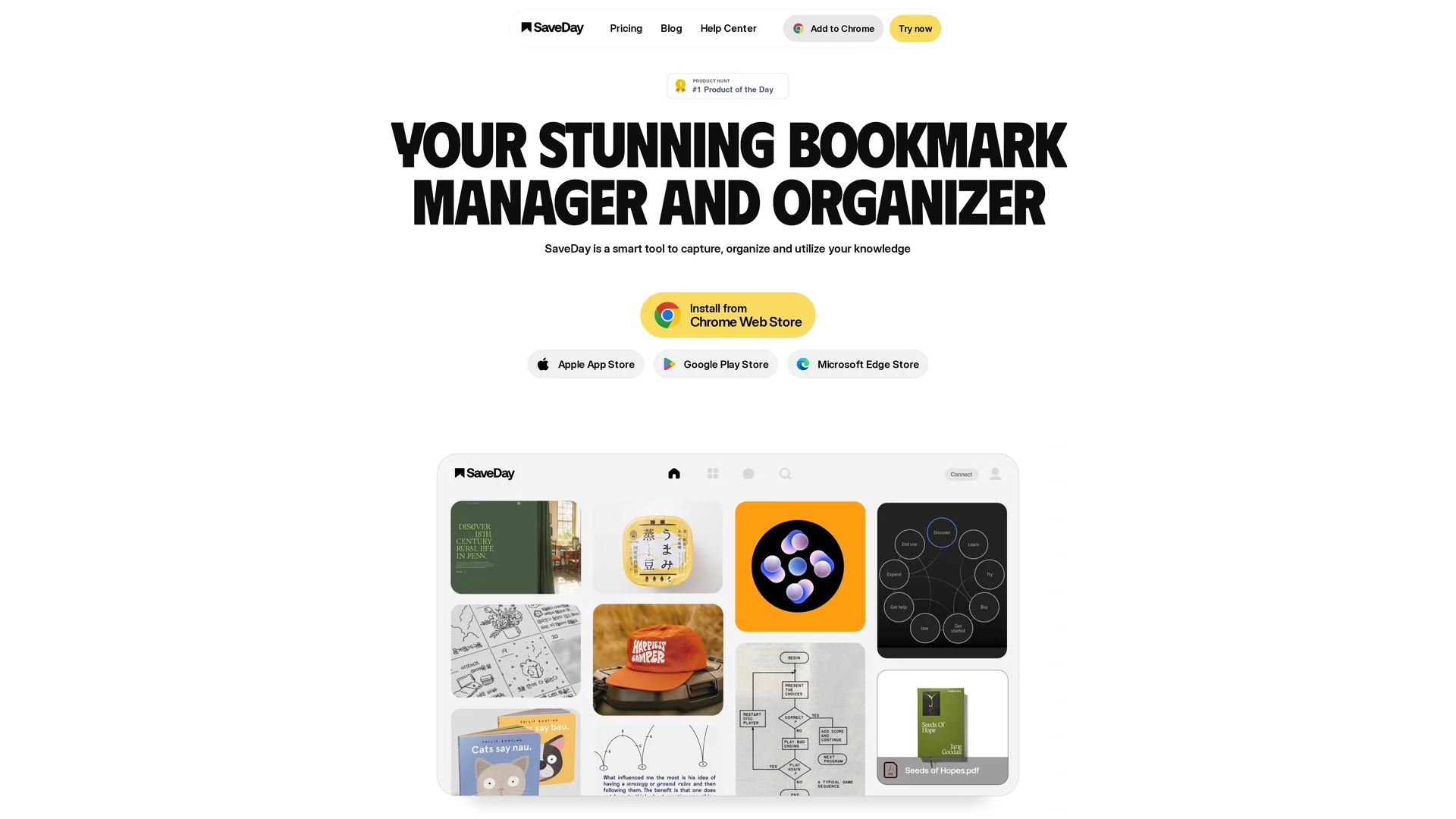
SaveDay is a smart knowledge management tool that captures, organizes, and summarizes content from the web using browser extensions, apps, and a Telegram bot.
Disclaimer: Visionary Hub is not affiliated with, endorsed by, or the operator of this tool. All trademarks, logos, and content are the property of their respective owners. Full disclaimer available here
Key Features
Multimedia Capture
Save articles, videos, images, and notes from the web quickly.
Automatic Organization
Organizes saved items smartly without manual labeling.
AI Search & Q&A
Search saved content effectively and get answers based on it.
Instant Summaries
Create key point summaries from articles and YouTube videos.
Get Started
Share & Save
Share on Social Media
Why Choose SaveDay
Fast Capture:
Save content from any webpage or video instantly with one click.AI Summarization:
Generate concise summaries of long articles and videos automatically.Cross-Platform:
Access and organize saved content via apps, browser extensions, and Telegram.
Pricing
SaveDay offers a Freemium pricing model with a Basic free plan and paid tiers: Standard at $5.59/month, Essential at $12.99/month, and Elite at $29.99/month. Plans vary by saved items, credits, templates, and support. Visit SaveDay pricing for details.
About SaveDay
SaveDay is a smart knowledge management tool that captures, organizes, and summarizes content from the web using browser extensions, apps, and a Telegram bot.
What SaveDay Does
SaveDay allows users to capture and organize articles, videos, images, and notes from the internet with one click. It automatically organizes saved content, making it easy to retrieve and manage information.
The tool features AI-powered search and Q&A capabilities, enabling users to find saved content by keywords, colors, brands, or dates. It also generates instant summaries of lengthy articles and YouTube videos, providing concise key insights.
SaveDay is useful for students, researchers, entrepreneurs, and content creators who need to manage and share knowledge efficiently across devices, including via Telegram, browser extensions, and mobile apps.
Pros & Cons
Ease of Use
One-click capture and automatic organization simplify knowledge management.
Multi-Device Access
Supports access via Telegram bot, browser extensions, and mobile apps.
Limited Free Credits
Basic plan restricts key point and Q&A feature usage with monthly credits.
Advanced Features Paid
Some advanced capabilities require subscription to premium plans.
Frequently Asked Questions
SaveDay offers faster information capture with a wider range of tools and automatic organization.
Basic features on Telegram and browser extensions are free; advanced features require a paid plan.
Yes, SaveDay keeps all saved content confidential and does not share data with third parties.
Yes, content is accessible on any device via Telegram, browser extensions, or mobile apps.
Cancel via the Account settings on desktop; paid features remain until the billing cycle ends.
Similar Tools You Might Like
Discover more AI-powered tools that complement your workflow


List Your AI Tool & Reach Thousands of Users
Join 500+ AI innovators already thriving on our platform. Get visibility, feedback, and boost your conversions.
Expand Your Audience
Connect with over 50,000 AI enthusiasts actively looking for tools like yours.
Boost Your Authority
Get verified reviews and ratings to build credibility in the AI marketplace.
Drive Conversions
Our premium placements and targeted audience deliver quality leads and sign-ups.