SAM TTS
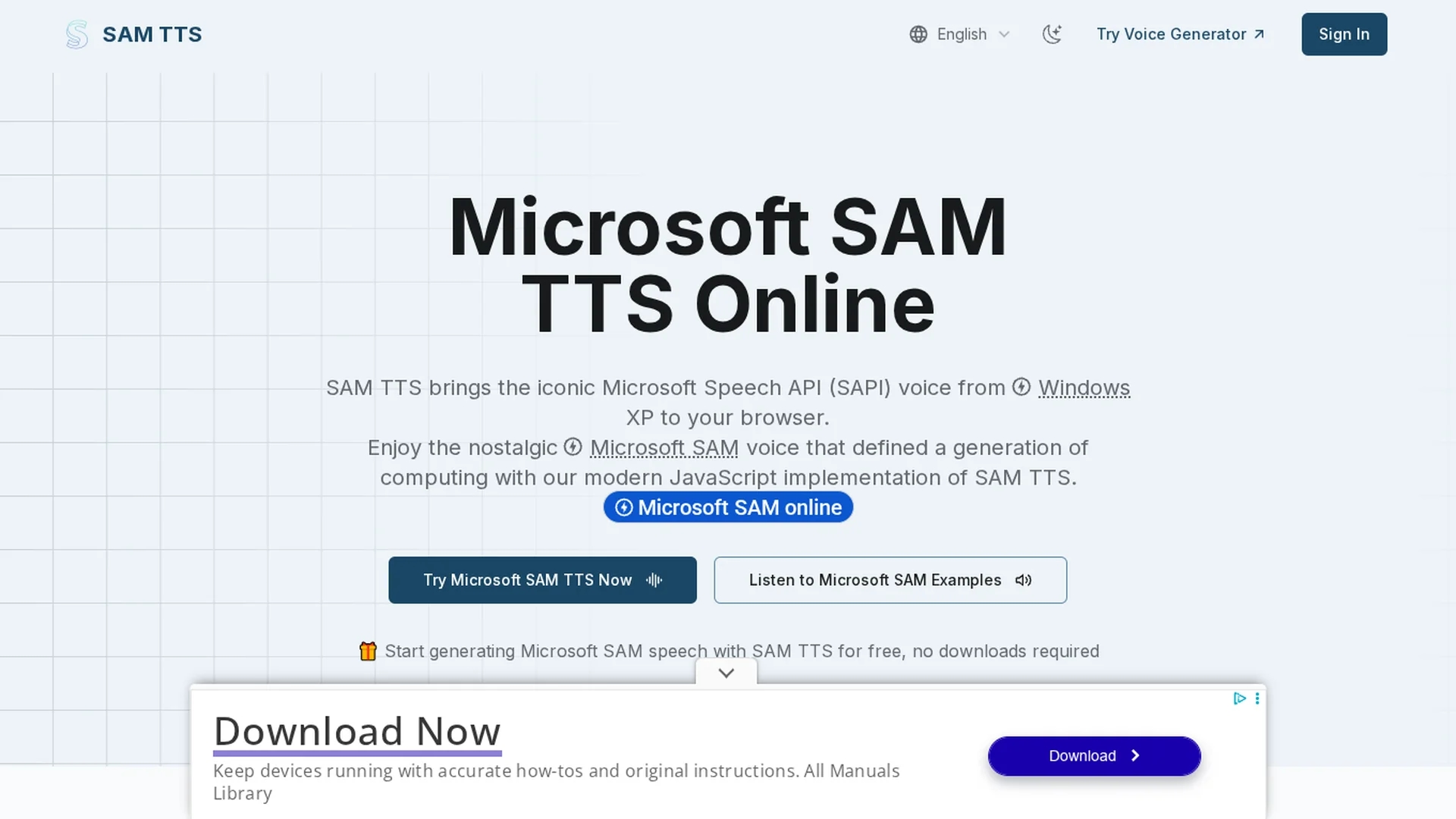
SAM TTS is a browser-based text-to-speech tool that revives the classic Windows XP Microsoft SAM voice with customizable pitch, speed, and tone, requiring no downloads and working across devices.
Disclaimer: Visionary Hub is not affiliated with, endorsed by, or the operator of this tool. All trademarks, logos, and content are the property of their respective owners. Full disclaimer available here
Key Features
Voice Presets
Includes multiple classic voice profiles for instant character voices.
Audio Export
Download generated speech as WAV files for use in projects.
Lightweight Code
Under 100KB JavaScript implementation ensures fast performance.
Cross-Platform
Compatible with all modern browsers and mobile devices.
Get Started
Share & Save
Share on Social Media
Why Choose SAM TTS
Authentic Voice:
Recreates the classic Microsoft SAM voice with genuine nostalgic charm.Customizable:
Adjust pitch, speed, mouth, and throat to create unique voice styles.Browser-Based:
Runs fully in-browser with no downloads or installations required.
Pricing
SAM TTS is a free tool accessible directly in the browser with no subscription or payment required.
About SAM TTS
SAM TTS is a browser-based text-to-speech tool that revives the classic Windows XP Microsoft SAM voice with customizable pitch, speed, and tone, requiring no downloads and working across devices.
What SAM TTS Does
SAM TTS converts typed English text into speech using the iconic Microsoft SAM voice, providing users with a nostalgic and customizable text-to-speech experience. It benefits users by enabling quick generation of retro-style audio directly in the browser without software installation.
The tool offers adjustable parameters including pitch, speed, mouth, and throat settings, allowing users to create unique voice variations. It also includes a library of preset voices such as Elf, Little Robot, and Stuffy Guy. SAM TTS runs fully client-side in JavaScript, ensuring privacy and offline functionality after loading.
Typical use cases include enhancing educational applications with auditory support, creating engaging narrations for digital content, and adding distinctive voiceovers in video games and creative projects.
Pros & Cons
No Installation
Accessible directly in browsers without software or account creation.
Offline Use
Works offline after initial page load, preserving user privacy.
Limited Language
Supports English text only, with best results on common words.
Basic Interface
User interface is minimal and may lack advanced TTS features.
Frequently Asked Questions
SAM TTS is a browser-based tool that recreates the classic Microsoft SAM voice for text-to-speech.
Yes, SAM TTS is completely free and requires no downloads or sign-ups.
Yes, you can adjust pitch, speed, mouth, and throat parameters to modify the voice.
No, SAM TTS currently supports English text only for best voice synthesis.
Yes, you can download the speech as WAV files for personal or commercial use.
Similar Tools You Might Like
Discover more AI-powered tools that complement your workflow
List Your AI Tool & Reach Thousands of Users
Join 500+ AI innovators already thriving on our platform. Get visibility, feedback, and boost your conversions.
Expand Your Audience
Connect with over 50,000 AI enthusiasts actively looking for tools like yours.
Boost Your Authority
Get verified reviews and ratings to build credibility in the AI marketplace.
Drive Conversions
Our premium placements and targeted audience deliver quality leads and sign-ups.