
Runway Aleph AI-
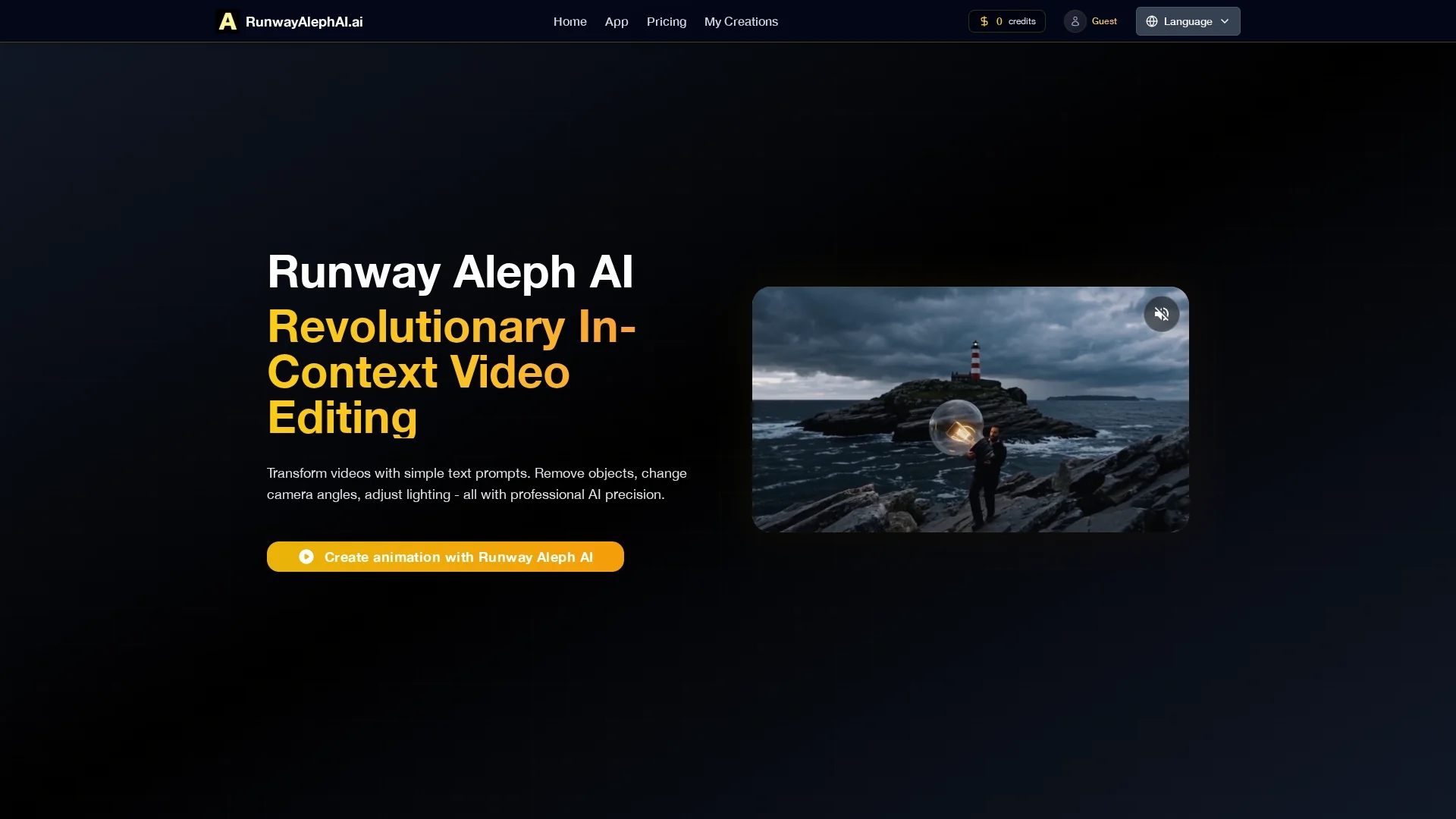
Runway Aleph AI is an intuitive AI video editing tool that transforms footage using text prompts, enabling object removal, camera angle changes, and lighting adjustments for professional results.
Disclaimer: Visionary Hub is not affiliated with, endorsed by, or the operator of this tool. All trademarks, logos, and content are the property of their respective owners. Full disclaimer available here
Key Features
Object Removal
Intelligent removal of unwanted objects with seamless background reconstruction.
Camera Angle Adjustment
Generate new camera perspectives maintaining spatial and lighting integrity.
Lighting Modification
Adjust illumination, shadows, and color temperature for mood control.
Contextual Understanding
Advanced scene analysis ensures natural and coherent video edits.
Get Started
Share & Save
Share on Social Media
Why Choose Runway Aleph AI-
Text-Based Editing:
Edit videos easily using simple text prompts for precise control.In-Context AI:
Maintains scene coherence with advanced contextual understanding.Professional Quality:
Delivers realistic object removal, angle, and lighting adjustments.
Pricing
Runway Aleph AI offers a freemium pricing model with a free tier having some limitations. Paid plans include Basic at $20.9/month ($251/year), Plus at $34.9/month ($419/year), and Enterprise at $69.9/month ($839/year). Prices are subject to change; verify on the official pricing page.
About Runway Aleph AI-
Runway Aleph AI is an intuitive AI video editing tool that transforms footage using text prompts, enabling object removal, camera angle changes, and lighting adjustments for professional results.
What Runway Aleph AI- Does
Runway Aleph AI allows users to edit videos by simply describing desired changes through text prompts. It facilitates removing unwanted objects, generating new camera angles, and adjusting lighting conditions, enhancing video quality without reshoots.
The tool uses intelligent object recognition to accurately identify and manipulate elements within video frames. Its contextual scene understanding model ensures realistic perspective shifts and natural lighting adjustments, maintaining visual coherence throughout edits.
This technology benefits filmmakers, video editors, and content creators by streamlining complex post-production tasks, enabling professional-grade video transformations across various media projects.
Pros & Cons
User-Friendly
Simple text prompts enable complex edits without manual frame-by-frame work.
Versatile Editing
Supports object removal, angle changes, and lighting adjustments in one tool.
Pricing
Advanced features require paid plans, which may be costly for some users.
Web-Based
Editing depends on internet access and browser compatibility.
Frequently Asked Questions
It supports object removal, camera angle generation, lighting adjustments, and perspective changes using AI.
Yes, a freemium model offers free use with some limitations before upgrading to paid plans.
The AI understands full scene context to apply natural edits preserving visual coherence.
Yes, it maintains spatial relationships and lighting consistency in complex scenes.
Access the web app, upload footage, and enter text prompts to perform edits.
Similar Tools You Might Like
Discover more AI-powered tools that complement your workflow


List Your AI Tool & Reach Thousands of Users
Join 500+ AI innovators already thriving on our platform. Get visibility, feedback, and boost your conversions.
Expand Your Audience
Connect with over 50,000 AI enthusiasts actively looking for tools like yours.
Boost Your Authority
Get verified reviews and ratings to build credibility in the AI marketplace.
Drive Conversions
Our premium placements and targeted audience deliver quality leads and sign-ups.