
Ripplica
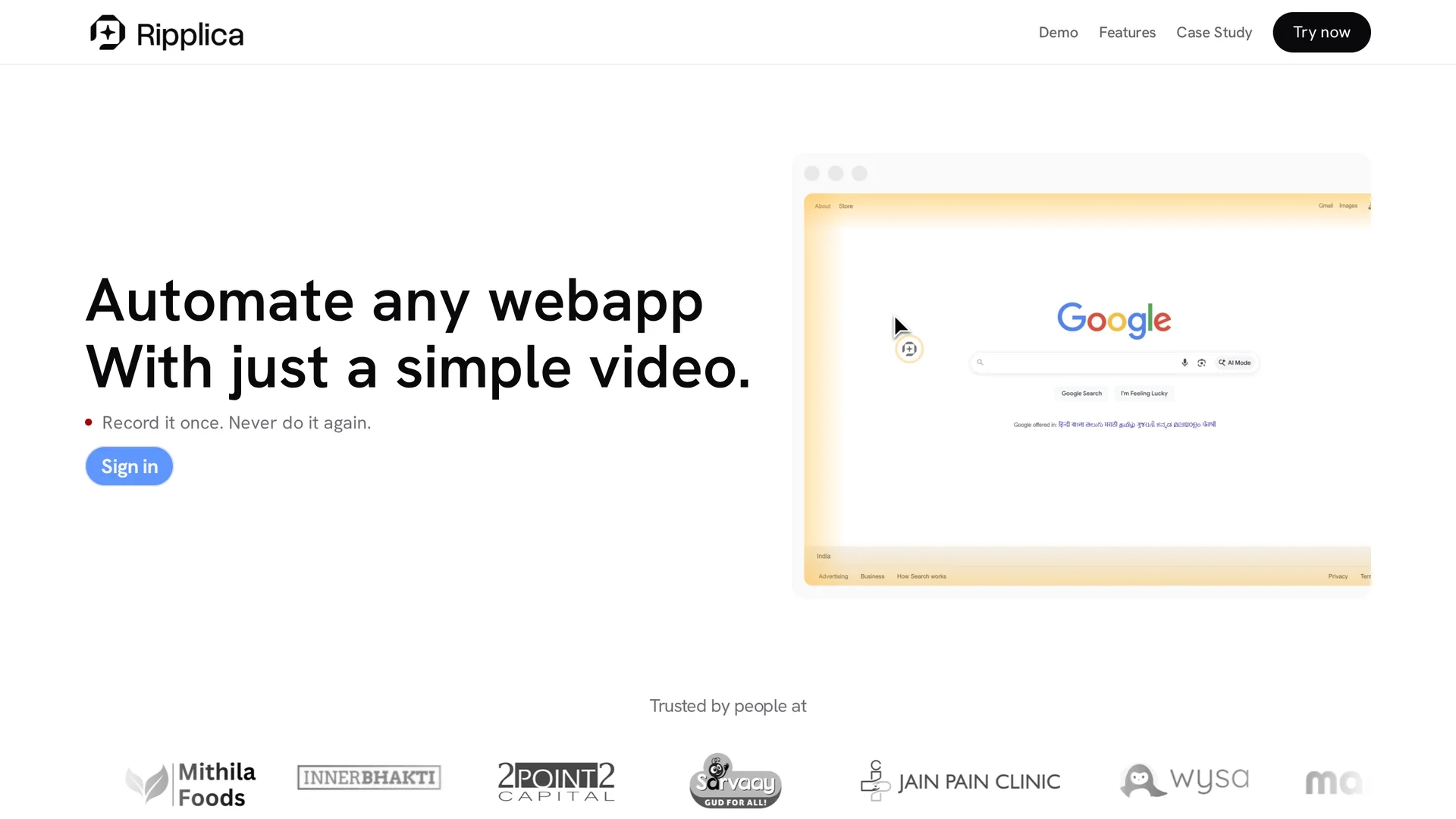
Ripplica automates browser workflows by recording a single on-screen session and replaying it across web apps using context-aware, no-code RPA without APIs, supporting scheduling, multi-agent orchestration, and analytics.
Disclaimer: Visionary Hub is not affiliated with, endorsed by, or the operator of this tool. All trademarks, logos, and content are the property of their respective owners. Full disclaimer available here
Key Features
Record & Replay
Create automations by recording a single browser session.
Multi-Agent Orchestration
Simulate concurrent users and coordinate multiple agents.
Scheduling & Triggers
Run automations on schedule or via remote triggers.
Analytics & Reporting
Monitor performance and track automation throughput.
Get Started
Share & Save
Share on Social Media
Why Choose Ripplica
No APIs Needed:
Automates legacy and modern apps without API integration.Context-Aware:
Adapts actions dynamically based on on-screen content.Secure Execution:
Runs automations in isolated virtual machines safely.
Pricing
Pricing details are not explicitly provided on the homepage. For current prices, visit the official Ripplica website or login page.
About Ripplica
Ripplica automates browser workflows by recording a single on-screen session and replaying it across web apps using context-aware, no-code RPA without APIs, supporting scheduling, multi-agent orchestration, and analytics.
What Ripplica Does
Ripplica automates repetitive browser workflows by recording user actions in a single session and replaying them across multiple web applications. This reduces manual effort and errors while increasing efficiency.
It uses context-aware adaptive execution to interpret on-screen elements and adjust actions dynamically as conditions change. Automations can be scheduled or triggered remotely and run securely in isolated virtual machines without requiring API access.
Common use cases include automating job applications, managing inboxes and direct messages, data entry, regression testing, and cross-application process automation in industries like e-commerce, marketing, and operations.
Pros & Cons
Compatibility
Works with any web app, including legacy systems.
Ease of Use
No coding required; record once and automate repeatedly.
Pricing Transparency
No clear pricing details publicly available.
Developer Info
Limited publicly available information about the developer.
Frequently Asked Questions
No, it uses screen-based automation and does not require APIs.
Yes, automations can be scheduled or triggered remotely.
No coding is required; automations are created by recording sessions.
It automates data entry, job applications, inbox management, and more.
Pricing details are not publicly listed; check the official website.
Similar Tools You Might Like
Discover more AI-powered tools that complement your workflow


List Your AI Tool & Reach Thousands of Users
Join 500+ AI innovators already thriving on our platform. Get visibility, feedback, and boost your conversions.
Expand Your Audience
Connect with over 50,000 AI enthusiasts actively looking for tools like yours.
Boost Your Authority
Get verified reviews and ratings to build credibility in the AI marketplace.
Drive Conversions
Our premium placements and targeted audience deliver quality leads and sign-ups.