RewriteBar
RewriteBar is a macOS menu bar AI assistant that improves writing by correcting grammar, adjusting styles, and translating text in over 30 languages across applications.
Disclaimer: Visionary Hub is not affiliated with, endorsed by, or the operator of this tool. All trademarks, logos, and content are the property of their respective owners. Full disclaimer available here
Key Features
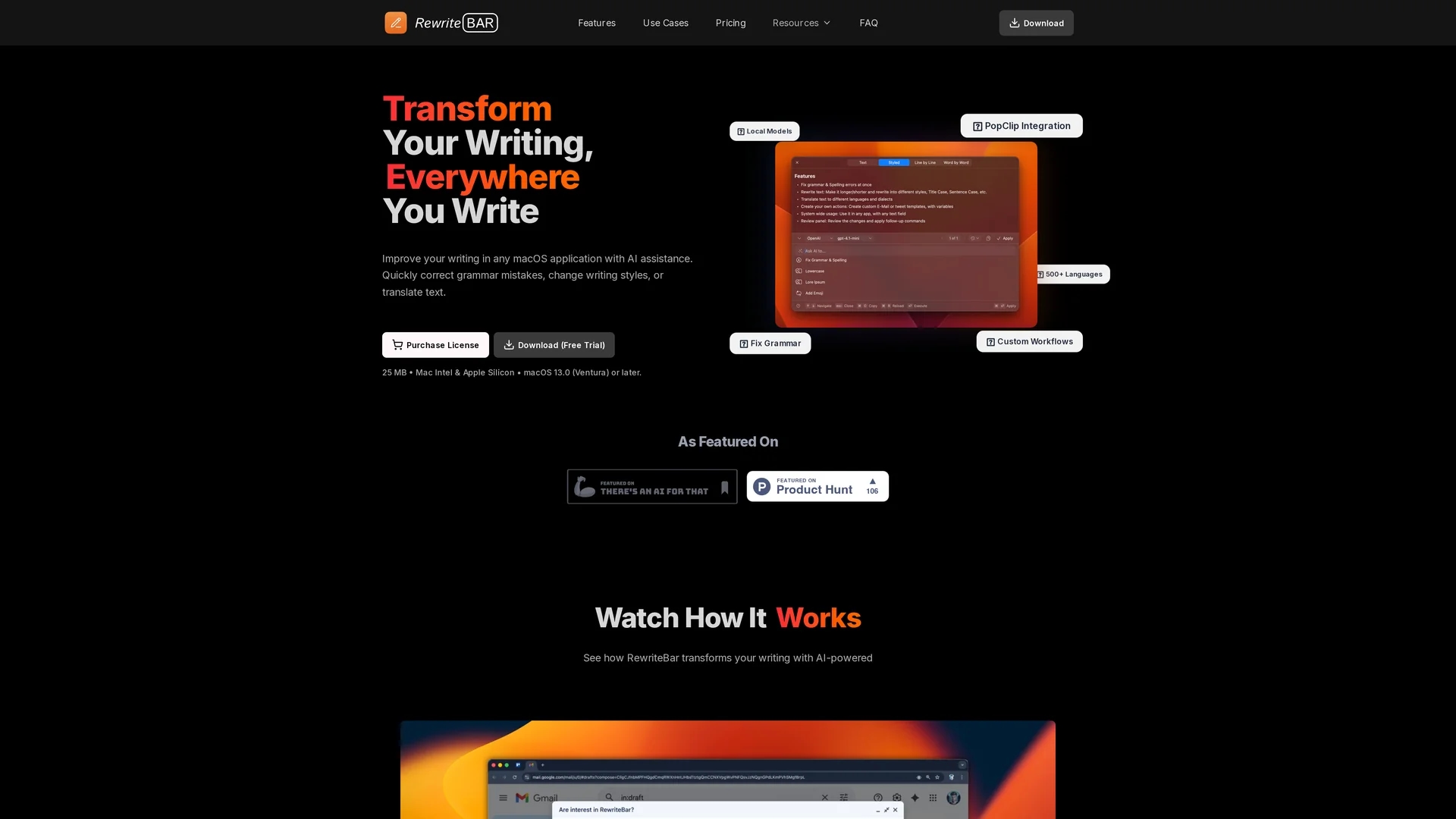
Grammar Correction
Instantly fixes grammar and spelling errors with context awareness.
Style Modification
Adjusts tone and writing style for different audiences.
Text Translation
Translates text in real-time across 500+ languages.
Custom Workflows
Create personalized text actions and combine multiple steps.
Get Started
Share & Save
Share on Social Media
Why Choose RewriteBar
Seamless Integration:
Works directly in any macOS app without switching windows.Multilingual Support:
Supports translation and writing in over 30 languages.Privacy Focused:
Offers local AI model support for offline, secure usage.
Pricing
RewriteBar offers a free trial with up to 100 requests. Paid plans include a $5/month monthly subscription, a $40/year annual plan (33% savings), and a $29 one-time payment license requiring your own API key.
About RewriteBar
RewriteBar is a macOS menu bar AI assistant that improves writing by correcting grammar, adjusting styles, and translating text in over 30 languages across applications.
What RewriteBar Does
RewriteBar functions as an AI-powered writing assistant that operates from the macOS menu bar, enabling users to correct grammar and spelling, modify writing styles, and translate text instantly within any application. This streamlines writing workflows without switching apps.
Key features include a user-friendly command menu accessed via keyboard shortcuts, support for over 500 languages in translation, customizable workflows for personalized text transformations, and integration with local AI models like Ollama for offline use. It also supports popular AI providers and offers side-by-side text comparison.
Industries benefiting from RewriteBar include content creation, software development, marketing, education, and multilingual communication, helping professionals produce polished, context-aware writing efficiently.
Pros & Cons
User-Friendly
Accessible via keyboard shortcuts with a clean command menu.
Flexible Pricing
Offers free trial, subscription, and one-time payment options.
macOS Only
Available exclusively for macOS; no Windows version.
API Key Required
One-time license requires user to provide own AI API keys.
Frequently Asked Questions
It corrects grammar, adjusts style, and translates text directly within macOS apps.
Free trial with 100 requests, $5/month subscription, $40/year annual plan, and $29 one-time license.
Yes, it works with almost any macOS app that supports text input.
Yes, it supports local AI models like Ollama for offline privacy.
Subscriptions can be canceled via the Stripe Subscription Portal linked on the website.
Similar Tools You Might Like
Discover more AI-powered tools that complement your workflow

List Your AI Tool & Reach Thousands of Users
Join 500+ AI innovators already thriving on our platform. Get visibility, feedback, and boost your conversions.
Expand Your Audience
Connect with over 50,000 AI enthusiasts actively looking for tools like yours.
Boost Your Authority
Get verified reviews and ratings to build credibility in the AI marketplace.
Drive Conversions
Our premium placements and targeted audience deliver quality leads and sign-ups.