
Retoucher
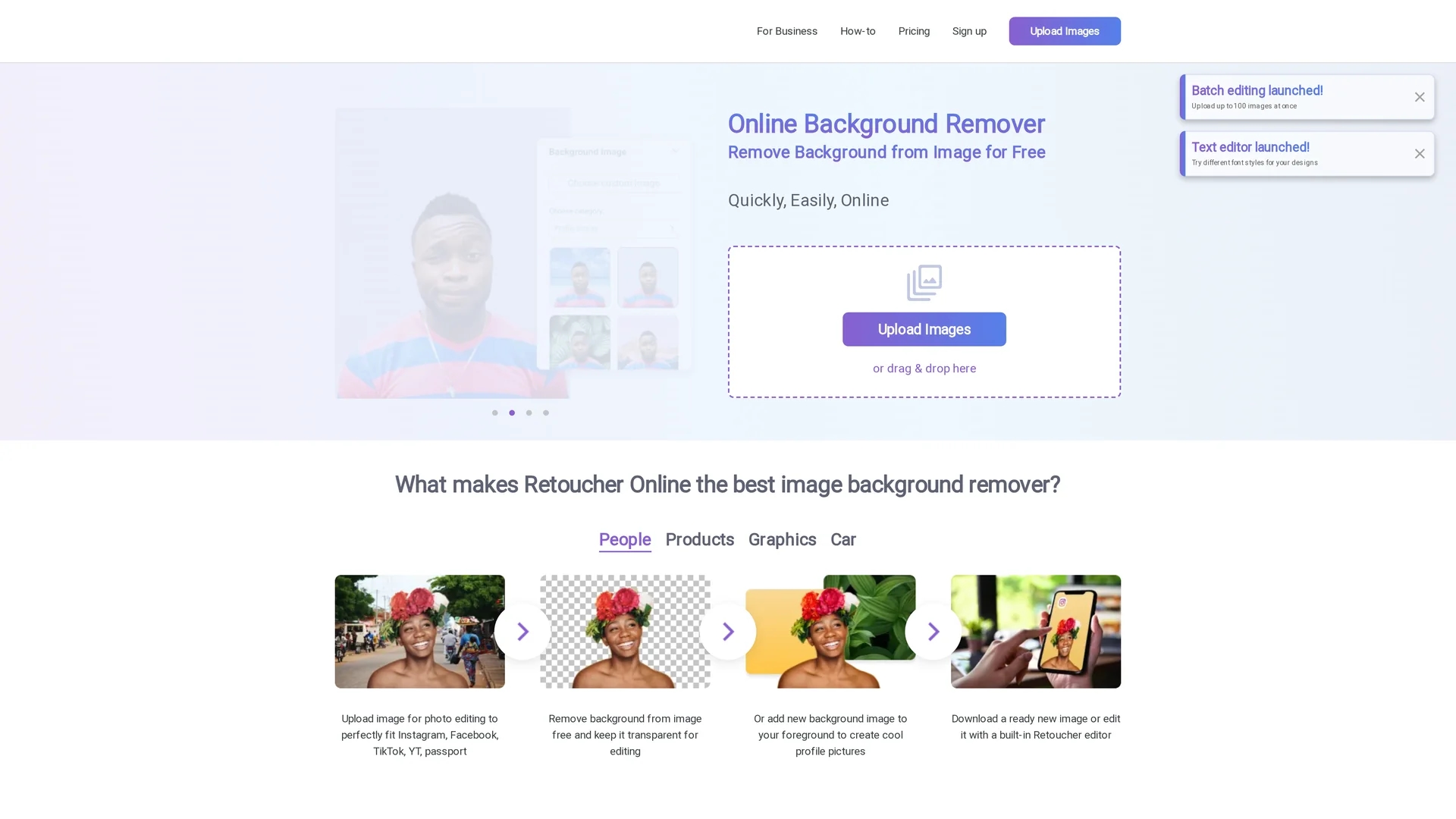
Retouch Online is an AI-powered background remover that quickly edits and enhances images for products, people, and graphics with built-in retouching features.
Disclaimer: Visionary Hub is not affiliated with, endorsed by, or the operator of this tool. All trademarks, logos, and content are the property of their respective owners. Full disclaimer available here
Key Features
Background Removal
AI-powered tool removes image backgrounds quickly and cleanly.
Multiple Uploads
Supports batch uploading for efficient processing of many images.
Photo Enhancement
Enhances product photos to meet online marketplace standards.
Custom Backgrounds
Enables adding white, transparent, or custom backgrounds to images.
Get Started
Share & Save
Share on Social Media
Why Choose Retoucher
AI Automation:
Automatically removes backgrounds with high accuracy, reducing manual work.Batch Processing:
Allows multiple images to be uploaded and processed simultaneously.Built-in Editor:
Includes tools for adding backgrounds, shadows, and cropping images.
Pricing
Retoucher offers a freemium pricing model with a free plan and paid options: Pro at $6.59/month, Business at $12.99/month, and Enterprise available on contact. Pricing details are subject to change.
About Retoucher
Retouch Online is an AI-powered background remover that quickly edits and enhances images for products, people, and graphics with built-in retouching features.
What Retoucher Does
Retouch Online removes backgrounds from images automatically, enabling users to create transparent or custom backgrounds with ease. It benefits users by saving time and enhancing image quality for various uses.
The tool supports multiple image uploads, AI-powered background erasing, and editing features such as adding shadows, cropping, resizing, and changing backgrounds. It outputs images in popular formats like PNG and JPG, suitable for personal and professional workflows.
Common use cases include preparing product photos for e-commerce marketplaces, creating social media content, and editing personal or business images. It is especially useful for sellers on platforms like Amazon, eBay, and Etsy.
Pros & Cons
Free Usage
Offers a free plan with essential background removal features.
No Signup Required
Users can remove backgrounds without creating an account.
Limited Free Features
Some advanced features require upgrading to paid plans.
Enterprise Pricing
Enterprise plan pricing is not publicly disclosed.
Frequently Asked Questions
Yes, Retouch Online allows background removal without account registration.
It offers a free plan, Pro at $6.59/month, Business at $12.99/month, and Enterprise on contact.
The tool supports multiple image uploads for batch background removal.
Images can be downloaded in PNG and JPG formats with transparent or custom backgrounds.
Yes, Retouch Online includes built-in editing tools for background changes and enhancements.
Similar Tools You Might Like
Discover more AI-powered tools that complement your workflow


List Your AI Tool & Reach Thousands of Users
Join 500+ AI innovators already thriving on our platform. Get visibility, feedback, and boost your conversions.
Expand Your Audience
Connect with over 50,000 AI enthusiasts actively looking for tools like yours.
Boost Your Authority
Get verified reviews and ratings to build credibility in the AI marketplace.
Drive Conversions
Our premium placements and targeted audience deliver quality leads and sign-ups.