
ReRoom AI
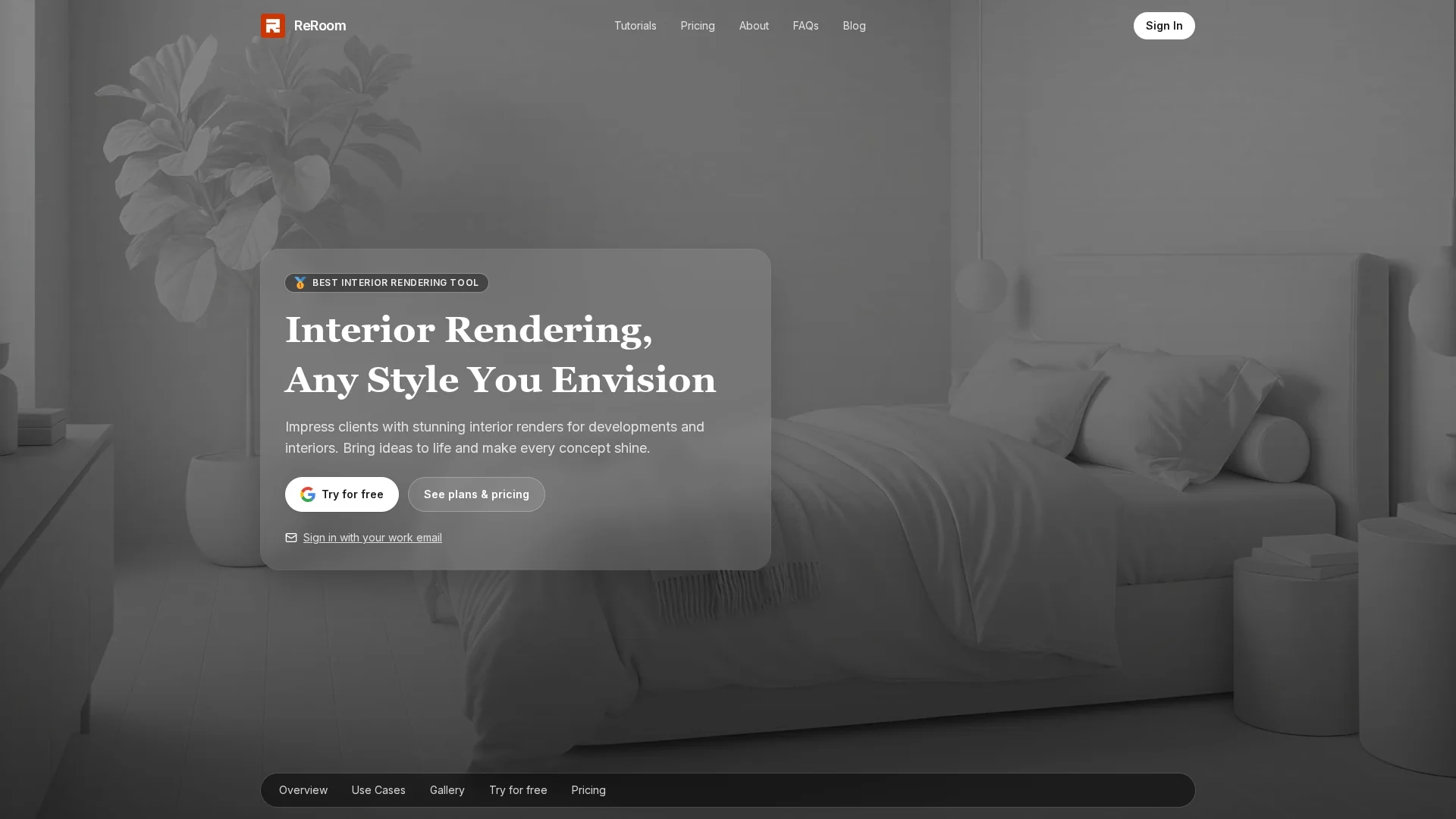
ReRoom AI is an AI-powered interior design generator that converts room photos into photorealistic renders and cinematic walkthrough videos, offering 18+ styles, 4K upscaling, and team collaboration for fast client-ready visuals.
Disclaimer: Visionary Hub is not affiliated with, endorsed by, or the operator of this tool. All trademarks, logos, and content are the property of their respective owners. Full disclaimer available here
Key Features
AI Room Transformation
Upload a photo, choose 18+ styles or custom prompt to generate 15 photorealistic variations.
Video Walkthroughs
Create cinematic walkthrough videos of redesigned spaces for presentations.
4x Image Upscaling
Export high-resolution 4K images for professional use and print.
Advanced Controls
Custom prompts, color palettes, seasonal settings, and creative/precise modes refine results.
Team Collaboration
Shared projects, moodboards, role management, and centralized billing for teams.
Private Rendering
Secure processing with watermark-free paid renders and auto-deletion of uploads.
Get Started
Share & Save
Share on Social Media
Why Choose ReRoom AI
Speed and efficiency:
Generates photorealistic renders in seconds to minutes, faster than traditional workflows.Versatile customization:
18+ presets plus prompt-based controls let you craft unique design variations.Professional features:
Commercial rights, 4K upscaling, videos, and team tools for client-ready deliverables.Privacy controls:
Private mode and automatic upload deletion after 30 days safeguard images.
Pricing
Free trial: 3 renders/day (watermarked). Personal: $25/month or $21/month billed yearly. Team: $35/month or $29/month billed yearly. Student plans and bi-weekly student option available. Paid plans include commercial rights, 4x upscaling, private mode, and video credits.
About ReRoom AI
ReRoom AI is an AI-powered interior design generator that converts room photos into photorealistic renders and cinematic walkthrough videos, offering 18+ styles, 4K upscaling, and team collaboration for fast client-ready visuals.
What ReRoom AI Does
ReRoom AI converts room photos (and compatible 3D renders) into photorealistic redesigns, producing multiple styled variations and cinematic video walkthroughs. Users gain fast, client-ready visuals and commercial-ready assets without manual 3D modeling.
The tool applies 18+ preset styles or custom prompts, offers modes (Precise/Balance/Creative), auto-prompt refinement, 4x upscaling to 4K, and private rendering. Team features include shared projects, moodboards, role management, and centralized billing.
Use cases include rapid concept generation for interior designers, client presentations, ecommerce product placement in styled rooms, and DIY visualizations for homeowners and students.
Pros & Cons
Fast rendering
Photorealistic renders complete in under two minutes for quick iterations.
Multiple variations
Generates 15 unique designs per style across 18+ style presets.
User-friendly
Three-step interface: upload, choose style, transform.
High-quality outputs
Aesthetic, professional-grade images with 4K export options.
Style limits
No full custom style builder beyond prompts; relies on presets.
Photo-dependent
Result quality varies with photo angle, lighting, and clarity.
No 3D support
Lacks measured 3D visualization, room dimensions, and furniture integration.
Frequently Asked Questions
ReRoom AI is an AI tool that converts room photos into photorealistic designs using 18+ preset styles or custom prompts to generate multiple high-resolution variations and videos.
ReRoom AI grants full commercial usage rights on paid plans, allowing professionals to deliver client work and use assets commercially under plan terms.
ReRoom AI typically produces photorealistic renders in under two minutes; many interior-style renders complete in around twenty seconds depending on queue and options.
ReRoom AI includes professional features—advanced controls, private mode, 4K upscaling, video credits, and team collaboration—making it suitable for designers and agencies.
Similar Tools You Might Like
Discover more AI-powered tools that complement your workflow



List Your AI Tool & Reach Thousands of Users
Join 500+ AI innovators already thriving on our platform. Get visibility, feedback, and boost your conversions.
Expand Your Audience
Connect with over 50,000 AI enthusiasts actively looking for tools like yours.
Boost Your Authority
Get verified reviews and ratings to build credibility in the AI marketplace.
Drive Conversions
Our premium placements and targeted audience deliver quality leads and sign-ups.