
Remover AI
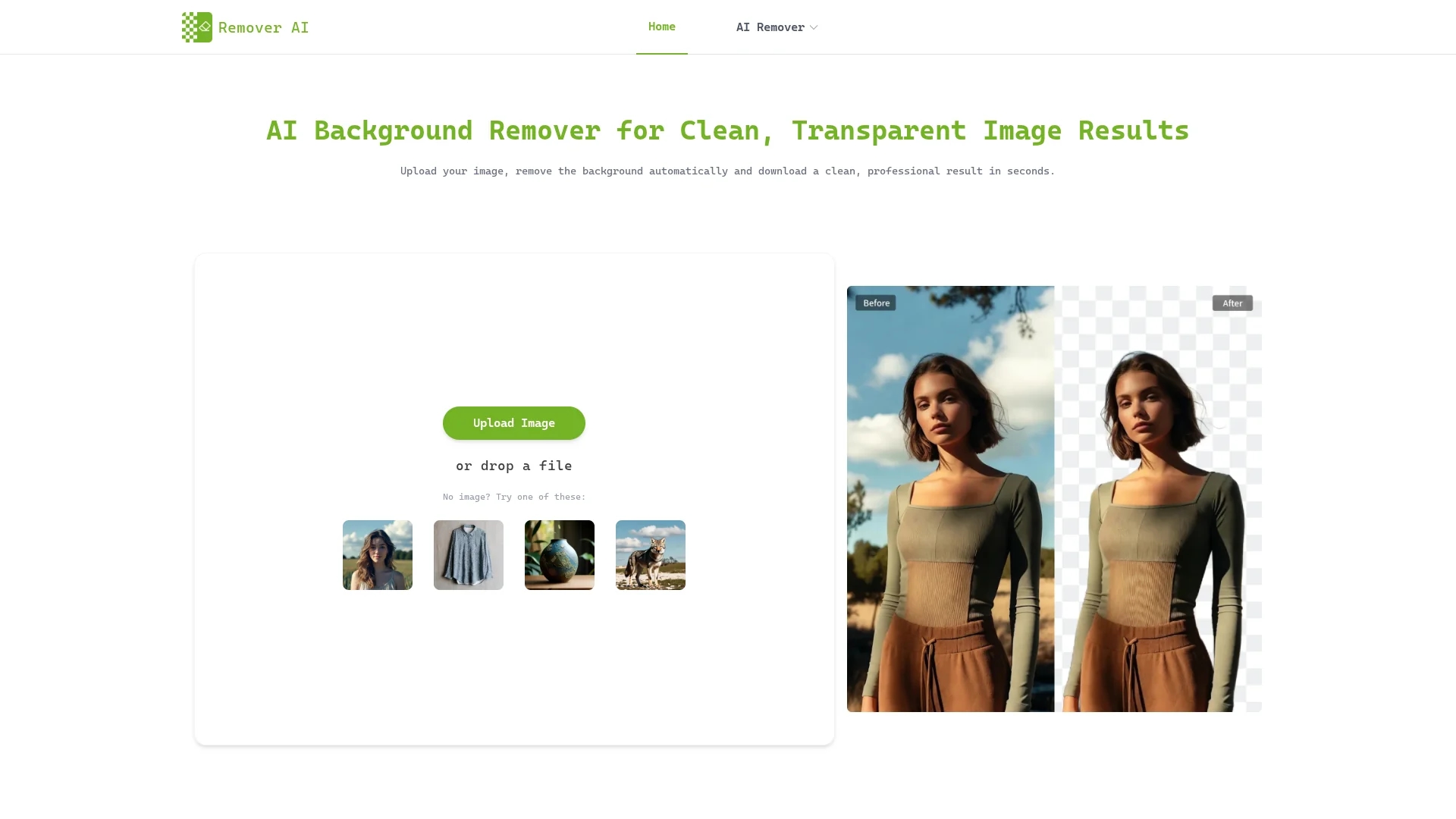
Remover AI is a web-based AI background remover that automatically isolates subjects, preserves fine details, and exports high-resolution transparent PNGs for e-commerce, portraits, and design.
Disclaimer: Visionary Hub is not affiliated with, endorsed by, or the operator of this tool. All trademarks, logos, and content are the property of their respective owners. Full disclaimer available here
Key Features
Automatic Detection
AI identifies subjects and removes backgrounds accurately.
Cross-Platform
Works on desktop and mobile browsers including iPhone and Android.
Erase/Refine Tool
Manual edge adjustments for cleaner, customized cutouts.
High-Resolution Export
Download transparent PNGs suitable for professional use.
Get Started
Share & Save
Share on Social Media
Why Choose Remover AI
No Installation:
Runs directly in browsers on desktop and mobile without downloads.Detail Preservation:
Preserves hair, facial contours, and fine edges with AI edge analysis.Manual Refinement:
Erase tool allows precise manual adjustments after automatic removal.
Pricing
Pricing details are not explicitly provided on the homepage. For current prices and plans, visit the official Remover AI website.
About Remover AI
Remover AI is a web-based AI background remover that automatically isolates subjects, preserves fine details, and exports high-resolution transparent PNGs for e-commerce, portraits, and design.
What Remover AI Does
Remover AI automatically detects and removes backgrounds from images, isolating the main subject to create clean, transparent backgrounds. This benefits users by simplifying image editing and producing professional-quality visuals quickly.
The tool uses advanced AI algorithms with edge analysis to preserve hair, facial contours, and fine details. It supports common image formats and runs directly in desktop and mobile browsers without installation. Users can manually refine edges and unwanted areas with an erase tool, then export high-resolution transparent PNGs.
Typical use cases include e-commerce product photos, professional portraits, group shots, pet images, logos, and marketing materials. It suits sellers, photographers, designers, and social media creators who require consistent and polished image assets.
Pros & Cons
Ease of Use
Simple three-step process with instant preview and download.
Versatility
Supports various image types including products, portraits, and logos.
Single Image Processing
Processes one image at a time, limiting batch workflow speed.
Pricing Transparency
No clear pricing details available directly on the homepage.
Frequently Asked Questions
It uses AI to detect the main subject and separate it from the background automatically.
Yes, it works in mobile browsers on iPhone and Android without installation.
Yes, an erase tool allows you to refine edges and remove unwanted areas.
Remover AI processes one image at a time for optimal accuracy.
Yes, images can be used for e-commerce, marketing, and design purposes.
Similar Tools You Might Like
Discover more AI-powered tools that complement your workflow
List Your AI Tool & Reach Thousands of Users
Join 500+ AI innovators already thriving on our platform. Get visibility, feedback, and boost your conversions.
Expand Your Audience
Connect with over 50,000 AI enthusiasts actively looking for tools like yours.
Boost Your Authority
Get verified reviews and ratings to build credibility in the AI marketplace.
Drive Conversions
Our premium placements and targeted audience deliver quality leads and sign-ups.