
Remove Watermark - MarkGone
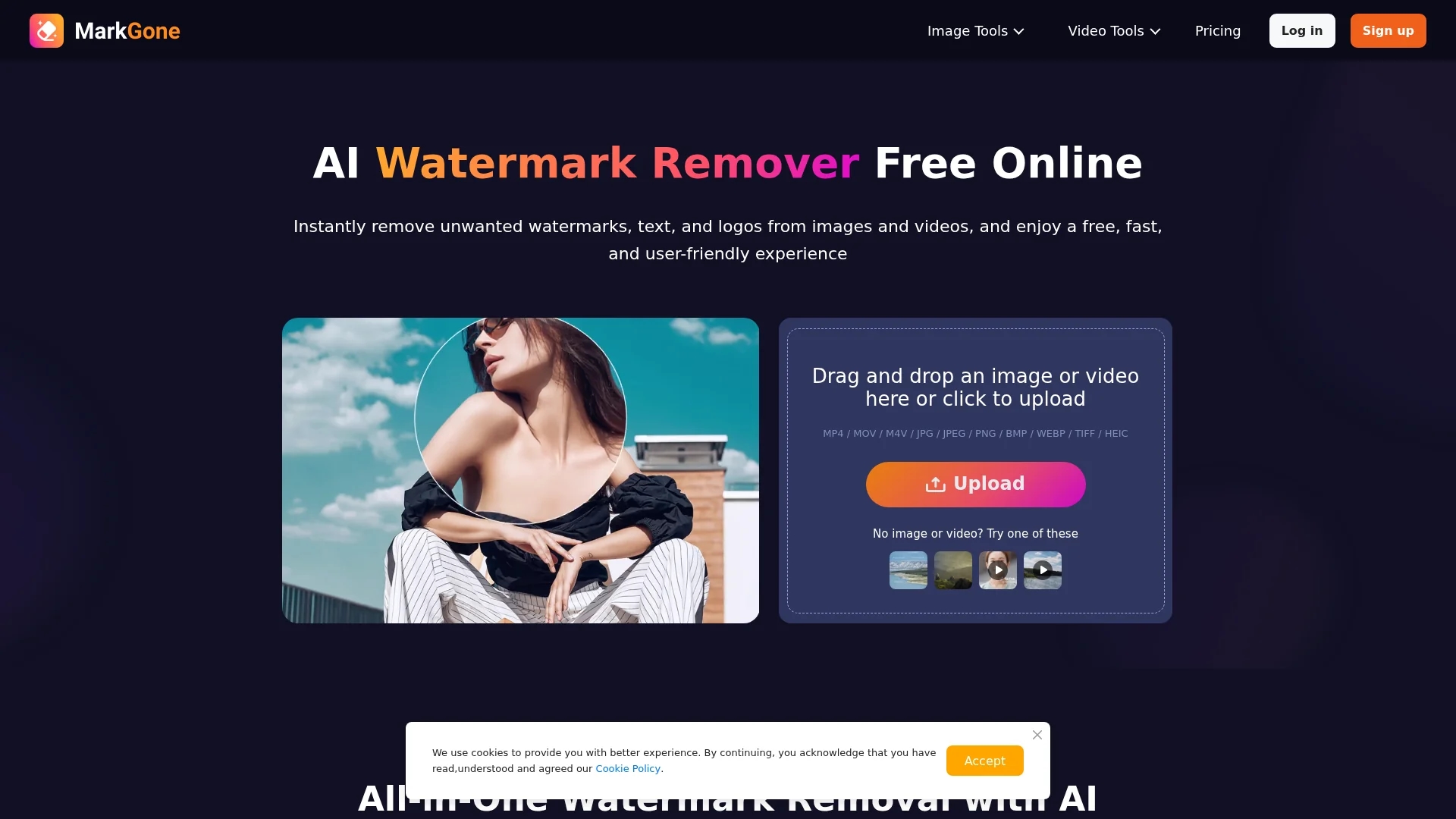
MarkGone is an AI-powered watermark remover that eliminates logos, text, and stamps from images and videos, supporting batch uploads and preserving visual quality with minimal artifacts.
Disclaimer: Visionary Hub is not affiliated with, endorsed by, or the operator of this tool. All trademarks, logos, and content are the property of their respective owners. Full disclaimer available here
Key Features
Watermark Removal
AI removes logos, text, stamps from images and videos.
Frame Consistency
Ensures watermark removal across all video frames.
Batch Upload
Drag-and-drop interface supports multiple files at once.
Quality Preservation
Maintains color accuracy and visual details with minimal artifacts.
Get Started
Share & Save
Share on Social Media
Why Choose Remove Watermark - MarkGone
AI Precision:
Automatically removes watermarks while preserving color and edges.Batch Processing:
Supports drag-and-drop bulk uploads for efficient workflow.Wide Format Support:
Handles popular image and video formats including MP4 and PNG.
Pricing
MarkGone offers a freemium pricing model with free usage limits and paid plans based on credits. Pay-as-you-go plans start at $11.99 for 300 credits, with Pro annual plans ranging from $29.99 to $119.99 per year.
About Remove Watermark - MarkGone
MarkGone is an AI-powered watermark remover that eliminates logos, text, and stamps from images and videos, supporting batch uploads and preserving visual quality with minimal artifacts.
What Remove Watermark - MarkGone Does
MarkGone removes watermarks, logos, timestamps, and on-screen text from photos and videos, enabling users to produce clean, professional-quality media for reuse or editing.
It supports multiple formats including MP4, MOV, JPG, PNG, and more, using AI to ensure frame-consistent removal and preservation of original visual details. Users can upload files via drag-and-drop and process them in batches with optional manual edits.
This tool is ideal for social media managers, video editors, photographers, and marketers who need to prepare client media, anonymize content, or restore visuals without quality loss.
Pros & Cons
User-Friendly
Simple drag-and-drop interface with optional manual editing.
Secure Processing
Uploaded files are processed securely with data protection.
File Limits
Image uploads limited to 20MB; videos up to 300MB and 10 minutes.
Credit System
Paid usage requires purchasing credits which may be complex for some users.
Frequently Asked Questions
Upload your image to MarkGone’s Image Watermark Remover and the AI will automatically remove the watermark.
Yes, use the TikTok Watermark Remover to erase TikTok logos from every video frame automatically.
MarkGone supports MP4, MOV, M4V, JPG, JPEG, PNG, BMP, WEBP, TIFF, and HEIC formats.
Images can be up to 20MB; videos can be up to 300MB and 10 minutes long.
Yes, a free plan offers limited daily uses; additional credits or Pro plans unlock more features.
Similar Tools You Might Like
Discover more AI-powered tools that complement your workflow



List Your AI Tool & Reach Thousands of Users
Join 500+ AI innovators already thriving on our platform. Get visibility, feedback, and boost your conversions.
Expand Your Audience
Connect with over 50,000 AI enthusiasts actively looking for tools like yours.
Boost Your Authority
Get verified reviews and ratings to build credibility in the AI marketplace.
Drive Conversions
Our premium placements and targeted audience deliver quality leads and sign-ups.