Remove backgrounds ai
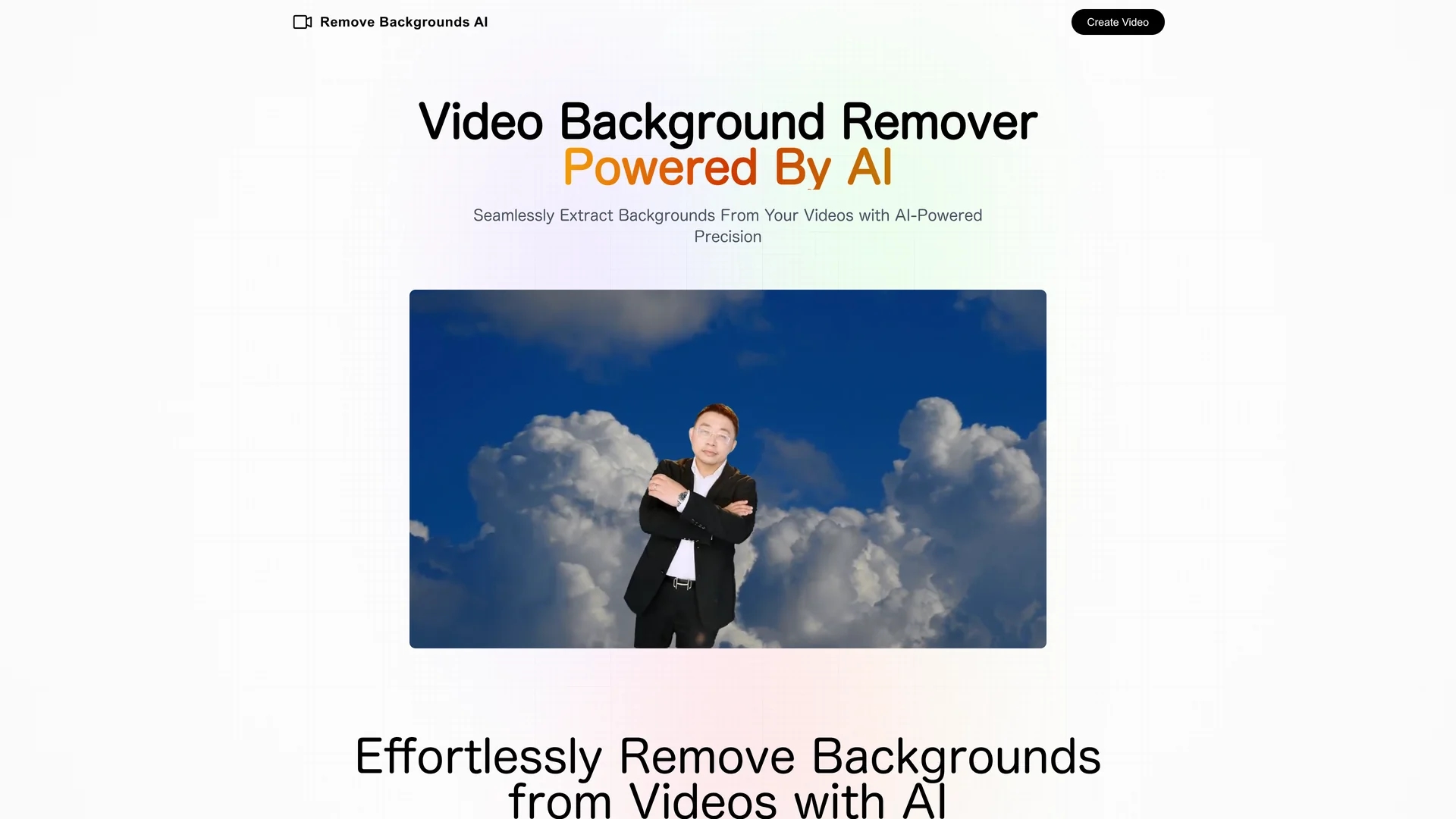
Remove Backgrounds AI is a video editing tool that uses neural networks to extract backgrounds from videos with human subjects, delivering quick, professional results for marketing and advertising.
Disclaimer: Visionary Hub is not affiliated with, endorsed by, or the operator of this tool. All trademarks, logos, and content are the property of their respective owners. Full disclaimer available here
Key Features
Video Background Removal
Extracts backgrounds from videos featuring human subjects.
Neural Network
Employs recurrent neural networks for precise matting.
User Interface
Intuitive design simplifies the editing process.
Data Security
Confidential handling of uploaded videos.
Get Started
Share & Save
Share on Social Media
Why Choose Remove backgrounds ai
AI Precision:
Uses advanced neural networks for accurate background removal.Time Efficiency:
Saves hours compared to manual video editing.Commercial Use:
Outputs are suitable for marketing and advertising purposes.
Pricing
Pricing is $4.99 per video up to 3 minutes long. Payment is processed securely via LemonSqueezy. No subscription plans are mentioned.
About Remove backgrounds ai
Remove Backgrounds AI is a video editing tool that uses neural networks to extract backgrounds from videos with human subjects, delivering quick, professional results for marketing and advertising.
What Remove backgrounds ai Does
Remove Backgrounds AI removes backgrounds from videos containing people, allowing users to create clean, distraction-free footage. This benefits marketers and creators by enhancing video focus and professionalism.
It employs a recurrent neural network to analyze each video frame, accurately separating the subject from the background. The intuitive interface streamlines the editing process, saving time compared to manual methods.
Typical use cases include promotional marketing videos, social media content enhancement, and corporate training presentations, making it valuable across advertising, digital design, and content creation industries.
Pros & Cons
Accurate Results
Delivers polished, professional-quality video outputs.
Simple Workflow
Easy-to-use interface reduces editing complexity.
Video Length Limit
Supports videos up to 3 minutes only.
No Audio Output
Rendered videos do not include sound.
Frequently Asked Questions
It uses an AI model analyzing each frame to separate the subject from the background accurately.
Yes, you have full rights to use the videos for marketing and advertising.
Yes, the system ensures confidentiality and protection of your uploaded videos.
The tool supports processing videos up to 3 minutes in length.
Yes, contact support at [email protected] for refund inquiries.
Similar Tools You Might Like
Discover more AI-powered tools that complement your workflow


List Your AI Tool & Reach Thousands of Users
Join 500+ AI innovators already thriving on our platform. Get visibility, feedback, and boost your conversions.
Expand Your Audience
Connect with over 50,000 AI enthusiasts actively looking for tools like yours.
Boost Your Authority
Get verified reviews and ratings to build credibility in the AI marketplace.
Drive Conversions
Our premium placements and targeted audience deliver quality leads and sign-ups.