Raycast AI Lite
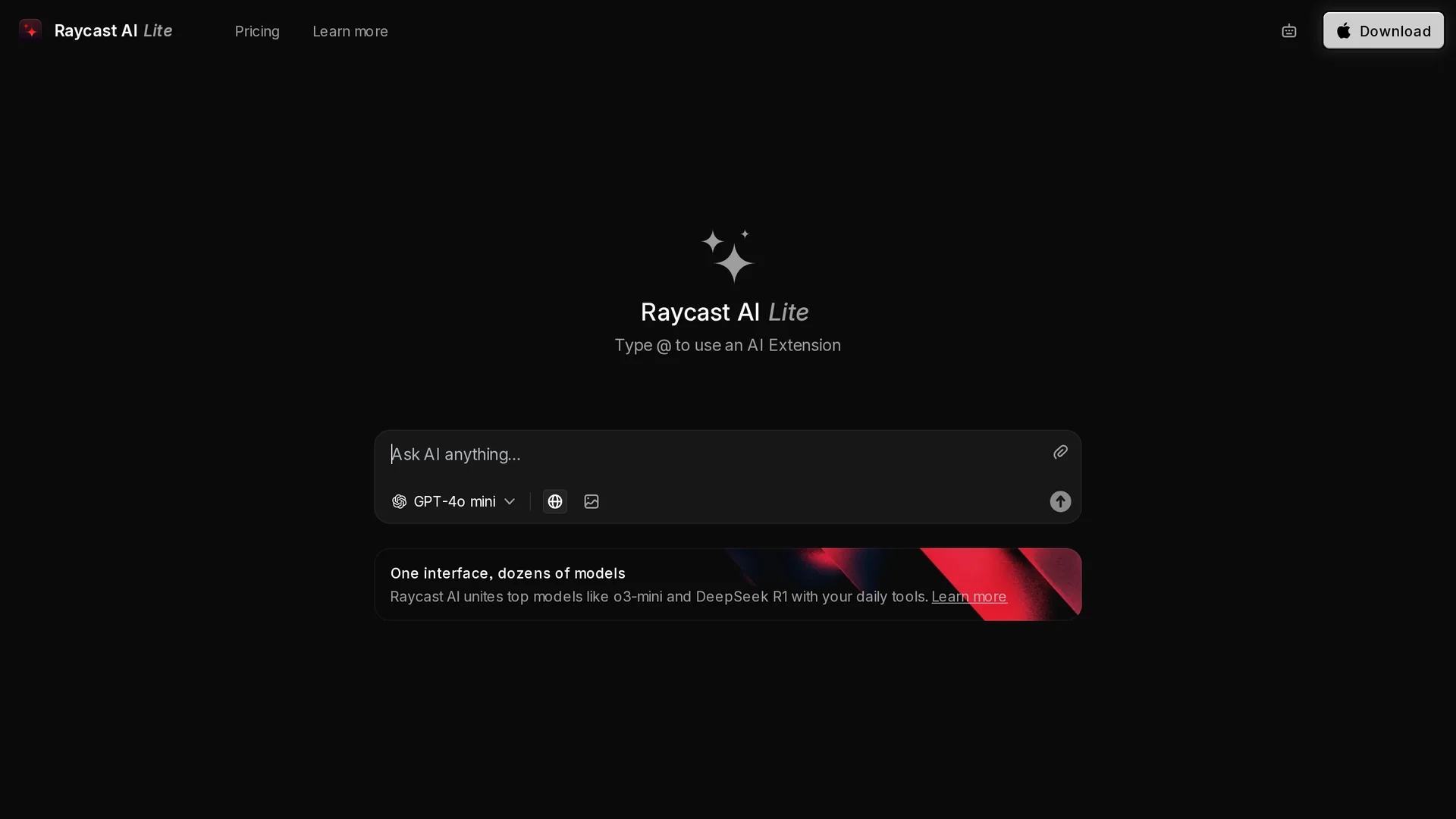
Raycast AI Lite boosts productivity by integrating multiple AI models in a unified interface with a simple '@' command system for automating repetitive tasks.
Disclaimer: Visionary Hub is not affiliated with, endorsed by, or the operator of this tool. All trademarks, logos, and content are the property of their respective owners. Full disclaimer available here
Key Features
Multiple AI Models
Integrates AI models like O3-mini and DeepSeek R1 for diverse tasks.
Command Input System
Activates AI features via a straightforward '@' command.
Automation Tools
Streamlines repetitive processes in project management and content creation.
Intuitive Design
Simplifies user experience to maximize productivity.
Get Started
Share & Save
Share on Social Media
Why Choose Raycast AI Lite
Unified Interface:
Access multiple AI models from a single, streamlined platform.Simple Activation:
Use '@' command system to quickly activate AI extensions.Task Automation:
Automate repetitive workflows to save time and increase efficiency.
Pricing
Raycast AI Lite offers a subscription pricing model with plans including Free ($0/mo), Pro ($8/mo), Teams ($12/user/mo), Pro + Advanced AI ($16/mo), Teams + Advanced AI ($20/user/mo), and Enterprise (contact for pricing).
About Raycast AI Lite
Raycast AI Lite boosts productivity by integrating multiple AI models in a unified interface with a simple '@' command system for automating repetitive tasks.
What Raycast AI Lite Does
Raycast AI Lite centralizes access to multiple AI models within a single interface, enabling users to automate daily project management, content creation, and coding tasks. This streamlines workflows and reduces manual effort.
Users activate AI extensions via a simple '@' command input system, allowing seamless integration of AI functionalities like idea generation, code debugging, and task automation. The platform supports AI models including O3-mini and DeepSeek R1.
It is suitable for industries involving software development, digital marketing, and project management, where automating repetitive tasks enhances productivity and focus on high-priority work.
Pros & Cons
Versatile AI Access
Supports multiple AI models for varied user needs.
User-Friendly
Intuitive interface eases adoption and daily use.
Limited Pricing Transparency
Detailed pricing requires visiting the official site.
JavaScript Required
Full functionality depends on enabling JavaScript.
Frequently Asked Questions
It supports multiple AI models including O3-mini and DeepSeek R1.
Plans include Free, Pro, Teams, Pro + Advanced AI, Teams + Advanced AI, and Enterprise options.
Developers, content creators, and project managers benefit most from this tool.
The Free plan allows users to try basic features without cost.
Its intuitive design allows easy use without advanced technical knowledge.
Similar Tools You Might Like
Discover more AI-powered tools that complement your workflow
List Your AI Tool & Reach Thousands of Users
Join 500+ AI innovators already thriving on our platform. Get visibility, feedback, and boost your conversions.
Expand Your Audience
Connect with over 50,000 AI enthusiasts actively looking for tools like yours.
Boost Your Authority
Get verified reviews and ratings to build credibility in the AI marketplace.
Drive Conversions
Our premium placements and targeted audience deliver quality leads and sign-ups.