
Quino
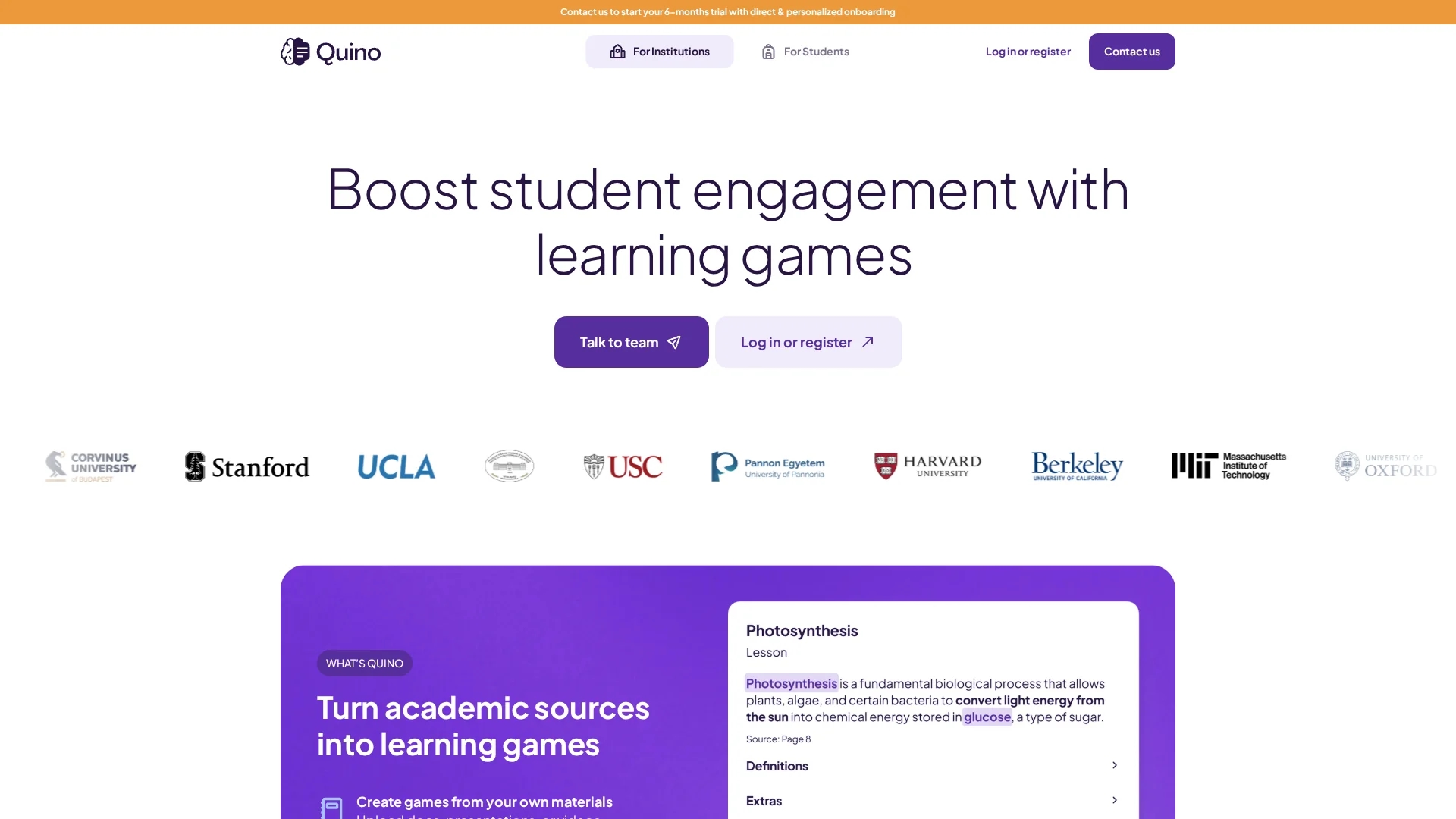
Quino is an AI-powered education app that converts your uploaded documents into interactive learning games and lessons, enhancing student engagement and knowledge retention.
Disclaimer: Visionary Hub is not affiliated with, endorsed by, or the operator of this tool. All trademarks, logos, and content are the property of their respective owners. Full disclaimer available here
Key Features
Learning Games
Generates interactive games from uploaded academic sources.
Automatic Summaries
Creates concise summaries and bullet point notes automatically.
Semantic Search
Enables intelligent search within uploaded documents.
Quiz Generation
Produces quiz questions to test knowledge from sources.
Get Started
Share & Save
Share on Social Media
Why Choose Quino
AI Automation:
Automates lesson and quiz generation to save educators time.Interactive Learning:
Converts materials into engaging games to boost student retention.Multi-Platform:
Accessible on desktop and mobile for flexible learning.
Pricing
Quino offers a 6-month free trial for institutions. The Early Bird Collaboration plan costs $10 per professor per month, billed biannually, optimized for schools and universities.
About Quino
Quino is an AI-powered education app that converts your uploaded documents into interactive learning games and lessons, enhancing student engagement and knowledge retention.
What Quino Does
Quino transforms uploaded documents, presentations, and videos into interactive learning games and bite-sized lessons, helping students engage more effectively with study materials. It automates the creation of quizzes and summaries to support knowledge retention.
The tool uses AI to generate automatic summaries, bullet point notes, semantic search capabilities, and question-answering features. It tracks daily learning progress and allows educators to plan semester-long learning journeys with customizable interfaces and shared workspaces.
Quino is ideal for educational institutions, including schools and universities, enabling professors and teachers to reduce manual workload and foster collaborative learning environments.
Pros & Cons
Engagement
Enhances student motivation through game-based learning.
Collaboration
Supports shared workspaces for group projects.
Limited Editing
AI-generated lessons and exercises cannot yet be modified.
File Format Support
Currently supports only DOC, PPT, PDF, TXT; video/audio coming soon.
Frequently Asked Questions
Uploaded files are stored securely in workspaces accessible only to invited members and admins.
Interface is in English, with AI features supporting multiple languages including Turkish, Spanish, and German.
Currently, AI-generated content cannot be edited, but review before sharing is possible; editing features are planned for 2025.
Supports DOC, DOCX, PPT, PPTX, PDF, and TXT files under 200 MB; video and audio support is in development.
Contact the Quino team via email or calendar booking for onboarding and personalized support.
Similar Tools You Might Like
Discover more AI-powered tools that complement your workflow


List Your AI Tool & Reach Thousands of Users
Join 500+ AI innovators already thriving on our platform. Get visibility, feedback, and boost your conversions.
Expand Your Audience
Connect with over 50,000 AI enthusiasts actively looking for tools like yours.
Boost Your Authority
Get verified reviews and ratings to build credibility in the AI marketplace.
Drive Conversions
Our premium placements and targeted audience deliver quality leads and sign-ups.