
QuickyAI
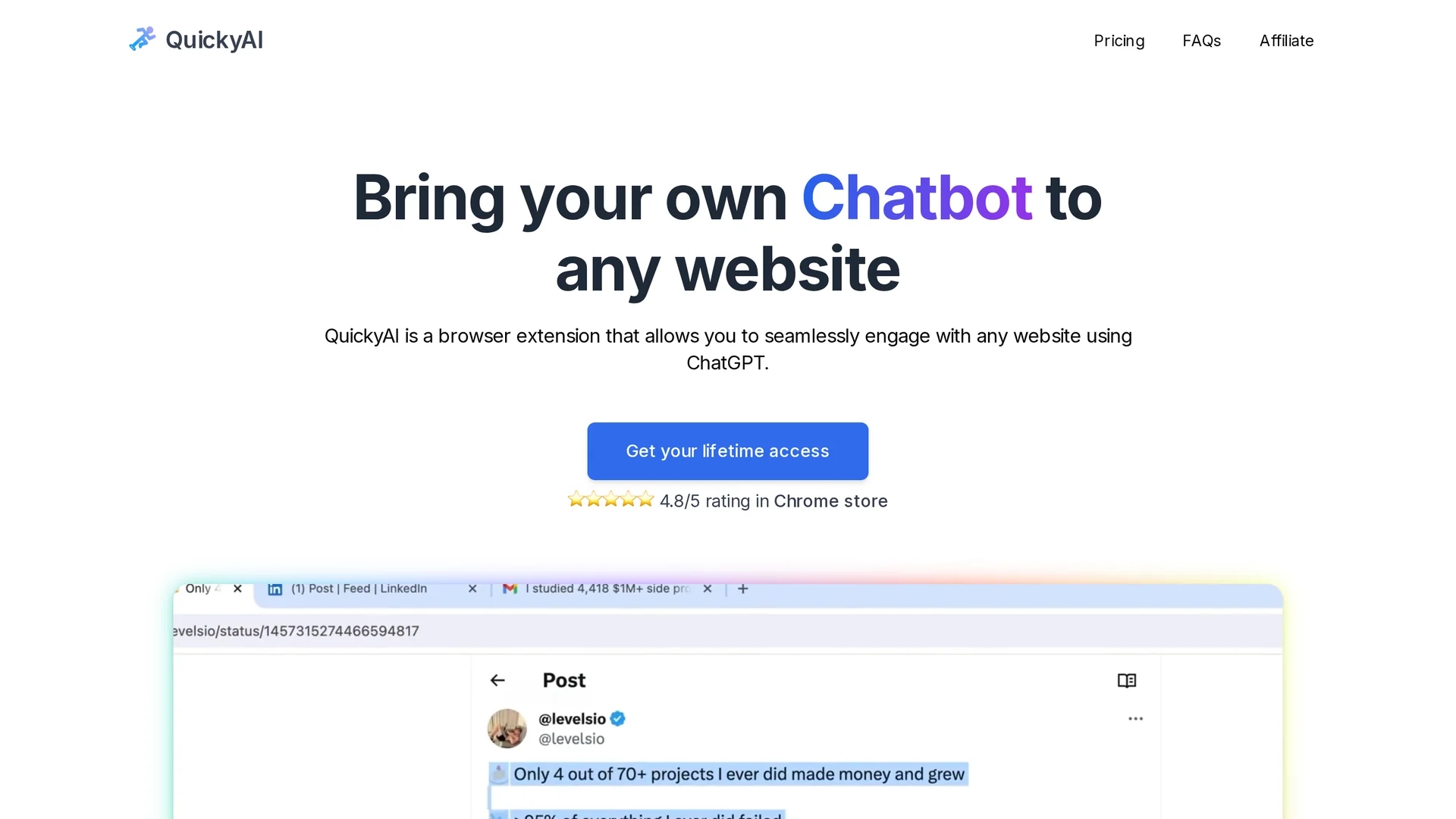
QuickyAI is a Chrome extension that enhances productivity with custom shortcuts, tailored responses, and instant ChatGPT access via a floating menu.
Disclaimer: Visionary Hub is not affiliated with, endorsed by, or the operator of this tool. All trademarks, logos, and content are the property of their respective owners. Full disclaimer available here
Key Features
Floating Menu
Quick access to AI features via an always-available floating interface.
Custom Shortcuts
Assign shortcuts to speed up AI interactions and commands.
Content Summarization
Summarize articles or webpages with a single click or shortcut.
Screenshot Query
Capture website screenshots and ask questions based on them.
Get Started
Share & Save
Share on Social Media
Why Choose QuickyAI
Seamless Integration:
ChatGPT accessible directly on any webpage without switching tabs.Custom Prompts:
Create and save personalized prompts for tailored AI responses.Multiple GPT Models:
Supports latest GPT-4 and GPT-4 32k models for advanced AI tasks.
Pricing
QuickyAI offers two lifetime license plans: Basic at $29 and Premium at $39, both requiring users to bring their own OpenAI API key. Prices may increase soon.
About QuickyAI
QuickyAI is a Chrome extension that enhances productivity with custom shortcuts, tailored responses, and instant ChatGPT access via a floating menu.
What QuickyAI Does
QuickyAI allows users to engage with ChatGPT on any webpage through a floating chat interface, improving productivity by enabling quick AI-assisted interactions without switching tabs.
The extension features custom shortcuts, prompt creation, and supports multiple GPT models including GPT-4. Users can capture screenshots, summarize content, and apply tailor-made responses directly on the page.
This tool is useful across industries such as digital marketing, content creation, e-commerce, and product design, where fast AI assistance enhances workflow and decision-making.
Pros & Cons
Local Data Storage
User credentials and API keys are stored locally for privacy.
Cross-Browser Support
Compatible with all popular browsers, not limited to Chrome.
API Key Required
Users must provide and pay for their own OpenAI API key.
One-Time Payment
Pricing is a one-time fee, no subscription options available.
Frequently Asked Questions
QuickyAI supports all popular browsers including Chrome and others.
Yes, you must bring your own OpenAI API key and cover usage costs.
Yes, you can create and save personalized prompts for tailored responses.
All credentials and API keys are stored locally in your browser only.
Yes, it supports GPT-4 and GPT-4 32k models for advanced tasks.
Similar Tools You Might Like
Discover more AI-powered tools that complement your workflow

List Your AI Tool & Reach Thousands of Users
Join 500+ AI innovators already thriving on our platform. Get visibility, feedback, and boost your conversions.
Expand Your Audience
Connect with over 50,000 AI enthusiasts actively looking for tools like yours.
Boost Your Authority
Get verified reviews and ratings to build credibility in the AI marketplace.
Drive Conversions
Our premium placements and targeted audience deliver quality leads and sign-ups.