
qomplement
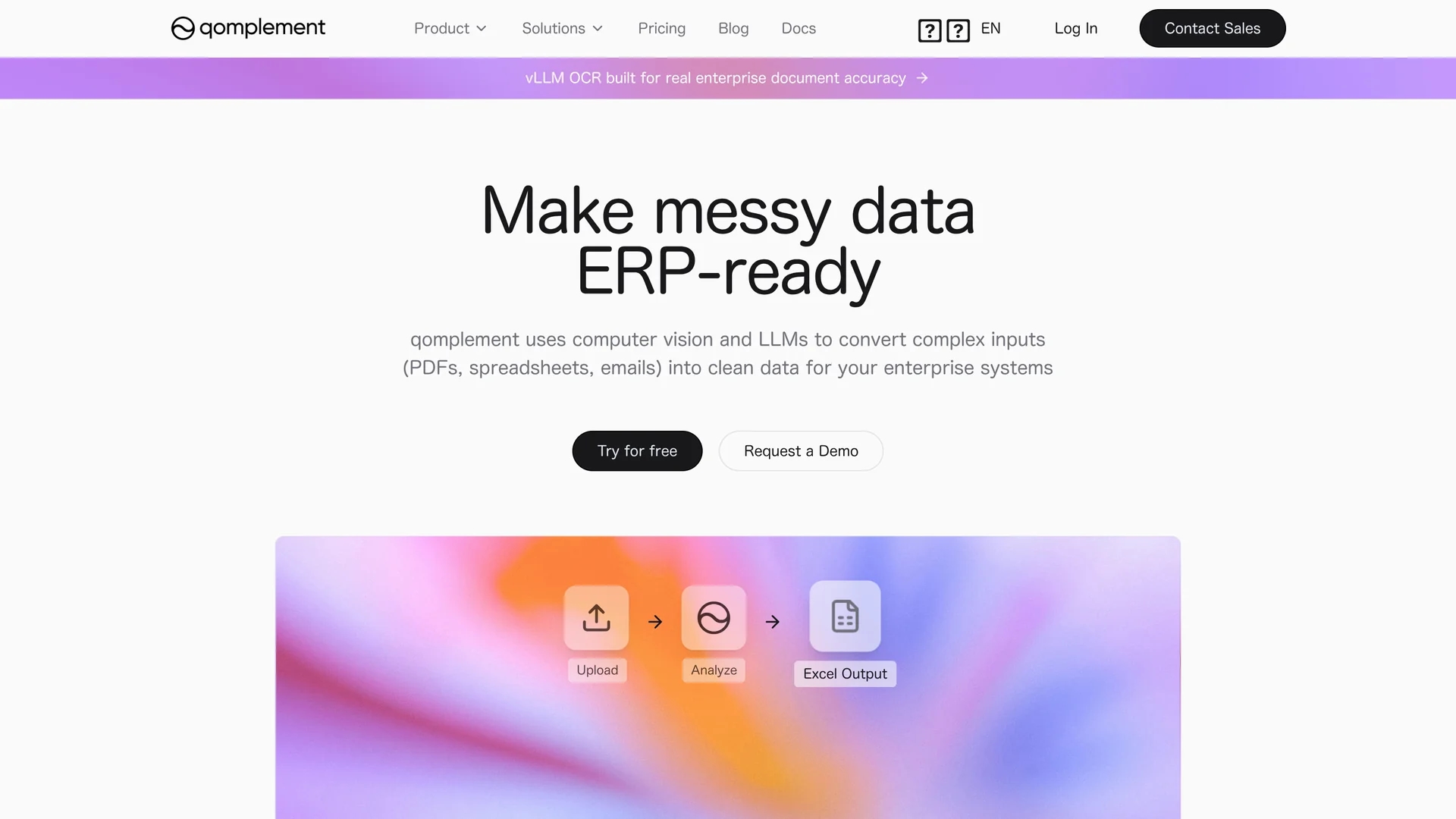
qomplement converts PDFs, images, spreadsheets, emails, and scans into structured, ERP-ready data using OCR, computer vision, and large language models with batch processing and direct Excel or ERP export.
Disclaimer: Visionary Hub is not affiliated with, endorsed by, or the operator of this tool. All trademarks, logos, and content are the property of their respective owners. Full disclaimer available here
Key Features
Multi-format Parsing
Extracts text and structure from PDFs, images, spreadsheets, and emails.
LLM & Computer Vision
Uses advanced AI to convert unstructured data into structured fields.
Searchable Indexing
Enables fast retrieval and querying of document data.
Editable Data Export
Allows validation and refinement before exporting to Excel or ERP.
Get Started
Share & Save
Share on Social Media
Why Choose qomplement
Comprehensive OCR:
Supports printed and handwritten text recognition for diverse document types.Auto Schema Discovery:
Automatically identifies data structures for seamless ERP integration.Batch Processing:
Processes large volumes of documents efficiently to save time.
Pricing
qomplement offers a free pricing model with no credit card required. Plans include a Free plan at $0/month and a Growth plan also priced at $0.
About qomplement
qomplement converts PDFs, images, spreadsheets, emails, and scans into structured, ERP-ready data using OCR, computer vision, and large language models with batch processing and direct Excel or ERP export.
What qomplement Does
qomplement automates the extraction and structuring of data from PDFs, images, spreadsheets, emails, and scanned documents, converting them into validated, ERP-ready formats. This reduces manual data entry and accelerates financial and operational workflows.
It employs OCR powered by computer vision and large language models to recognize printed and handwritten text, auto-discovers data schemas, validates extracted fields, and enables batch processing. Users can edit and refine data before exporting to Excel or ERP templates.
Typical use cases include automating invoice processing, creating searchable document archives, and streamlining accounts payable and receivable across industries like finance, logistics, retail, healthcare, and legal.
Pros & Cons
Data Privacy
Enterprise security controls ensure data is not used for model training.
Integration
Supports direct export to Excel and ERP systems with customizable mapping.
Pricing Details
Limited pricing information available beyond free plans.
Developer Info
No explicit developer or company details provided.
Frequently Asked Questions
It supports PDFs, images, spreadsheets, emails, and scanned documents including handwritten text.
qomplement offers free plans with no credit card required; details on paid plans are limited.
Yes, it supports direct export to Excel and ERP templates with customizable mapping.
Yes, it can process large batches of documents efficiently to speed workflows.
Enterprise security controls are in place, data is not used for training, and SOC 2 compliance is in progress.
Similar Tools You Might Like
Discover more AI-powered tools that complement your workflow
List Your AI Tool & Reach Thousands of Users
Join 500+ AI innovators already thriving on our platform. Get visibility, feedback, and boost your conversions.
Expand Your Audience
Connect with over 50,000 AI enthusiasts actively looking for tools like yours.
Boost Your Authority
Get verified reviews and ratings to build credibility in the AI marketplace.
Drive Conversions
Our premium placements and targeted audience deliver quality leads and sign-ups.