
Prequel
Prequel is a versatile photo and video editor offering 800+ effects, AI-powered enhancements, advanced editing tools, and customizable video templates for creative content.
Disclaimer: Visionary Hub is not affiliated with, endorsed by, or the operator of this tool. All trademarks, logos, and content are the property of their respective owners. Full disclaimer available here
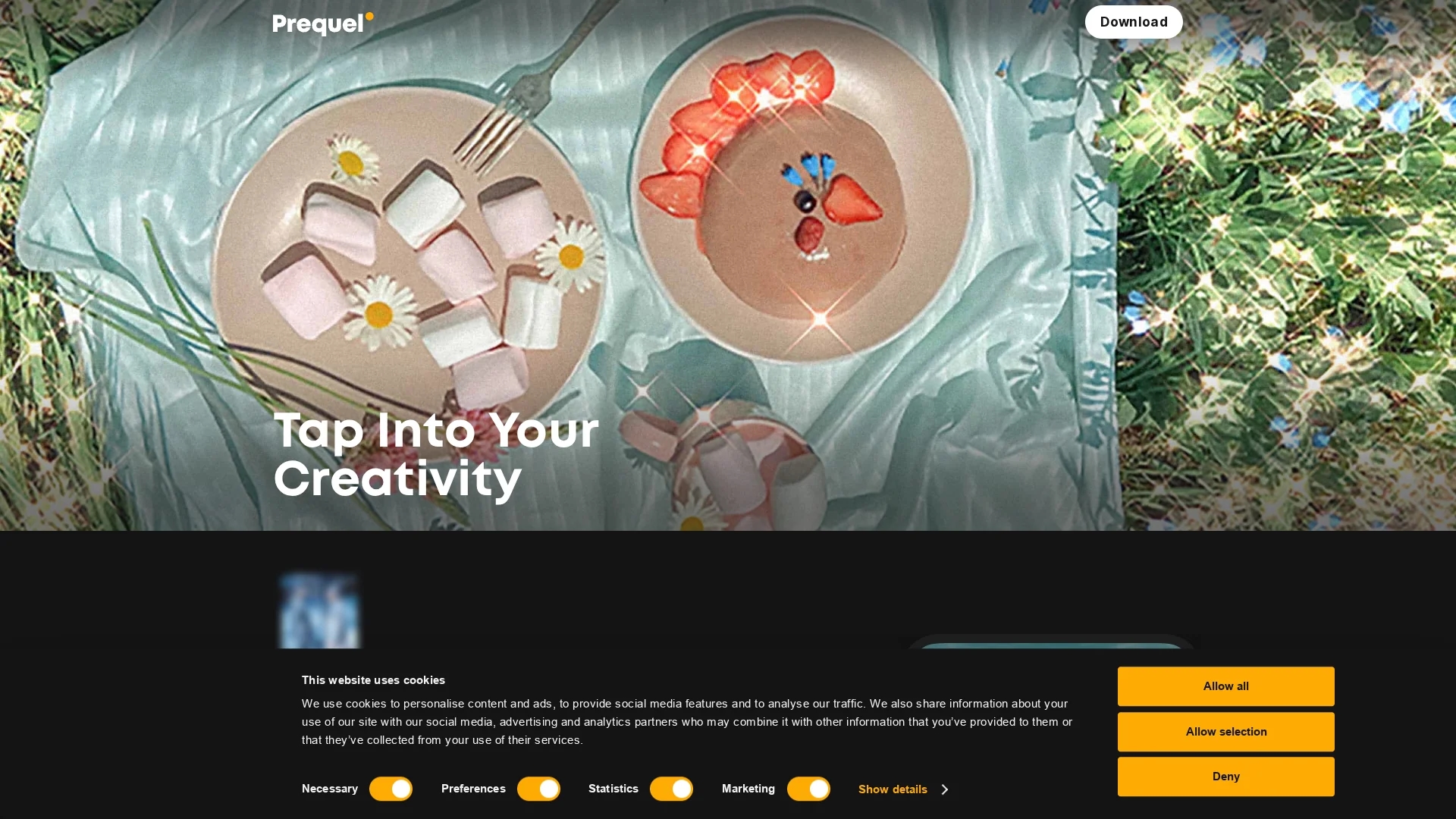
Key Features
Photo Editing
Advanced tools for color correction, brightness, contrast, and saturation adjustments.
Video Editing
Templates and editing features for creating polished video content.
3D & AR Objects
Add dynamic 3D and augmented reality objects to photos and videos.
Portrait Conversion
Transform selfies into comic book characters using AI-powered effects.
Get Started
Share & Save
Share on Social Media
Why Choose Prequel
Extensive Effects:
Access over 800 high-quality effects to enhance photos and videos creatively.AI Enhancements:
Utilize AI-powered features for portrait conversion and artistic edits.Video Templates:
Use customizable intros, outros, and background music templates for videos.
Pricing
Prequel offers subscription plans with monthly and annual billing options. Details on pricing and subscription tiers are available on their official subscription page.
About Prequel
Prequel is a versatile photo and video editor offering 800+ effects, AI-powered enhancements, advanced editing tools, and customizable video templates for creative content.
What Prequel Does
Prequel enables users to edit photos and videos with a wide range of tools and effects, enhancing visual content for social media and personal projects. It benefits users by simplifying complex editing tasks through AI-powered enhancements.
The tool offers over 800 effects, including 3D and AR object integration, captioning, and portrait-to-comic conversions. Advanced editing features include color correction, brightness, contrast, saturation adjustments, and video templates for intros, outros, and background music.
Prequel is suitable for mobile editors, content creators, and video enthusiasts who want to produce engaging and visually appealing media across various platforms.
Pros & Cons
User-Friendly
Intuitive interface suitable for both beginners and advanced users.
Cross-Platform
Available on both iOS and Android devices for mobile editing.
Subscription Required
Full access to features requires a paid subscription.
Mobile Focused
Limited desktop or web-based editing options.
Frequently Asked Questions
Prequel is available on both the App Store for iOS and Google Play for Android devices.
Prequel provides limited free features; full access requires a subscription.
Yes, Prequel supports adding 3D and augmented reality objects to enhance your creations.
Prequel includes video templates for intros, outros, and background music to streamline video creation.
Support can be reached via the contact links provided on the Prequel website under the support section.
Similar Tools You Might Like
Discover more AI-powered tools that complement your workflow

List Your AI Tool & Reach Thousands of Users
Join 500+ AI innovators already thriving on our platform. Get visibility, feedback, and boost your conversions.
Expand Your Audience
Connect with over 50,000 AI enthusiasts actively looking for tools like yours.
Boost Your Authority
Get verified reviews and ratings to build credibility in the AI marketplace.
Drive Conversions
Our premium placements and targeted audience deliver quality leads and sign-ups.