Posture Reminder App
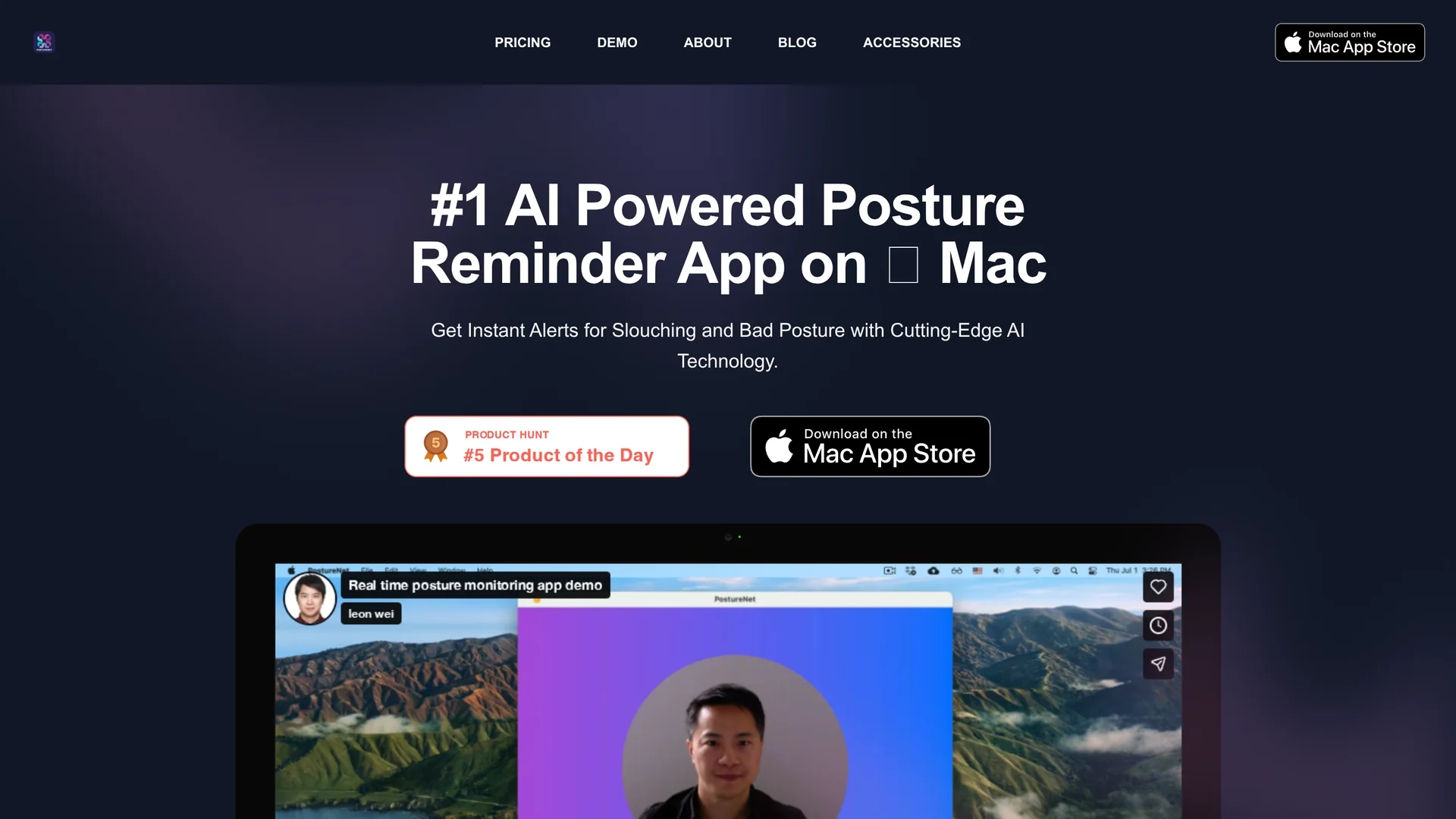
AI Posture Reminder App for macOS uses computer vision and machine learning to provide real-time posture alerts and personalized reminders, ensuring data privacy with local storage on your Mac running macOS Sonoma.
Disclaimer: Visionary Hub is not affiliated with, endorsed by, or the operator of this tool. All trademarks, logos, and content are the property of their respective owners. Full disclaimer available here
Key Features
Advanced AI
Uses deep neural networks and computer vision for accurate posture detection.
Offline Operation
Works without internet, ensuring continuous monitoring and privacy.
macOS Sonoma Support
Compatible with the latest macOS version and Mac hardware.
Custom Alerts
Users can set alert frequency for posture reminders.
Get Started
Share & Save
Share on Social Media
Why Choose Posture Reminder App
Privacy First:
Stores all posture data locally without internet connection or data sharing.Real-Time Alerts:
Instant notifications help correct posture during work sessions.Personalized Training:
On-device machine learning customizes posture detection for each user.
Pricing
The app offers a free 24-hour trial. Subscription plans include a Monthly plan at $9.99/month, an Annual plan at $99.99/year with family sharing for up to 5 members, and a Team plan at $99.99/year. Annual payments include a two-month discount. Pricing is subject to change.
About Posture Reminder App
AI Posture Reminder App for macOS uses computer vision and machine learning to provide real-time posture alerts and personalized reminders, ensuring data privacy with local storage on your Mac running macOS Sonoma.
What Posture Reminder App Does
The AI Posture Reminder App continuously monitors your posture using your Mac's camera and alerts you instantly when slouching or bad posture is detected, helping prevent neck and back pain during long work sessions.
It employs advanced computer vision and deep neural networks with on-device machine learning to analyze your unique posture in real time, providing personalized reminders without sending data off your device.
This tool is ideal for remote employees, freelancers, and anyone working on a Mac who wants to maintain ergonomic best practices and improve overall productivity through better posture.
Pros & Cons
Data Privacy
No data leaves the device, protecting user information.
Easy Setup
Quick onboarding with user-friendly interface and external camera support.
Mac Only
Available exclusively for macOS Sonoma, no native iPhone app.
Camera Required
Requires front or external camera for posture assessment.
Frequently Asked Questions
Requires a Mac running macOS Sonoma (14.0) or later with a front or external camera.
The camera enables real-time posture detection while keeping data private on your device.
Free 24-hour trial; then $9.99/month or $99.99/year with family sharing and team discounts.
No iPhone app, but you can use iPhone's camera via Continuity Camera mode on Mac.
Set alert intervals in the app preferences and restart the app to apply changes.
Similar Tools You Might Like
Discover more AI-powered tools that complement your workflow
List Your AI Tool & Reach Thousands of Users
Join 500+ AI innovators already thriving on our platform. Get visibility, feedback, and boost your conversions.
Expand Your Audience
Connect with over 50,000 AI enthusiasts actively looking for tools like yours.
Boost Your Authority
Get verified reviews and ratings to build credibility in the AI marketplace.
Drive Conversions
Our premium placements and targeted audience deliver quality leads and sign-ups.