Post to notion
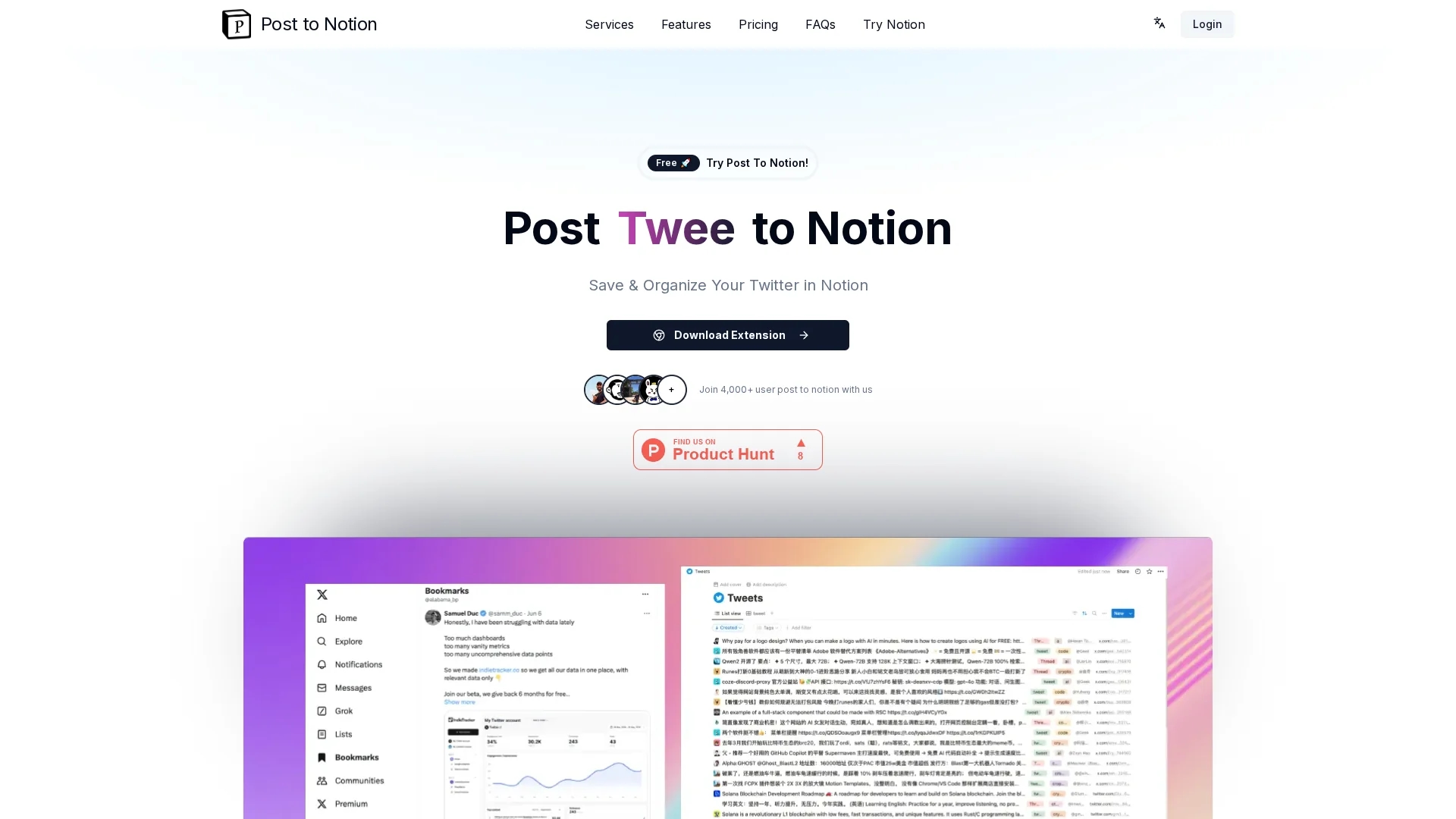
Post to Notion streamlines saving and organizing Twitter content in Notion with automated classification, customizable tags, and integrated chat AI for efficient content management.
Disclaimer: Visionary Hub is not affiliated with, endorsed by, or the operator of this tool. All trademarks, logos, and content are the property of their respective owners. Full disclaimer available here
Key Features
Tweet Transfer
Saves tweets and threads directly to Notion with one click.
Customizable Tags
Allows users to categorize saved content for efficient management.
Automated Classification
Uses AI to accurately classify tweets based on user-defined categories.
Chat AI Integration
Facilitates interactive conversations with saved bookmarks.
Get Started
Share & Save
Share on Social Media
Why Choose Post to notion
Automated Classification:
Automatically categorizes tweets for easier organization and retrieval.Integrated Chat AI:
Enables conversational access to saved Twitter content within Notion.Open-Source Security:
Provides transparency by allowing users to monitor plugin usage.
Pricing
Post to Notion offers a freemium pricing model with a Free plan allowing 100 posts per day and basic features. The Pro plan costs $4.9 per month, providing unlimited posts, advanced AI classification, automatic tags, and priority support. A 30-day free trial is available.
About Post to notion
Post to Notion streamlines saving and organizing Twitter content in Notion with automated classification, customizable tags, and integrated chat AI for efficient content management.
What Post to notion Does
Post to Notion allows users to transfer tweets, threads, and hashtags directly into their Notion workspace, eliminating manual copy-pasting and improving content organization. This streamlines content management and saves time.
Key features include customizable tags for categorizing saved tweets, automated tweet classification based on user-defined categories, and an integrated chat AI that facilitates interaction with saved bookmarks beyond Notion's search capabilities.
This tool is ideal for content creators, digital strategists, and social media managers who need to archive and analyze Twitter content efficiently for improved content strategy and accessibility.
Pros & Cons
Ease of Use
One-click saving eliminates manual copy-pasting of Twitter content.
Enhanced Organization
Custom tags and AI classification improve content management.
Platform Dependency
Requires a Notion account to use the tool effectively.
Limited Free Plan
Free plan restricts posts to 100 per day and basic features only.
Frequently Asked Questions
It is a tool that saves and organizes Twitter content directly into Notion workspaces.
Yes, the Free plan allows up to 100 posts per day with basic features.
It enables users to interact conversationally with saved bookmarks for easier retrieval.
Yes, a Notion account is required to save and manage content within Notion.
Support and feedback are available via the official website and GitHub repository.
Similar Tools You Might Like
Discover more AI-powered tools that complement your workflow
List Your AI Tool & Reach Thousands of Users
Join 500+ AI innovators already thriving on our platform. Get visibility, feedback, and boost your conversions.
Expand Your Audience
Connect with over 50,000 AI enthusiasts actively looking for tools like yours.
Boost Your Authority
Get verified reviews and ratings to build credibility in the AI marketplace.
Drive Conversions
Our premium placements and targeted audience deliver quality leads and sign-ups.