
Plagiarism Guard
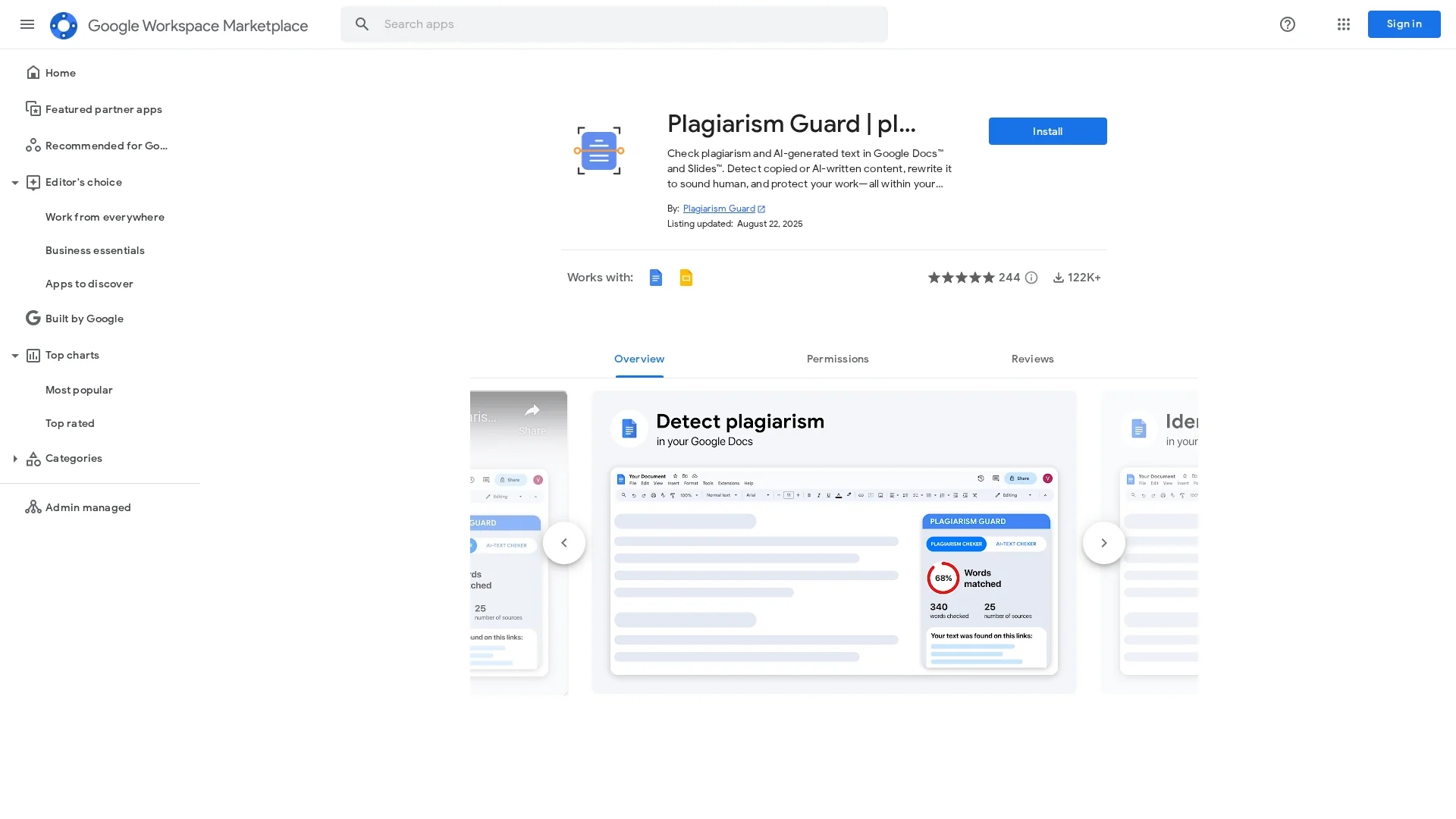
Plagiarism Guard integrates with Google Docs to provide real-time plagiarism detection, AI-generated text identification, and text humanization for students, educators, and professionals.
Disclaimer: Visionary Hub is not affiliated with, endorsed by, or the operator of this tool. All trademarks, logos, and content are the property of their respective owners. Full disclaimer available here
Key Features
Google Docs Integration
Seamlessly works inside Google Docs and Slides for convenient analysis.
Multilingual Support
Supports plagiarism and AI detection in multiple languages.
Detailed Reporting
Provides clear, instant reports highlighting plagiarism and AI content.
Privacy Focused
Processes documents securely without external data storage.
Get Started
Share & Save
Share on Social Media
Why Choose Plagiarism Guard
Real-Time Checks:
Detect plagiarism and AI content instantly within Google Docs and Slides.AI Detection:
Identify AI-generated text from popular language models accurately.Text Humanizer:
Rewrite AI content to sound natural and improve readability.
Pricing
Plagiarism Guard is free to use with optional paid features. Detailed pricing information is available on the official website.
About Plagiarism Guard
Plagiarism Guard integrates with Google Docs to provide real-time plagiarism detection, AI-generated text identification, and text humanization for students, educators, and professionals.
What Plagiarism Guard Does
Plagiarism Guard scans documents in Google Docs and Slides for copied or duplicate content, helping users ensure text originality and avoid plagiarism. It also detects AI-generated text from models like ChatGPT, Bard, and others.
The tool provides real-time plagiarism detection, AI content identification, and a text humanizer that rewrites AI-generated sentences to sound natural and human-like. It supports multiple languages and delivers detailed reports directly within the document interface.
This tool is useful for students, educators, writers, marketers, and business professionals who need to verify content authenticity and improve readability in academic papers, presentations, and professional documents.
Pros & Cons
Ease of Use
Integrated directly in Google Workspace for smooth workflow.
Comprehensive Detection
Combines plagiarism and AI-generated text detection effectively.
Limited Pricing Info
Detailed pricing and paid feature specifics are not fully disclosed.
Google Account Required
Requires Google account and permissions to access documents.
Frequently Asked Questions
Yes, it identifies AI-generated content from models like ChatGPT, Bard, and others.
The tool is free with optional paid features; visit the official site for details.
It integrates with Google Docs and Google Slides within Google Workspace.
It processes documents securely inside Google Workspace without external data storage.
Yes, it supports multilingual plagiarism and AI content detection.
Similar Tools You Might Like
Discover more AI-powered tools that complement your workflow
List Your AI Tool & Reach Thousands of Users
Join 500+ AI innovators already thriving on our platform. Get visibility, feedback, and boost your conversions.
Expand Your Audience
Connect with over 50,000 AI enthusiasts actively looking for tools like yours.
Boost Your Authority
Get verified reviews and ratings to build credibility in the AI marketplace.
Drive Conversions
Our premium placements and targeted audience deliver quality leads and sign-ups.