
Pixelcut
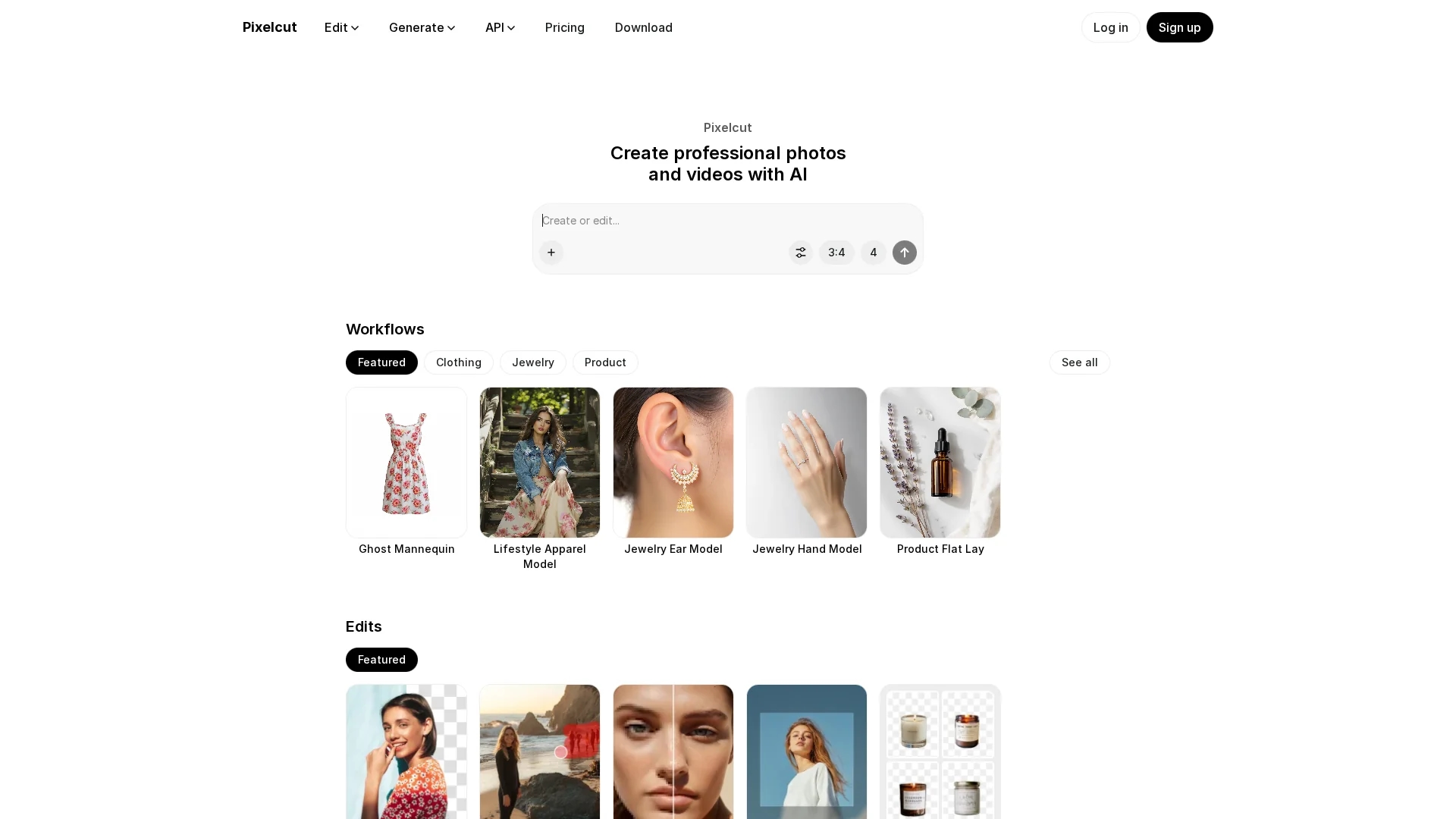
Pixelcut is an AI-powered design tool that simplifies creating professional product photos and editing images with features like background removal and batch editing.
Disclaimer: Visionary Hub is not affiliated with, endorsed by, or the operator of this tool. All trademarks, logos, and content are the property of their respective owners. Full disclaimer available here
Key Features
Background Removal
Instantly removes backgrounds from product images.
Magic Eraser
Erases unwanted objects seamlessly from photos.
Image Upscaling
Enhances image resolution without quality loss.
Team Collaboration
Shares projects and templates easily among teams.
Get Started
Share & Save
Share on Social Media
Why Choose Pixelcut
AI-Powered:
Leverages AI for precise background removal and image enhancement.Batch Editing:
Enables efficient editing of multiple photos simultaneously.Template Library:
Offers thousands of curated templates to boost creativity.
Pricing
Pixelcut offers multiple pricing plans detailed on their pricing page. Users can start creating for free with options to upgrade for advanced features.
About Pixelcut
Pixelcut is an AI-powered design tool that simplifies creating professional product photos and editing images with features like background removal and batch editing.
What Pixelcut Does
Pixelcut provides AI-driven photo editing tools that allow users to remove backgrounds, erase unwanted objects, upscale images, and batch edit product photos quickly and easily. This enhances productivity and quality for e-commerce and creative projects.
The platform features an intuitive interface with one-click editing, a large collection of curated templates, and a virtual photo studio. It also offers API access for integrating background removal and upscaling features into other applications.
Pixelcut is widely used in industries like e-commerce, marketing, and content creation to produce professional-quality visuals that attract customers and streamline creative workflows.
Pros & Cons
User-Friendly
Intuitive interface suitable for professionals and beginners.
API Access
Allows integration of editing tools into custom applications.
Pricing Details
Specific pricing requires visiting the official pricing page.
Platform Focus
Primarily designed for product photo editing, less for general photo editing.
Frequently Asked Questions
Pixelcut offers background removal, object erasing, image upscaling, and batch photo editing.
Yes, Pixelcut provides a free plan with options to upgrade for advanced features.
Yes, Pixelcut offers API access for background removal and image upscaling.
Yes, it has an intuitive interface designed for both beginners and professionals.
Pricing details are available on Pixelcut's official pricing page at /pricing.
Similar Tools You Might Like
Discover more AI-powered tools that complement your workflow


List Your AI Tool & Reach Thousands of Users
Join 500+ AI innovators already thriving on our platform. Get visibility, feedback, and boost your conversions.
Expand Your Audience
Connect with over 50,000 AI enthusiasts actively looking for tools like yours.
Boost Your Authority
Get verified reviews and ratings to build credibility in the AI marketplace.
Drive Conversions
Our premium placements and targeted audience deliver quality leads and sign-ups.