
Pixelcode
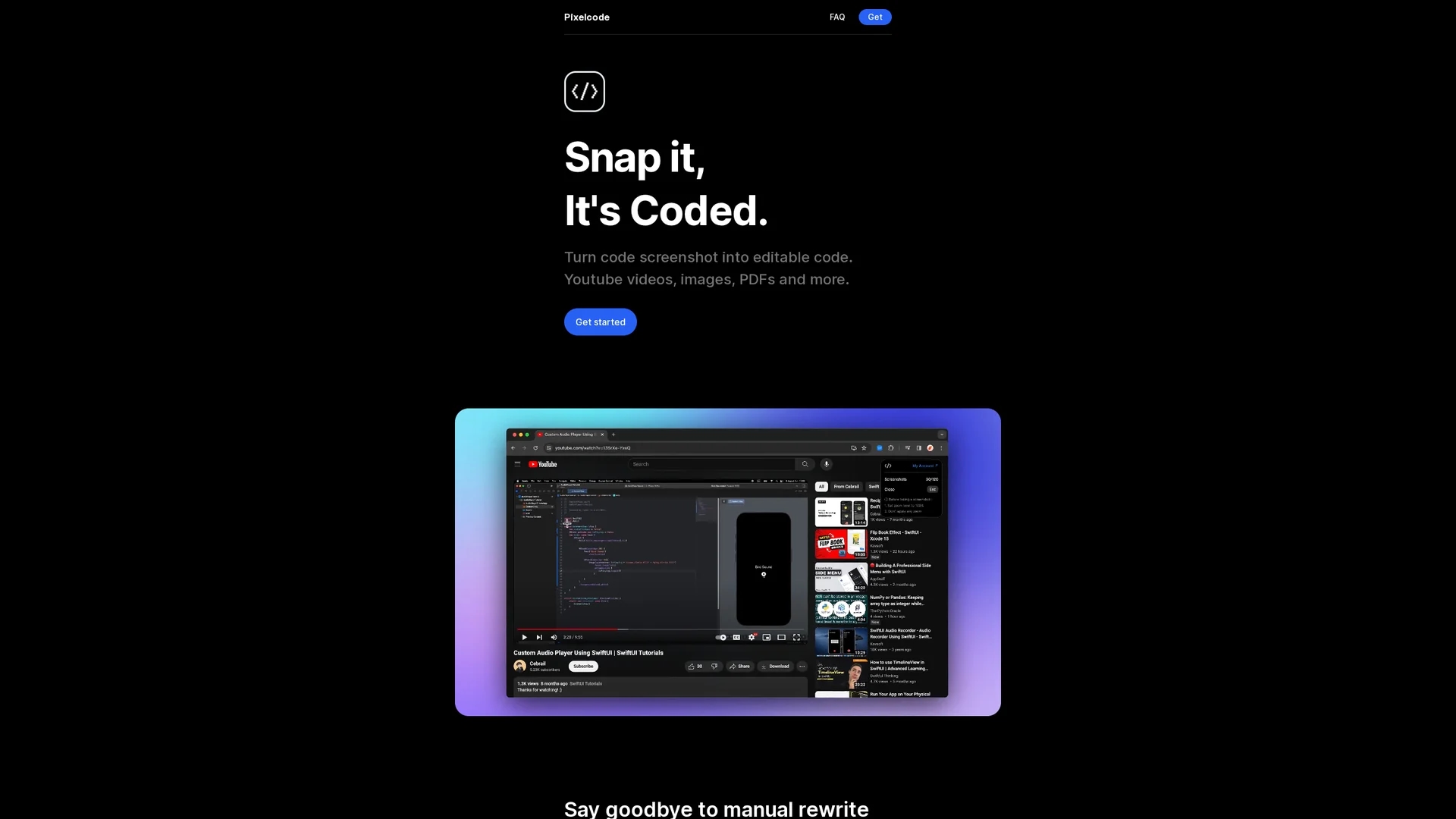
Pixelcode is an AI-powered Chrome extension that converts code screenshots from videos, images, and PDFs into editable snippets, supporting over 30 programming languages for faster development.
Disclaimer: Visionary Hub is not affiliated with, endorsed by, or the operator of this tool. All trademarks, logos, and content are the property of their respective owners. Full disclaimer available here
Key Features
Screenshot to Code
Transforms code screenshots into editable snippets accurately.
Cropping Tool
Allows precise selection of code lines for extraction.
Clipboard Copy
Automatically copies extracted code for easy pasting.
Language Recognition
Detects and formats code in 30+ programming languages.
Get Started
Share & Save
Share on Social Media
Why Choose Pixelcode
Fast Extraction:
Extract code snippets in seconds to boost productivity.Wide Language Support:
Supports over 30 programming languages with automatic detection.Chrome Extension:
Accessible directly in the browser for convenient code capture.
Pricing
Pixelcode offers a pay-per-use plan at $8 per 100 screenshots and a Pro unlimited plan for $35 with lifetime updates. Both plans include Chrome extension access and support unlimited devices. A lifetime deal is available.
About Pixelcode
Pixelcode is an AI-powered Chrome extension that converts code screenshots from videos, images, and PDFs into editable snippets, supporting over 30 programming languages for faster development.
What Pixelcode Does
Pixelcode converts code screenshots from YouTube videos, images, and PDFs into editable code snippets, saving developers time by eliminating manual copying and rewriting. It enhances coding efficiency and learning speed.
The tool features a Chrome extension with a cropping tool for precise code capture, automatic recognition of over 30 programming languages, and preserves original code formatting. Extracted code is copied directly to the clipboard for seamless pasting into any IDE.
Pixelcode is ideal for software developers, web developers, and digital designers who frequently reference code in tutorials or documents, enabling faster implementation and improved workflow.
Pros & Cons
Time-saving
Eliminates manual rewriting of code from images or videos.
High Accuracy
Preserves original code formatting and structure.
Limited Platforms
Available only as a Chrome extension, restricting browser choice.
Pricing Model
Pay-per-use may be costly for heavy users without unlimited plan.
Frequently Asked Questions
After purchase, you receive an installation link via email to install Pixelcode like any Chrome extension.
Pixelcode supports over 30 languages including JavaScript, Python, Java, Swift, Ruby, and Dart.
It uses a cropping tool and automatic language recognition to extract and format code accurately.
There is a pay-per-use plan at $8 per 100 screenshots and a $35 unlimited lifetime plan.
Yes, both plans support unlimited devices with lifetime updates.
Similar Tools You Might Like
Discover more AI-powered tools that complement your workflow
List Your AI Tool & Reach Thousands of Users
Join 500+ AI innovators already thriving on our platform. Get visibility, feedback, and boost your conversions.
Expand Your Audience
Connect with over 50,000 AI enthusiasts actively looking for tools like yours.
Boost Your Authority
Get verified reviews and ratings to build credibility in the AI marketplace.
Drive Conversions
Our premium placements and targeted audience deliver quality leads and sign-ups.