Instruct Pix2Pix Diffusion
Instruct Pix2Pix Diffusion enables image editing through natural language instructions using advanced diffusion models for precise modifications.
Disclaimer: Visionary Hub is not affiliated with, endorsed by, or the operator of this tool. All trademarks, logos, and content are the property of their respective owners. Full disclaimer available here
Key Features
Text-Based Editing
Modify images by describing changes in natural language.
Pre-trained Models
Leverages pre-trained diffusion models for high-quality results.
Lightweight Instruction Model
Uses a lightweight model trained on synthetic data for instructions.
Open Source
Available as an open-source tool on Hugging Face Spaces.
Get Started
Share & Save
Share on Social Media
Why Choose Instruct Pix2Pix Diffusion
Natural Language:
Edit images using simple text instructions without technical skills.Diffusion Model:
Utilizes advanced diffusion models for precise and realistic edits.Community Driven:
Hosted on Hugging Face, enabling access to community resources.
Pricing
Instruct Pix2Pix Diffusion is available as a freemium tool on Hugging Face Spaces. For detailed pricing and plan information, visit the official page.
About Instruct Pix2Pix Diffusion
Instruct Pix2Pix Diffusion enables image editing through natural language instructions using advanced diffusion models for precise modifications.
What Instruct Pix2Pix Diffusion Does
Instruct Pix2Pix Diffusion edits images based on user-provided textual instructions, such as changing colors or adding objects, simplifying complex image modifications.
It operates by combining a pre-trained text-to-image diffusion model with a lightweight instruction-following model trained on synthetic data, allowing accurate interpretation and execution of natural language commands.
This tool is useful for photographers, graphic designers, content creators, and AI researchers seeking efficient image editing through AI-driven natural language processing.
Pros & Cons
User-Friendly
Requires no advanced image editing skills.
Flexible
Supports a wide range of editing instructions.
Build Issues
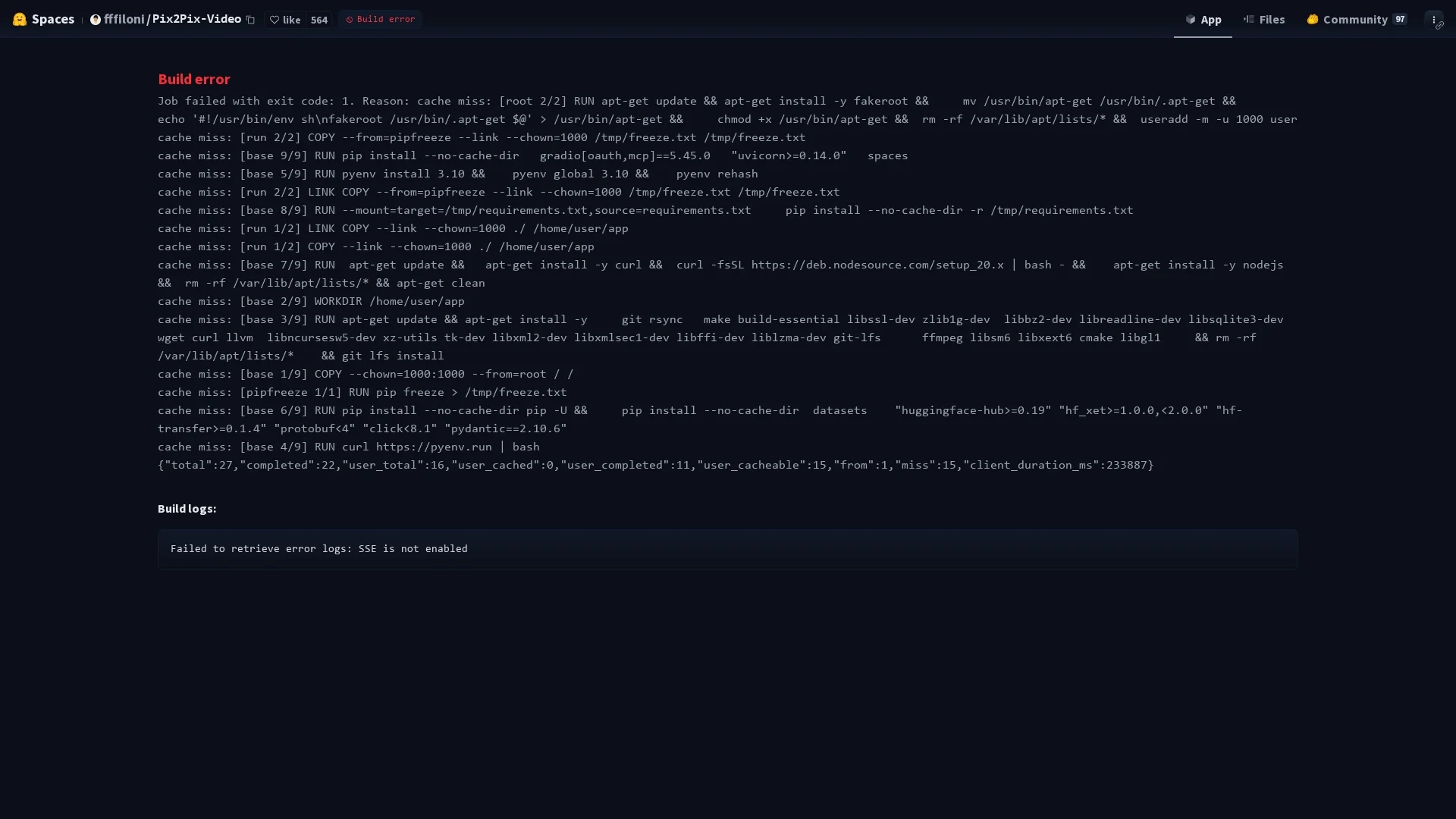
Current deployment shows build errors affecting availability.
Limited Signup
No direct signup or account creation on the tool page.
Frequently Asked Questions
You can use instructions like color changes, adding objects, or style modifications via text.
It uses a pre-trained diffusion model and a lightweight instruction-following model trained on synthetic data.
Yes, it is available as an open-source project on Hugging Face Spaces.
The tool follows a freemium model; detailed pricing is available on the official page.
Photographers, graphic designers, content creators, and AI developers can benefit from this tool.
Similar Tools You Might Like
Discover more AI-powered tools that complement your workflow

List Your AI Tool & Reach Thousands of Users
Join 500+ AI innovators already thriving on our platform. Get visibility, feedback, and boost your conversions.
Expand Your Audience
Connect with over 50,000 AI enthusiasts actively looking for tools like yours.
Boost Your Authority
Get verified reviews and ratings to build credibility in the AI marketplace.
Drive Conversions
Our premium placements and targeted audience deliver quality leads and sign-ups.