PitchPilot
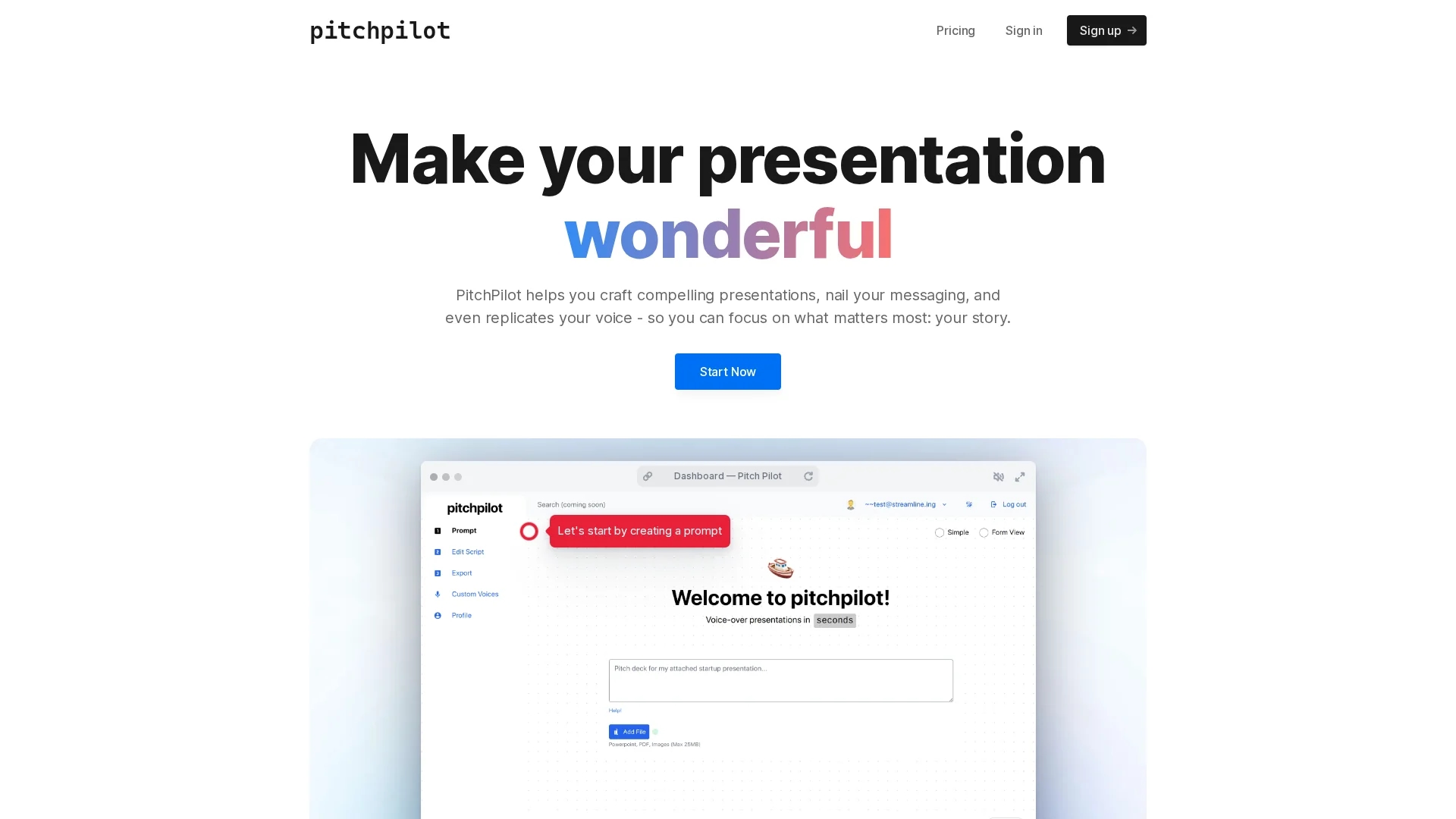
PitchPilot uses AI to transform uploaded presentations and PDFs into concise scripts with natural voice synthesis, streamlining professional presentation creation.
Disclaimer: Visionary Hub is not affiliated with, endorsed by, or the operator of this tool. All trademarks, logos, and content are the property of their respective owners. Full disclaimer available here
Key Features
Multi-format Analysis
Processes PDFs, slides, and presentations for script generation.
Editable Scripts
Allows users to modify AI-generated content before finalizing.
Natural Voice Integration
Synthesizes voiceovers that play automatically during presentations.
Three-step Process
Upload, edit, and download presentations with integrated voiceovers.
Get Started
Share & Save
Share on Social Media
Why Choose PitchPilot
AI Scriptwriting:
Automatically generates concise, engaging presentation scripts from uploaded materials.Voice Synthesis:
Creates natural-sounding voiceovers to enhance presentation delivery.Streamlined Workflow:
Simplifies presentations into three easy steps: upload, edit, and download.
Pricing
PitchPilot offers pricing details on its pricing page, accessible via the official website. Specific plans and costs are not detailed on the homepage.
About PitchPilot
PitchPilot uses AI to transform uploaded presentations and PDFs into concise scripts with natural voice synthesis, streamlining professional presentation creation.
What PitchPilot Does
PitchPilot transforms uploaded presentations, PDFs, and slides into concise, engaging scripts, allowing users to focus on delivering their message effectively. It simplifies the presentation creation process by automating scriptwriting and voiceover generation.
The tool analyzes various document formats using AI, generates editable scripts, and synthesizes natural-sounding voiceovers that integrate seamlessly into presentations. Users can upload content, edit the AI-generated script, and download the final presentation with voice narration.
PitchPilot is suitable for sales pitches, training sessions, webinars, and online courses, helping professionals across industries create polished, immersive presentations with minimal effort.
Pros & Cons
Ease of Use
Simple three-step process reduces presentation preparation time.
Enhanced Delivery
Natural voice synthesis improves audience engagement.
Pricing Transparency
Detailed pricing plans are not available directly on the homepage.
Limited Public Documentation
Support resources and tutorials are not prominently linked.
Frequently Asked Questions
PitchPilot supports uploading presentations, PDFs, and slide formats for AI script generation.
Yes, it synthesizes natural-sounding voiceovers integrated automatically during presentations.
Pricing details are available on the official pricing page linked from the homepage.
Yes, users can edit the generated scripts to tailor the presentation content.
Yes, enterprise users can inquire about on-premise deployments via contact links on the site.
Similar Tools You Might Like
Discover more AI-powered tools that complement your workflow

List Your AI Tool & Reach Thousands of Users
Join 500+ AI innovators already thriving on our platform. Get visibility, feedback, and boost your conversions.
Expand Your Audience
Connect with over 50,000 AI enthusiasts actively looking for tools like yours.
Boost Your Authority
Get verified reviews and ratings to build credibility in the AI marketplace.
Drive Conversions
Our premium placements and targeted audience deliver quality leads and sign-ups.