
Piny
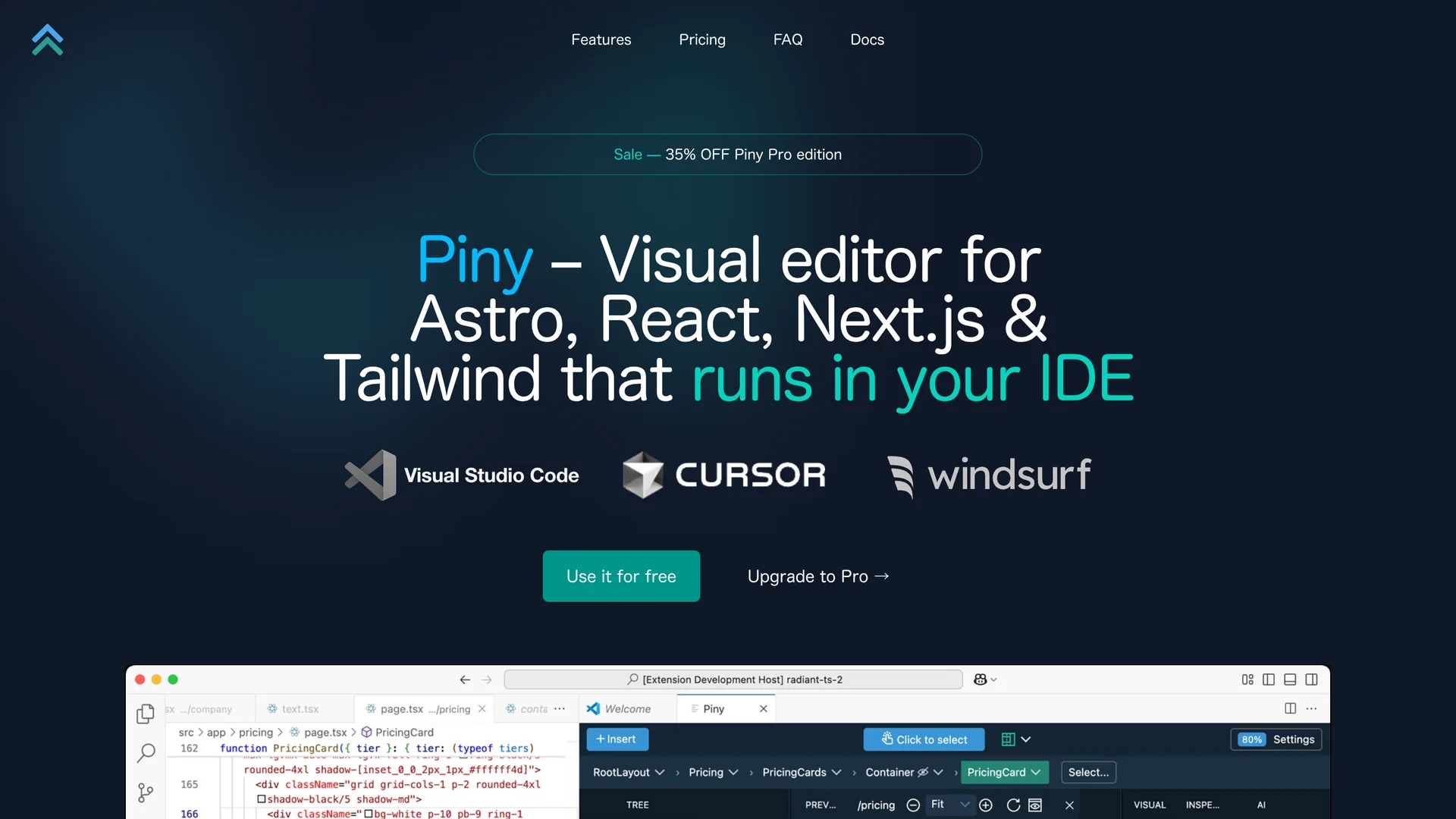
Piny is a visual editing tool for developers using Astro, React, Next.js, and Tailwind CSS, featuring intuitive styling, real-time code reflection, a Tailwind class inspector, component navigation, and AI-powered drag-and-drop UI building.
Disclaimer: Visionary Hub is not affiliated with, endorsed by, or the operator of this tool. All trademarks, logos, and content are the property of their respective owners. Full disclaimer available here
Key Features
Visual Editing
Edit UI elements visually with direct code reflection.
VS Code Integration
Works seamlessly inside Visual Studio Code environment.
Class Inspector
Organize and edit Tailwind classes in an editable tree structure.
Component Navigation
Quickly locate and jump between components in large projects.
Get Started
Share & Save
Share on Social Media
Why Choose Piny
Real-Time Editing:
Immediate code updates reflect visual changes for efficient development.Tailwind Support:
Manage complex Tailwind CSS classes with an intuitive inspector.AI Assistance:
AI-powered drag-and-drop accelerates UI construction within the IDE.
Pricing
Piny offers a free plan with core features and a Pro plan priced at $120/year or $15/month plus tax. A 30-day money-back guarantee and a 35% discount on Pro yearly plans are available. Pricing details are on the official site.
About Piny
Piny is a visual editing tool for developers using Astro, React, Next.js, and Tailwind CSS, featuring intuitive styling, real-time code reflection, a Tailwind class inspector, component navigation, and AI-powered drag-and-drop UI building.
What Piny Does
Piny allows developers to visually edit and style their Astro, React, Next.js, and Tailwind CSS projects directly within Visual Studio Code. It reflects changes immediately in the code, enhancing development speed and accuracy.
Key features include a Tailwind class inspector for managing complex styles, component navigation for quick element location, and an AI-powered drag-and-drop interface to build user interfaces efficiently. It supports editing Tailwind classes in strings, variables, and non-React/Astro code.
Developers in web and frontend domains benefit from Piny’s seamless integration and intuitive controls, improving workflows in dynamic UI development and large codebases.
Pros & Cons
Seamless Integration
Integrates directly with VS Code for smooth developer workflow.
Comprehensive Tailwind Tools
Supports editing Tailwind classes in various code contexts.
Limited Framework Support
Currently supports Astro, React, Next.js; other frameworks planned.
Complex Component Mapping
Visual Select may not be 100% accurate in complex component structures.
Frequently Asked Questions
Yes, Piny offers a free plan with core features and no time limits.
Piny has a free plan and Pro plans at $120/year or $15/month plus tax.
Piny integrates with Visual Studio Code via an extension.
Yes, Piny supports editing Tailwind classes in strings, variables, and non-React/Astro code.
Support for additional frameworks is planned but currently limited to Astro, React, and Next.js.
Similar Tools You Might Like
Discover more AI-powered tools that complement your workflow



List Your AI Tool & Reach Thousands of Users
Join 500+ AI innovators already thriving on our platform. Get visibility, feedback, and boost your conversions.
Expand Your Audience
Connect with over 50,000 AI enthusiasts actively looking for tools like yours.
Boost Your Authority
Get verified reviews and ratings to build credibility in the AI marketplace.
Drive Conversions
Our premium placements and targeted audience deliver quality leads and sign-ups.