
Piktochart
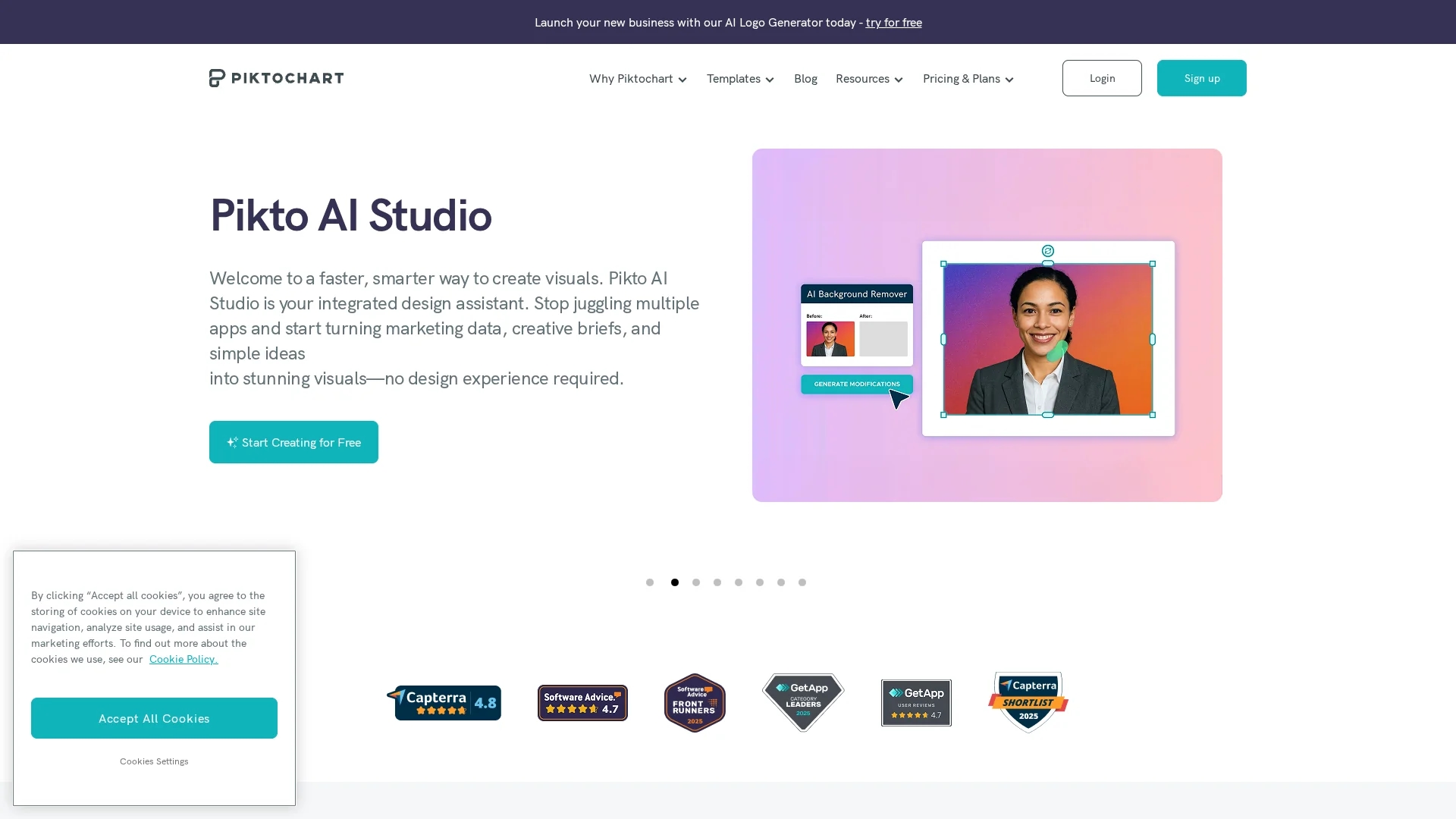
Piktochart AI is a user-friendly infographic maker that transforms ideas into professional infographics, posters, banners, and videos with drag-and-drop simplicity and advanced data visualization features.
Disclaimer: Visionary Hub is not affiliated with, endorsed by, or the operator of this tool. All trademarks, logos, and content are the property of their respective owners. Full disclaimer available here
Key Features
Infographic Maker
Create detailed infographics with charts and graphs.
Video Editor
Edit videos with text overlays and social media optimization.
AI Design Generator
Generate visuals from text prompts in under 10 seconds.
Brand Consistency
Manage brand assets and apply on-brand templates easily.
Get Started
Share & Save
Share on Social Media
Why Choose Piktochart
AI Design:
Transforms simple prompts into professional visuals quickly.User-Friendly:
Drag-and-drop editor requires no graphic design skills.Versatile Output:
Exports to PNG, PDF, and PPT for diverse uses.
Pricing
Piktochart offers Free, Pro, and Enterprise plans. Pricing details and feature comparisons are available on their pricing page. Discounts are provided for education and nonprofit organizations.
About Piktochart
Piktochart AI is a user-friendly infographic maker that transforms ideas into professional infographics, posters, banners, and videos with drag-and-drop simplicity and advanced data visualization features.
What Piktochart Does
Piktochart AI helps users quickly create professional infographics, posters, banners, and videos to communicate complex information visually. It benefits users by simplifying design tasks and enhancing storytelling with compelling visuals.
The tool features an intuitive drag-and-drop editor, AI-powered design generation, data visualization with customizable charts, graphs, and interactive maps, plus video editing with text overlays and subtitles. It supports exporting visuals in PNG, PDF, and PPT formats.
Industries such as marketing, education, consulting, and business reporting use Piktochart to produce engaging presentations, social media graphics, and print materials efficiently.
Pros & Cons
Comprehensive Tools
Combines infographic, video, and AI design features.
Wide Template Library
Offers numerous customizable templates for various needs.
Pricing Details
Specific plan prices require visiting the pricing page.
Learning Curve
Some advanced features may require time to master.
Frequently Asked Questions
You can create infographics, posters, banners, presentations, social media graphics, and videos.
Yes, Piktochart provides a free plan with basic features and paid Pro and Enterprise plans.
Designs can be exported as PNG, PDF, and PowerPoint (PPT) files.
No, the drag-and-drop editor and AI tools make it accessible without design skills.
Yes, it includes video editing features like text overlays, subtitles, and social media optimization.
Similar Tools You Might Like
Discover more AI-powered tools that complement your workflow


List Your AI Tool & Reach Thousands of Users
Join 500+ AI innovators already thriving on our platform. Get visibility, feedback, and boost your conversions.
Expand Your Audience
Connect with over 50,000 AI enthusiasts actively looking for tools like yours.
Boost Your Authority
Get verified reviews and ratings to build credibility in the AI marketplace.
Drive Conversions
Our premium placements and targeted audience deliver quality leads and sign-ups.