picture to drawing
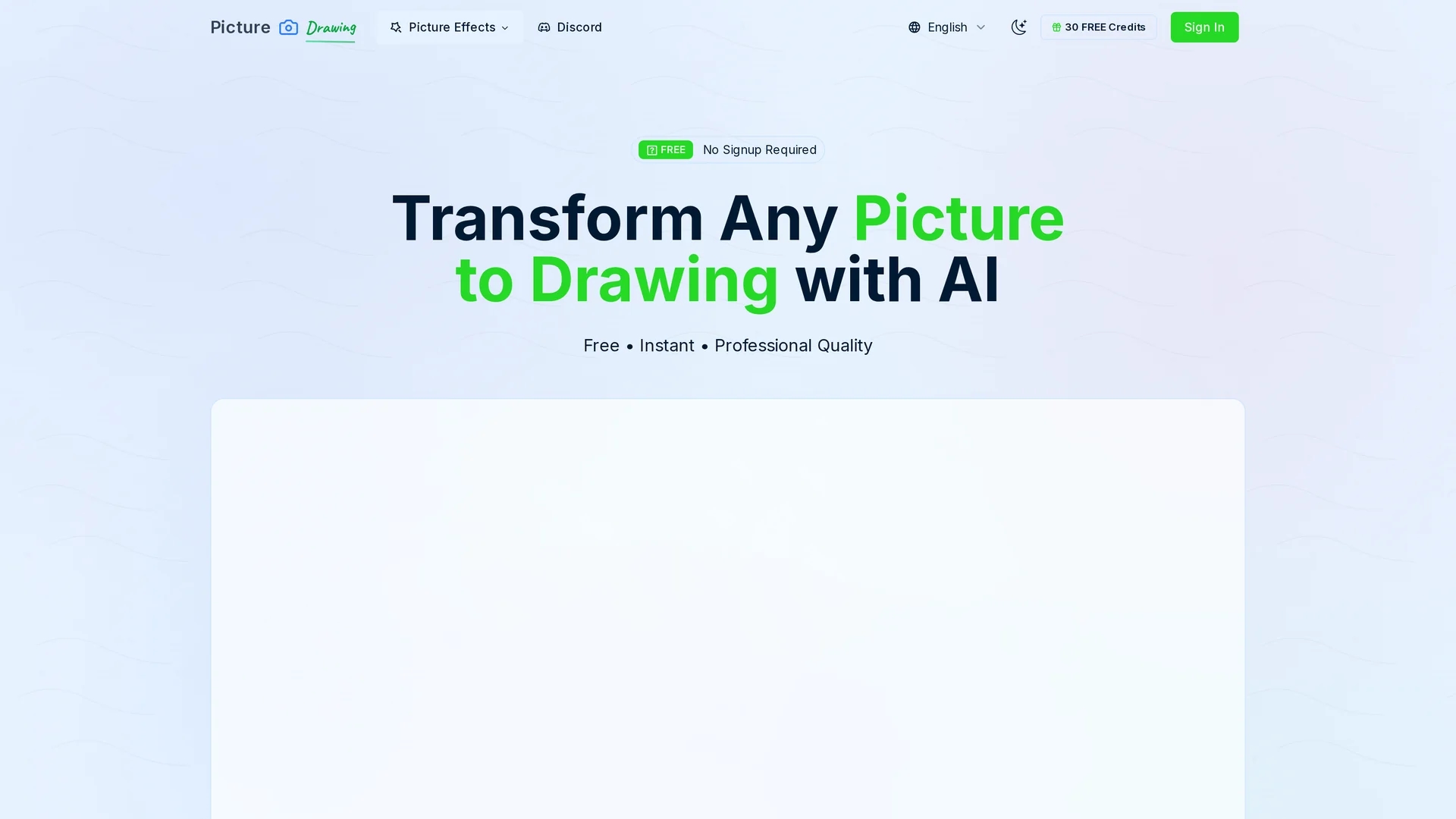
Picture Drawing AI converts photos into artistic drawings with styles like pencil, charcoal, watercolor, and cartoon, delivering high-resolution results quickly and without registration.
Disclaimer: Visionary Hub is not affiliated with, endorsed by, or the operator of this tool. All trademarks, logos, and content are the property of their respective owners. Full disclaimer available here
Key Features
Wide Format Support
Accepts JPG, PNG, WebP, and HEIC image formats.
Varied Drawing Styles
Includes pencil sketch, charcoal, watercolor, and cartoon options.
High Resolution
Produces detailed, print-quality artistic outputs.
No Registration
Allows instant use without account creation or fees.
Get Started
Share & Save
Share on Social Media
Why Choose picture to drawing
Free Usage:
Unlimited conversions available without cost or hidden fees.Multiple Styles:
Offers diverse artistic effects like pencil, charcoal, and watercolor.Fast Processing:
Generates high-resolution drawings within seconds.
Pricing
Picture to Drawing offers a freemium pricing model with a free plan and paid plans including Mini ($9.9), Starter ($19.9), and Standard ($24.9). Pricing is subject to change; visit the official page for details.
About picture to drawing
Picture Drawing AI converts photos into artistic drawings with styles like pencil, charcoal, watercolor, and cartoon, delivering high-resolution results quickly and without registration.
What picture to drawing Does
Picture Drawing AI transforms user-uploaded photos into artistic drawings, enhancing visual content with various creative styles. This enables users to produce unique artwork for social media, presentations, or merchandise.
The tool supports multiple image formats (JPG, PNG, WebP, HEIC) and offers several drawing styles including pencil sketches, charcoal, watercolor, and cartoon effects. It uses AI algorithms to process images rapidly, generating high-resolution outputs within seconds without requiring registration.
It is suitable for visual artists, digital designers, content creators, and educators who need quick, professional artistic conversions for projects, marketing, or educational materials.
Pros & Cons
Ease of Use
Simple interface requires no technical skills.
Quick Results
Transforms images into drawings in seconds.
Limited Free Speed
Free model processing can be slower than premium options.
No Signup Benefits
Lacks account features like project saving or history.
Frequently Asked Questions
It uses AI to convert photos into artistic drawings by analyzing images and applying various drawing styles.
Yes, it offers unlimited free conversions with no registration or hidden fees, though premium plans provide faster processing.
The tool supports JPG, PNG, WebP, and HEIC image formats for conversion.
Free model conversions take about 20-50 seconds; premium models deliver results in approximately 5 seconds.
No registration is required; users can upload photos and generate drawings instantly.
Similar Tools You Might Like
Discover more AI-powered tools that complement your workflow
List Your AI Tool & Reach Thousands of Users
Join 500+ AI innovators already thriving on our platform. Get visibility, feedback, and boost your conversions.
Expand Your Audience
Connect with over 50,000 AI enthusiasts actively looking for tools like yours.
Boost Your Authority
Get verified reviews and ratings to build credibility in the AI marketplace.
Drive Conversions
Our premium placements and targeted audience deliver quality leads and sign-ups.