
PhotoEditor.ai
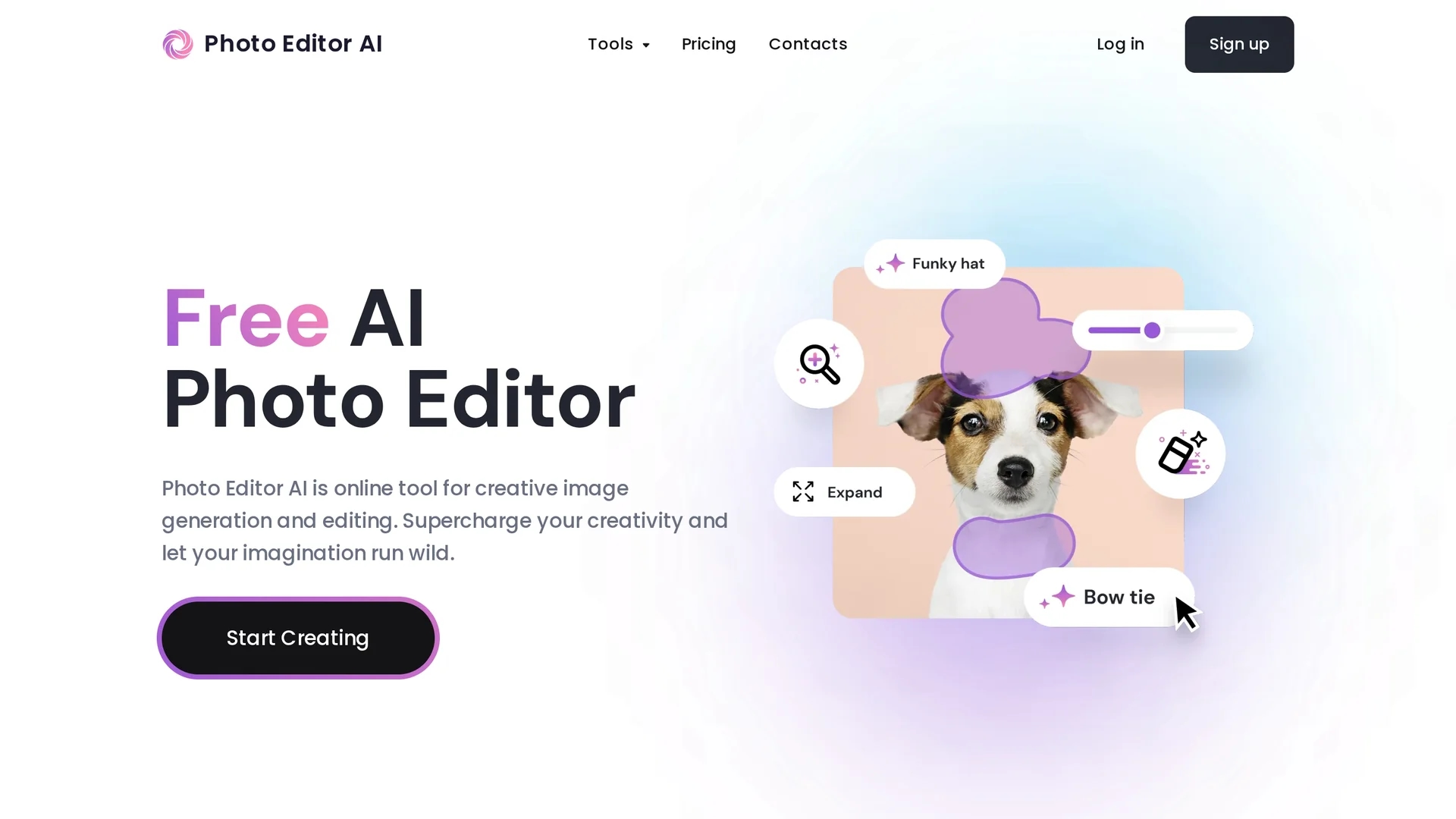
PhotoEditor.ai is a powerful AI photo editor that removes unwanted elements, enhances image quality, and creates stunning photos without requiring design skills.
Disclaimer: Visionary Hub is not affiliated with, endorsed by, or the operator of this tool. All trademarks, logos, and content are the property of their respective owners. Full disclaimer available here
Key Features
Object Removal
Removes unwanted objects, people, or text seamlessly from photos.
Image Enhancement
Fixes blurriness and improves photo clarity and vividness instantly.
Background Removal
Removes backgrounds quickly for product photos or portraits.
AI Upscaling
Increases image resolution up to 4K or 8K for high-quality prints.
Get Started
Share & Save
Share on Social Media
Why Choose PhotoEditor.ai
Comprehensive Tools:
Offers multiple AI editing tools in one platform for versatile photo enhancement.User-Friendly:
No design skills or downloads required; works on web and mobile devices.Flexible Pricing:
Free plan available with essential features; affordable Pro plan unlocks full capabilities.
Pricing
PhotoEditor.ai offers a Free plan with basic tools and 720px downloads. The Pro plan costs $9.99/month, unlocking all 8 tools and HD exports. Cancel anytime. See full pricing at the official page.
About PhotoEditor.ai
PhotoEditor.ai is a powerful AI photo editor that removes unwanted elements, enhances image quality, and creates stunning photos without requiring design skills.
What PhotoEditor.ai Does
PhotoEditor.ai enables users to edit photos by removing unwanted elements like objects, people, or text and enhancing image clarity and quality. It benefits users by simplifying complex editing tasks without requiring design expertise.
The platform offers multiple AI-powered tools including object removal, background removal, image enhancement, upscaling, and generative fill. These tools run on advanced neural networks fine-tuned for high-quality results, accessible directly in browsers and mobile devices.
It is suitable for personal projects, creative agencies, real estate, e-commerce, and marketing industries, helping speed up workflows and improve visual content quality.
Pros & Cons
Ease of Use
Intuitive interface accessible via browser and mobile without installation.
Privacy
Uploaded images are deleted within one hour and not shared with third parties.
Resolution Limit
Free plan limits downloads to 720px resolution.
Pro Features Locked
Advanced tools like AI image generation require Pro subscription.
Frequently Asked Questions
Supports JPG, PNG, WEBP, HEIC formats up to 15MB file size.
Yes, the free plan includes basic tools with 720px download resolution.
Yes, it works on iOS and Android browsers without app installation.
All uploaded photos are encrypted and deleted within one hour after processing.
Yes, commercial use is allowed but users must have rights to source images.
Similar Tools You Might Like
Discover more AI-powered tools that complement your workflow


List Your AI Tool & Reach Thousands of Users
Join 500+ AI innovators already thriving on our platform. Get visibility, feedback, and boost your conversions.
Expand Your Audience
Connect with over 50,000 AI enthusiasts actively looking for tools like yours.
Boost Your Authority
Get verified reviews and ratings to build credibility in the AI marketplace.
Drive Conversions
Our premium placements and targeted audience deliver quality leads and sign-ups.