PhotoAlign Studio
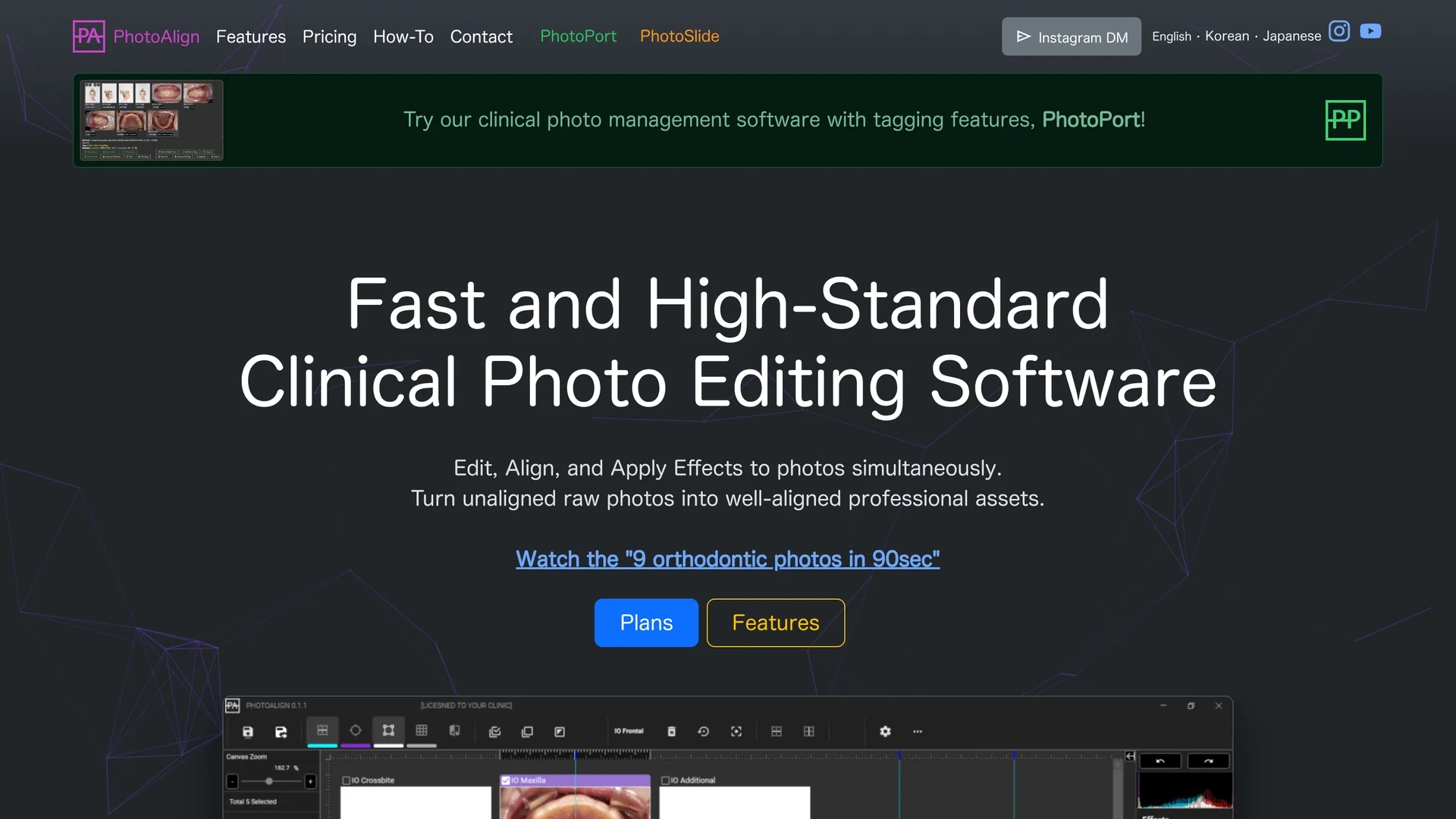
PhotoAlign Studio is clinical photo editing software for dental professionals, featuring AI-powered automatic photo alignment, batch editing, and customizable templates for efficient, standardized imaging workflows.
Disclaimer: Visionary Hub is not affiliated with, endorsed by, or the operator of this tool. All trademarks, logos, and content are the property of their respective owners. Full disclaimer available here
Key Features
Automatic Photo Allocation
AI positions dental photos on templates quickly and accurately.
Batch Editing Tools
Modify brightness, contrast, and saturation across many photos.
Multiple Layout Templates
Supports intraoral, facial, and radiographic image layouts.
Built-in Alignment Guides
Visual aids ensure precise photo alignment and standardization.
Get Started
Share & Save
Share on Social Media
Why Choose PhotoAlign Studio
AI Automation:
Automatically aligns and allocates photos, saving manual effort.Batch Editing:
Adjust multiple images simultaneously for consistent appearance.LiveWatch Import:
Seamlessly imports new photos in real-time from connected devices.
Pricing
PhotoAlign Studio uses a freemium pricing model with a free version offering limited features. Paid plans include a monthly plan at $10.99/month and a 3-year plan at $198. Pricing is subject to change; visit the official pricing page for details.
About PhotoAlign Studio
PhotoAlign Studio is clinical photo editing software for dental professionals, featuring AI-powered automatic photo alignment, batch editing, and customizable templates for efficient, standardized imaging workflows.
What PhotoAlign Studio Does
PhotoAlign Studio automates the editing and alignment of dental clinical photographs, enabling users to quickly enhance multiple images with consistent quality. It benefits dental professionals by reducing manual editing time and improving workflow efficiency.
The software features AI-powered automatic photo allocation that positions photos on appropriate templates, batch editing tools to adjust brightness, contrast, and saturation simultaneously, and a LiveWatch feature that imports new images automatically from connected cameras. Additional tools include precise cropping, resizing, rotating, and built-in alignment guides to ensure professional results.
PhotoAlign is ideal for orthodontics, facial, intraoral, and radiographic imaging, supporting dental clinics and imaging specialists who require standardized, high-quality photo documentation.
Pros & Cons
Workflow Efficiency
Reduces editing time with AI and batch processing features.
Specialized for Dentistry
Tailored templates and tools for dental clinical photography.
Platform Limitation
Available only on Windows 10 and 11 (64-bit editions).
AI Scope
AI allocation currently supports only specific orthodontic photo types.
Frequently Asked Questions
It offers AI-powered photo allocation, batch editing, live image import, and multiple dental-specific templates.
There is a free version with limitations, a monthly plan at $10.99, and a 3-year plan at $198.
PhotoAlign runs on Windows 10 and 11, 64-bit editions only.
Yes, the LiveWatch feature automatically imports new photos from connected cameras.
Yes, it integrates with WEBCEPH for patient record management and photo uploads.
Similar Tools You Might Like
Discover more AI-powered tools that complement your workflow
List Your AI Tool & Reach Thousands of Users
Join 500+ AI innovators already thriving on our platform. Get visibility, feedback, and boost your conversions.
Expand Your Audience
Connect with over 50,000 AI enthusiasts actively looking for tools like yours.
Boost Your Authority
Get verified reviews and ratings to build credibility in the AI marketplace.
Drive Conversions
Our premium placements and targeted audience deliver quality leads and sign-ups.