
pdf → gpt
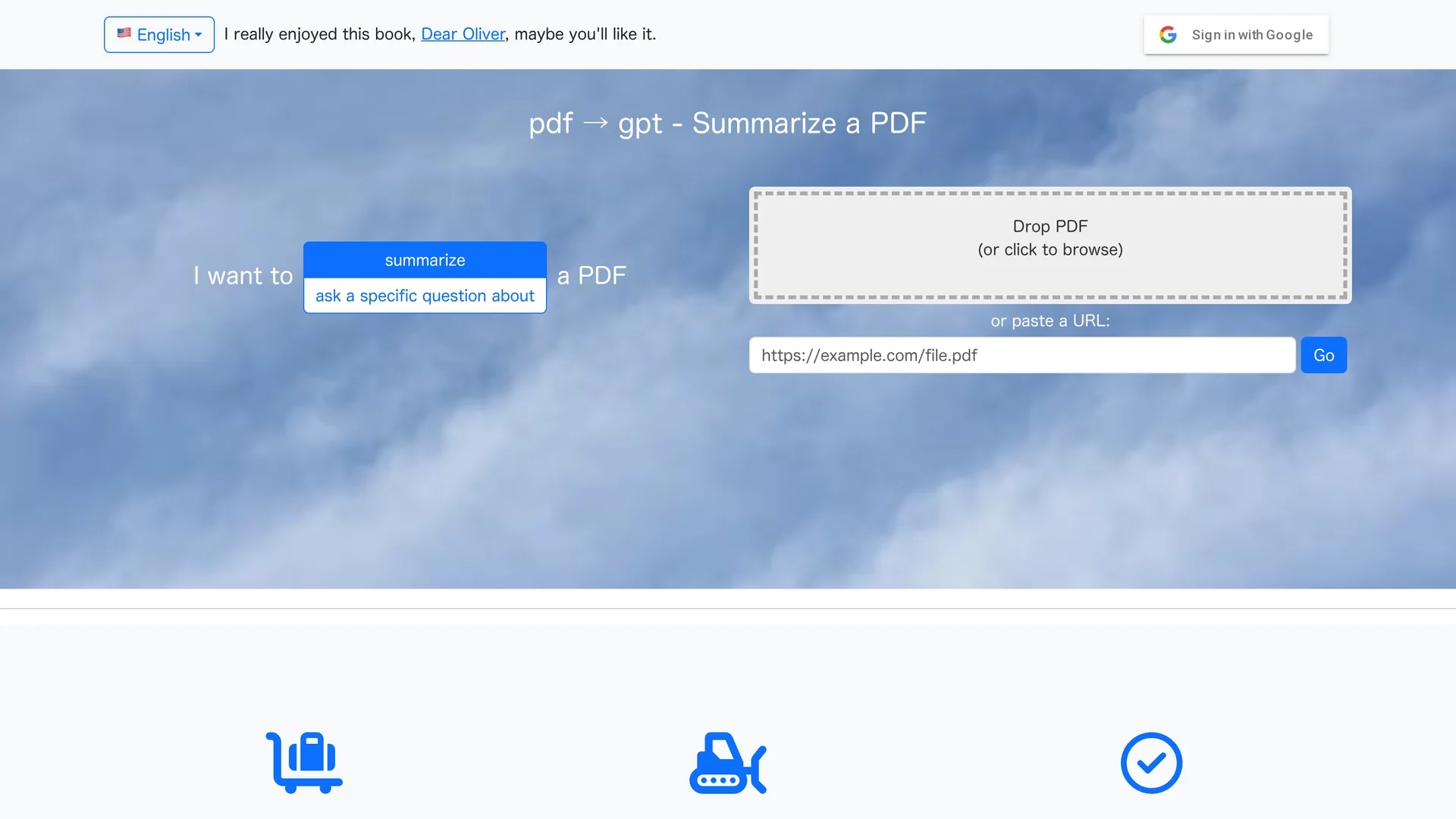
pdf → gpt summarizes large PDF documents by automatically chunking them to fit GPT limits, providing detailed summaries and enabling specific question answering.
Disclaimer: Visionary Hub is not affiliated with, endorsed by, or the operator of this tool. All trademarks, logos, and content are the property of their respective owners. Full disclaimer available here
Key Features
PDF Upload
Supports direct uploading of PDF files.
URL Processing
Allows processing of PDFs via pasted URLs.
Automatic Segmentation
Splits large PDFs to fit GPT context limits.
Content Querying
Users can ask specific questions about the PDF.
Get Started
Share & Save
Share on Social Media
Why Choose pdf → gpt
Automatic Chunking:
Breaks large PDFs into manageable parts for GPT processing.Detailed Summaries:
Generates overall and section-specific summaries.Question Answering:
Enables targeted queries about PDF content.
Pricing
pdf → gpt offers a freemium pricing model, allowing free access with optional paid features. For detailed pricing, visit the official website.
About pdf → gpt
pdf → gpt summarizes large PDF documents by automatically chunking them to fit GPT limits, providing detailed summaries and enabling specific question answering.
What pdf → gpt Does
pdf → gpt summarizes large PDF documents by automatically segmenting them into chunks that fit within GPT’s context window, enabling detailed and coherent summaries. Users benefit from quick access to essential information without reading entire documents.
The tool supports uploading PDF files or pasting URLs, then processes the content to provide an overall summary, a table of contents, and section-by-section summaries. It also allows users to ask specific questions about the PDF content for targeted insights.
This functionality is valuable for academic researchers, students, legal professionals, and analysts who need to efficiently extract key information from lengthy reports, research papers, or legal documents.
Pros & Cons
Supports Large PDFs
Handles extensive documents by chunking automatically.
No Account Needed
Allows summarization without mandatory registration for smaller files.
Limited Signup Options
No direct signup or account creation link available.
Developer Info Missing
No clear developer or company details provided.
Frequently Asked Questions
It summarizes large PDFs by chunking them to fit GPT limits and allows specific questions about content.
Upload a PDF or paste a URL, then request a summary or ask questions about the document.
Yes, it automatically breaks large PDFs into chunks for processing.
No account is needed for smaller files, enabling quick access.
Yes, the tool supports targeted question answering on the PDF.
Similar Tools You Might Like
Discover more AI-powered tools that complement your workflow
List Your AI Tool & Reach Thousands of Users
Join 500+ AI innovators already thriving on our platform. Get visibility, feedback, and boost your conversions.
Expand Your Audience
Connect with over 50,000 AI enthusiasts actively looking for tools like yours.
Boost Your Authority
Get verified reviews and ratings to build credibility in the AI marketplace.
Drive Conversions
Our premium placements and targeted audience deliver quality leads and sign-ups.