
PDF Translator and Editor
PDF Translator and Editor uses AI to translate and edit PDFs, documents, and photos into 136 languages while preserving original format and layout.
Disclaimer: Visionary Hub is not affiliated with, endorsed by, or the operator of this tool. All trademarks, logos, and content are the property of their respective owners. Full disclaimer available here
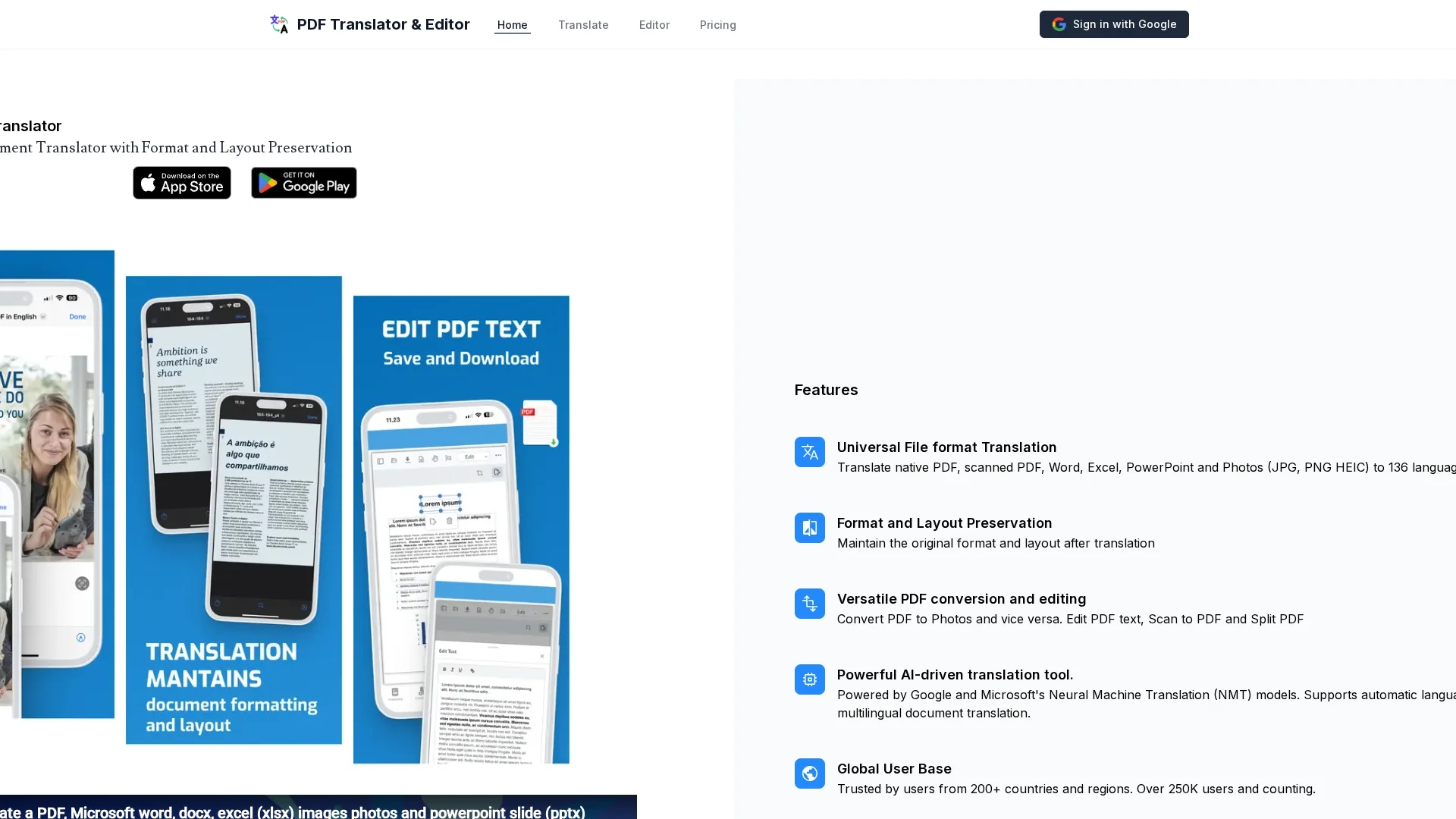
Key Features
Multiformat Translation
Supports PDFs, Word, Excel, PowerPoint, and photos.
AI-Powered NMT
Uses Google and Microsoft Neural Machine Translation models.
PDF Editing
Enables modification of PDF text content.
File Conversion
Converts PDFs to photos and vice versa, plus scan and split PDFs.
Get Started
Share & Save
Share on Social Media
Why Choose PDF Translator and Editor
Wide Language Support:
Translates documents into 136 languages for global accessibility.Format Preservation:
Maintains original layout and formatting after translation.Versatile Editing:
Allows PDF text editing and file conversion between PDFs and photos.
Pricing
Offers two paid plans: Translate and Edit at US$20/month for up to 200 pages and unlimited PDF edits; Translate and Edit Pro at US$100/month for up to 1000 pages, unlimited edits, and document size. Monthly renewal applies.
About PDF Translator and Editor
PDF Translator and Editor uses AI to translate and edit PDFs, documents, and photos into 136 languages while preserving original format and layout.
What PDF Translator and Editor Does
PDF Translator and Editor translates native and scanned PDFs, Word, Excel, PowerPoint files, and photos into 136 languages, enhancing accessibility and communication across languages.
It preserves original document format and layout, supports PDF text editing, converts PDFs to photos and vice versa, and includes scan-to-PDF and split PDF functions. The tool uses AI-powered Neural Machine Translation models from Google and Microsoft for accurate multilingual translation.
Common use cases include translating legal documents, academic papers, business contracts, and product manuals, serving industries like law, education, and multinational business.
Pros & Cons
Comprehensive Language Coverage
Supports a broad range of 136 languages.
Preserves Document Integrity
Keeps original format and layout intact after translation.
Paid Plans Only
No free tier available; requires subscription for use.
Limited Public Support Info
Developer contact and support details are minimal.
Frequently Asked Questions
It translates native and scanned PDFs, Word, Excel, PowerPoint, and photos (JPG, PNG, HEIC).
It supports translation into 136 languages.
It uses Neural Machine Translation models powered by Google and Microsoft.
Yes, the tool includes PDF editing capabilities.
No file size limits or page limits are imposed.
Similar Tools You Might Like
Discover more AI-powered tools that complement your workflow
List Your AI Tool & Reach Thousands of Users
Join 500+ AI innovators already thriving on our platform. Get visibility, feedback, and boost your conversions.
Expand Your Audience
Connect with over 50,000 AI enthusiasts actively looking for tools like yours.
Boost Your Authority
Get verified reviews and ratings to build credibility in the AI marketplace.
Drive Conversions
Our premium placements and targeted audience deliver quality leads and sign-ups.