
PDF to Video
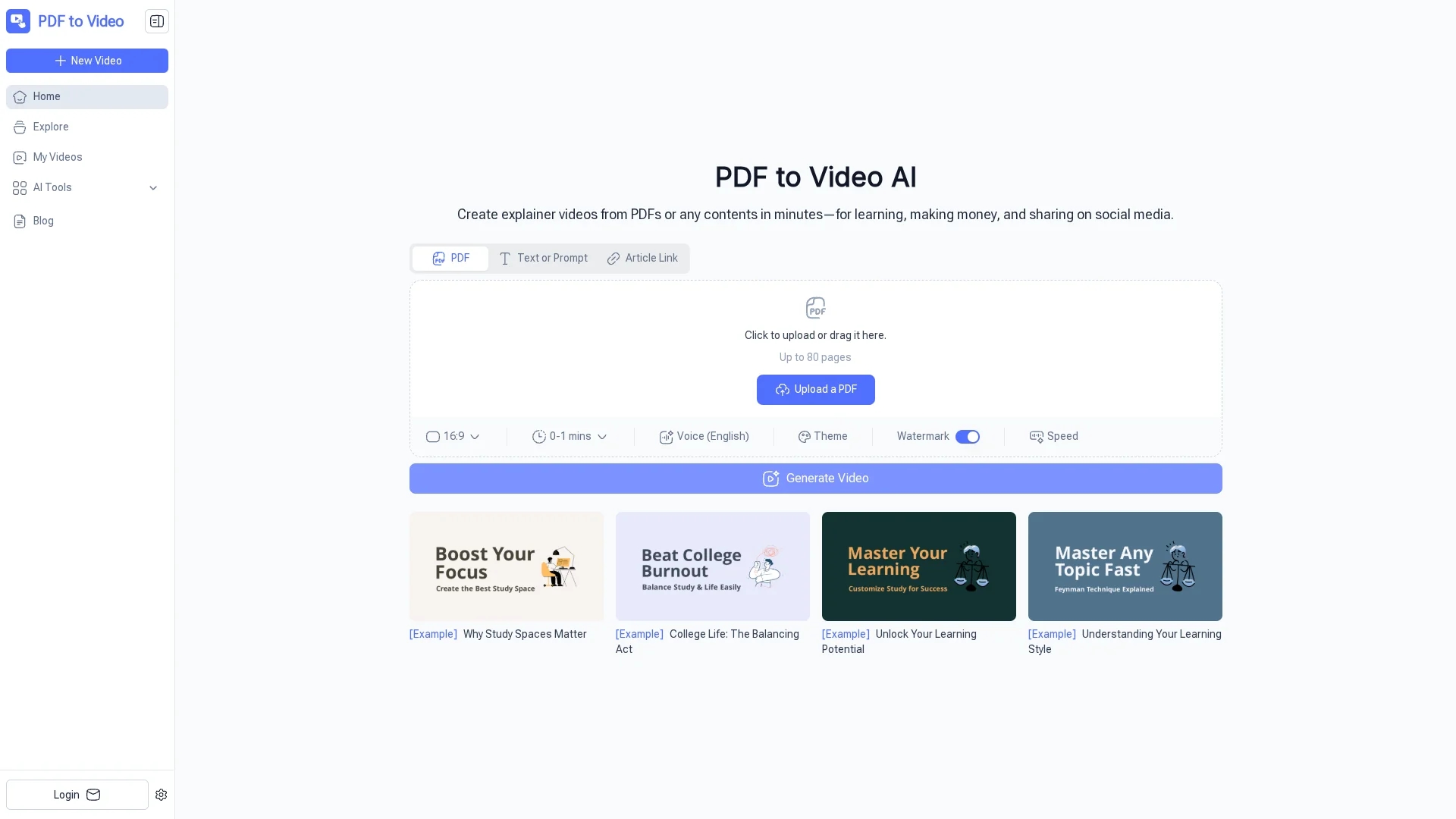
PDF to Video is an AI-powered tool that converts PDF documents into animated explainer videos with customizable visuals, narration, and themes, requiring no video editing skills.
Disclaimer: Visionary Hub is not affiliated with, endorsed by, or the operator of this tool. All trademarks, logos, and content are the property of their respective owners. Full disclaimer available here
Key Features
PDF Conversion
Transforms PDF documents into dynamic explainer videos.
Animation Generation
Creates visuals and animations to enhance video engagement.
Narration Support
Generates AI voiceovers in multiple languages.
Customization
Allows adjustment of voiceover, timing, and design themes.
Get Started
Share & Save
Share on Social Media
Why Choose PDF to Video
AI-Powered:
Automatically converts PDFs into engaging videos without manual editing.No Sign-Up:
Use the tool instantly without creating an account.Free Access:
Convert PDFs to videos online at no cost.
Pricing
PDF to Video is free to use online with no sign-up required. Users can convert PDFs into videos directly from their browser without any cost.
About PDF to Video
PDF to Video is an AI-powered tool that converts PDF documents into animated explainer videos with customizable visuals, narration, and themes, requiring no video editing skills.
What PDF to Video Does
PDF to Video converts PDF documents into animated explainer videos, enabling users to present information visually and audibly without manual video editing. This improves content engagement and comprehension.
The tool uses AI to analyze PDF content, generate relevant visuals, animations, and AI-powered voice narration. Users can customize voiceovers, timing, and design themes to tailor videos to their needs.
It is ideal for educators creating interactive lessons, marketers producing promotional videos, business professionals presenting reports, and content creators sharing information on social media.
Pros & Cons
Ease of Use
No video editing skills required to create professional videos.
Fast Processing
Videos are generated within minutes from uploaded PDFs.
Limited File Support
Currently supports only PDF files for conversion.
Basic Editing
Limited options for detailed video editing after generation.
Frequently Asked Questions
Yes, it is completely free to use online with no sign-up required.
No, the AI handles video creation; customization is optional.
Yes, AI-generated voiceovers are supported in multiple languages.
Currently, only PDF files are supported for conversion.
Most videos are ready within a few minutes depending on file size.
Similar Tools You Might Like
Discover more AI-powered tools that complement your workflow


List Your AI Tool & Reach Thousands of Users
Join 500+ AI innovators already thriving on our platform. Get visibility, feedback, and boost your conversions.
Expand Your Audience
Connect with over 50,000 AI enthusiasts actively looking for tools like yours.
Boost Your Authority
Get verified reviews and ratings to build credibility in the AI marketplace.
Drive Conversions
Our premium placements and targeted audience deliver quality leads and sign-ups.