
ObjectRemover
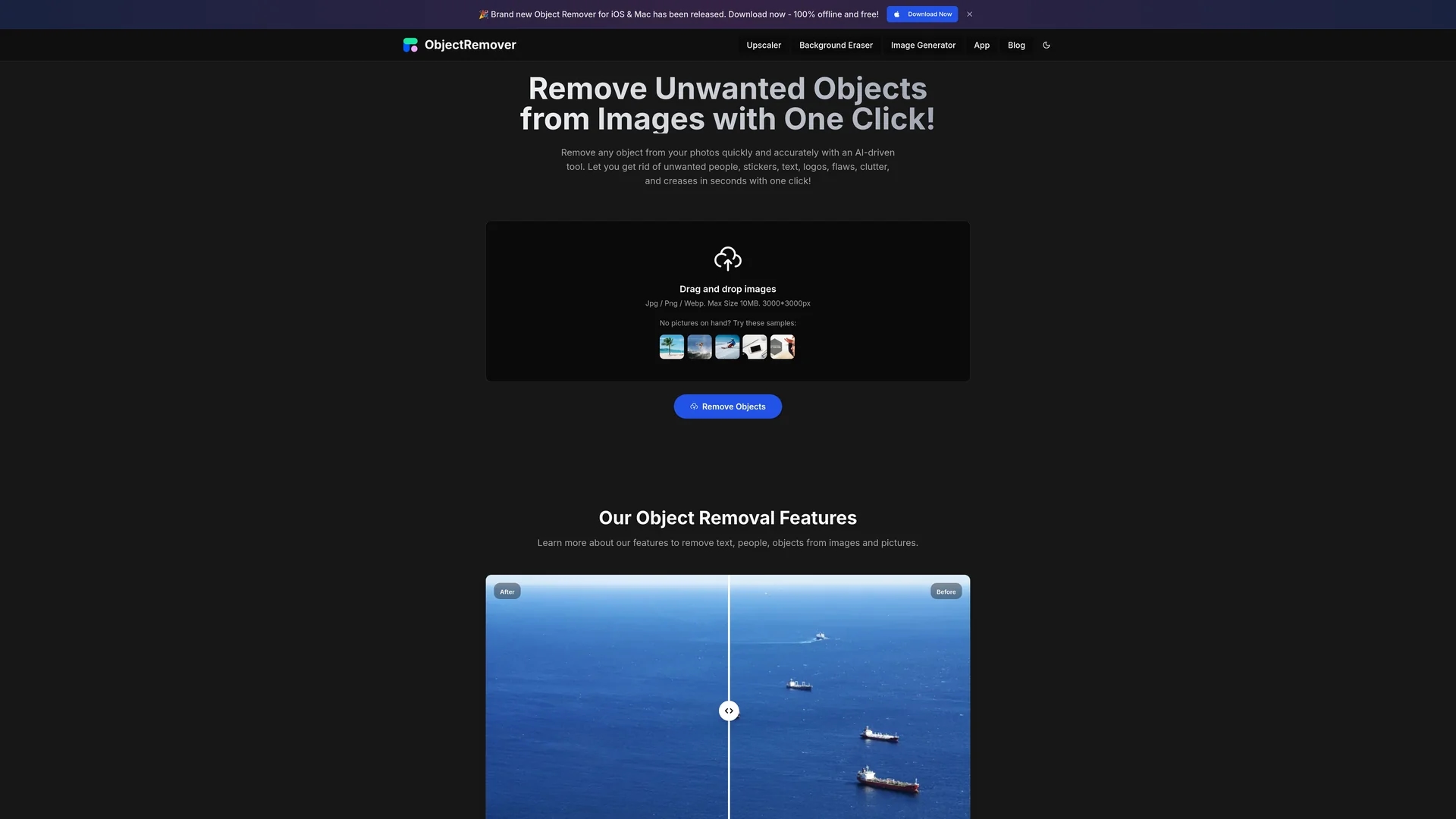
Object Remover is an AI-powered photo editor that quickly removes unwanted objects like people, text, and logos from images with a simple drag-and-drop interface.
Disclaimer: Visionary Hub is not affiliated with, endorsed by, or the operator of this tool. All trademarks, logos, and content are the property of their respective owners. Full disclaimer available here
Key Features
Object Removal
Erases unwanted people, text, logos, and flaws from photos.
Preview Results
Allows users to view edits before downloading final images.
No Watermarks
Exports images without watermarks, even for free users.
Supports Multiple Formats
Accepts JPG, PNG, and WebP images up to 10MB.
Get Started
Share & Save
Share on Social Media
Why Choose ObjectRemover
Fast Processing:
AI algorithms quickly remove unwanted objects without long wait times.User-Friendly:
Simple drag-and-drop interface requires no technical skills.High Quality:
Removes objects naturally without leaving visible traces.
Pricing
Object Remover offers a free version with no watermarks on downloads. Pricing details for premium plans are not specified; visit the official site for current pricing information.
About ObjectRemover
Object Remover is an AI-powered photo editor that quickly removes unwanted objects like people, text, and logos from images with a simple drag-and-drop interface.
What ObjectRemover Does
Object Remover enables users to eliminate unwanted objects such as people, stickers, text, logos, and image flaws from photos with minimal effort. This improves image quality and focus on the main subject.
It uses AI and machine learning algorithms to analyze and process images quickly, delivering natural-looking results without traces of editing. Users can drag and drop images and preview edits before downloading.
This tool is useful for e-commerce product images, social media content, personal photos, and graphic design projects, helping professionals and casual users enhance visual content.
Pros & Cons
Accessibility
Easy to use for all skill levels with a straightforward interface.
Quality Output
Produces natural and clean images without editing traces.
Limited Batch Processing
Does not support uploading multiple images for simultaneous editing.
Pricing Details
No clear information on premium plan pricing on the website.
Frequently Asked Questions
It removes people, stickers, text, logos, flaws, clutter, and creases from photos.
Yes, it features a user-friendly drag-and-drop interface requiring no technical skills.
Yes, free users can remove objects and download images without watermarks.
Supports JPG, PNG, and WebP images up to 10MB in size.
No, currently it does not support uploading multiple images at once.
Similar Tools You Might Like
Discover more AI-powered tools that complement your workflow


List Your AI Tool & Reach Thousands of Users
Join 500+ AI innovators already thriving on our platform. Get visibility, feedback, and boost your conversions.
Expand Your Audience
Connect with over 50,000 AI enthusiasts actively looking for tools like yours.
Boost Your Authority
Get verified reviews and ratings to build credibility in the AI marketplace.
Drive Conversions
Our premium placements and targeted audience deliver quality leads and sign-ups.