
Notion business os
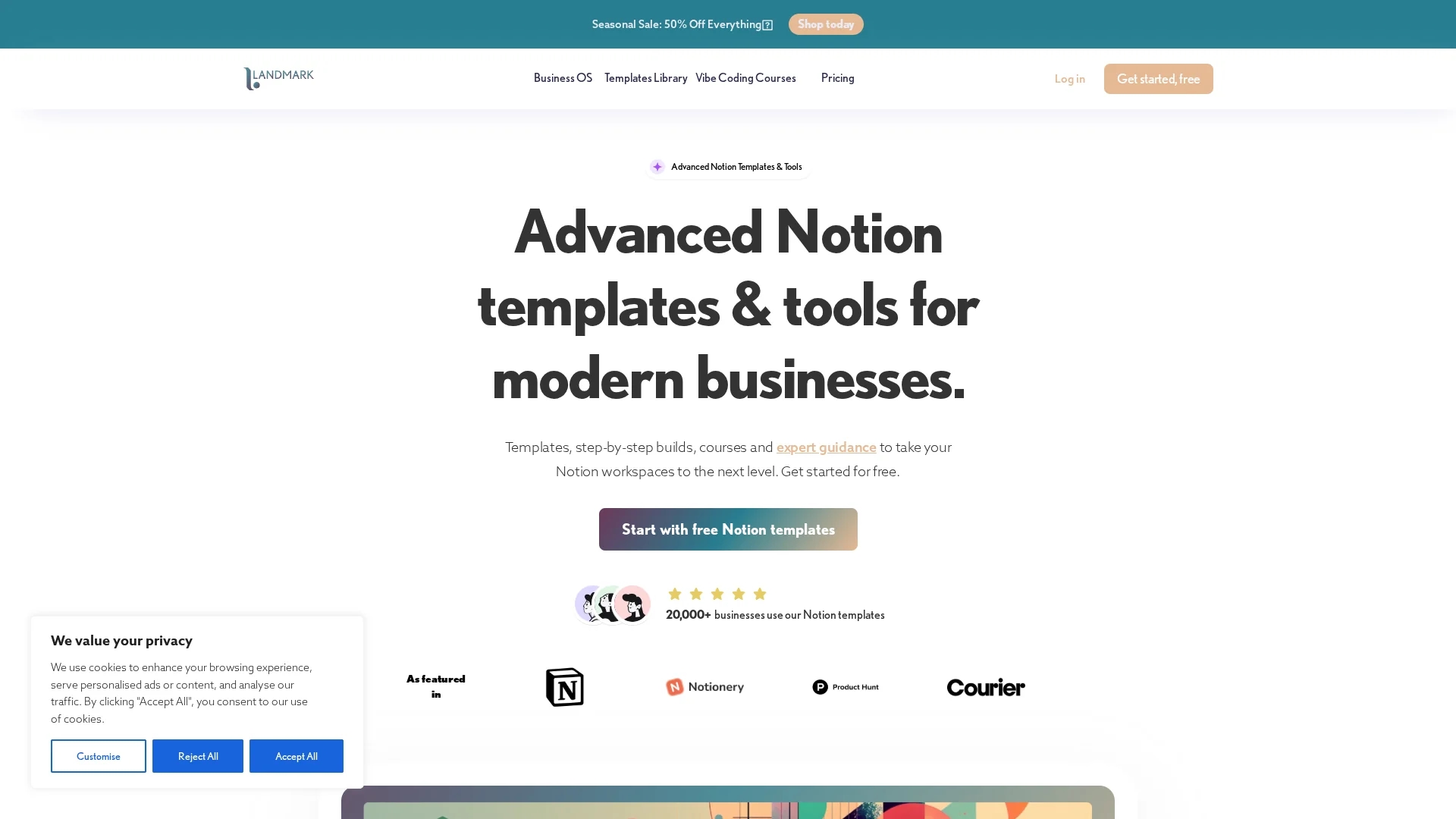
Notion Business OS offers 20,000+ customizable templates, expert tutorials, and tools to optimize business workflows, team task management, and content planning within Notion workspaces.
Disclaimer: Visionary Hub is not affiliated with, endorsed by, or the operator of this tool. All trademarks, logos, and content are the property of their respective owners. Full disclaimer available here
Key Features
Template Library
Vast collection of business templates to optimize workflows.
Customizable OS
Notion OS components tailored to specific business operations.
Content Calendar
Organize and schedule marketing and content campaigns effectively.
Tutorials & Courses
Expert guidance to maximize Notion workspace efficiency.
Get Started
Share & Save
Share on Social Media
Why Choose Notion business os
Extensive Templates:
Access over 20,000 customizable templates for diverse business needs.Expert Tutorials:
Step-by-step guides enhance usability and workflow implementation.Team Collaboration:
Designed to streamline task management for teams within Notion.
Pricing
Notion Business OS offers a freemium model with free access and paid plans. Pricing includes Components Library at $12/month, Business OS at $289, All Access annual plan at $249/year, All Access bundle at $599, and Landmark Lifetime plan at $1399. Visit the official pricing page for details.
About Notion business os
Notion Business OS offers 20,000+ customizable templates, expert tutorials, and tools to optimize business workflows, team task management, and content planning within Notion workspaces.
What Notion business os Does
Notion Business OS delivers a comprehensive suite of customizable templates and tools to optimize business workflows and project management within Notion. It enables teams to collaborate efficiently and track progress seamlessly.
The platform includes an extensive library of over 20,000 templates, customizable Notion OS components, a content calendar for organized planning, and tutorials to implement advanced workflows. It integrates expert guidance to help users maximize their Notion workspace capabilities.
Ideal for industries requiring structured project tracking, content scheduling, and team task management, it supports small businesses, startups, and content creators in enhancing operational efficiency.
Pros & Cons
Comprehensive Resources
Includes templates, tutorials, and tools in one platform.
Flexible Customization
Templates and OS components can be tailored to user needs.
Pricing Complexity
Multiple pricing tiers may be confusing for new users.
Learning Curve
Advanced features require time to master effectively.
Frequently Asked Questions
It is a template system with 100+ interconnected pages to optimize business workflows in Notion.
You receive a duplicate link to copy the template into your Notion workspace.
Yes, you can share edit or guest access to team members within Notion.
Yes, you can add new views, pages, and integrate components from the library.
There is a 100% refund within 30 days of purchase, no questions asked.
Similar Tools You Might Like
Discover more AI-powered tools that complement your workflow

List Your AI Tool & Reach Thousands of Users
Join 500+ AI innovators already thriving on our platform. Get visibility, feedback, and boost your conversions.
Expand Your Audience
Connect with over 50,000 AI enthusiasts actively looking for tools like yours.
Boost Your Authority
Get verified reviews and ratings to build credibility in the AI marketplace.
Drive Conversions
Our premium placements and targeted audience deliver quality leads and sign-ups.