
Nexa SDK
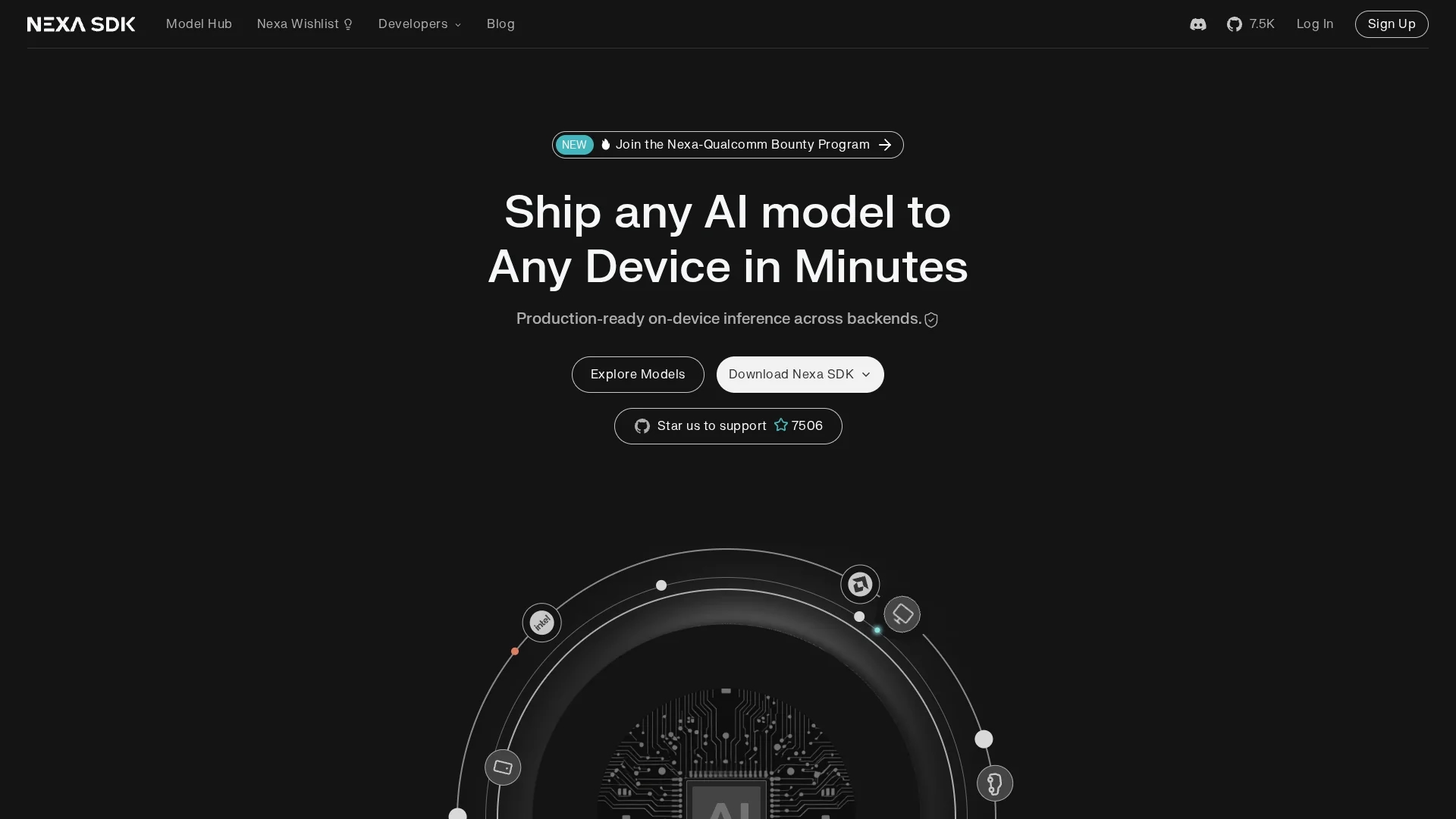
Nexa SDK enables efficient on-device AI model deployment across NPU, GPU, and CPU, supporting multilingual tasks, speech recognition, and image processing with a user-friendly CLI.
Disclaimer: Visionary Hub is not affiliated with, endorsed by, or the operator of this tool. All trademarks, logos, and content are the property of their respective owners. Full disclaimer available here
Key Features
On-device Deployment
Run AI models locally to reduce latency and dependency on cloud.
Task-specific Models
Includes models for image classification, text reranking, and object detection.
Hardware Compatibility
Optimized for NPU, GPU, and CPU to maximize performance.
Comprehensive Documentation
Detailed guides and examples support efficient SDK usage.
Get Started
Share & Save
Share on Social Media
Why Choose Nexa SDK
Hardware Support:
Deploy AI models efficiently on NPU, GPU, and CPU hardware platforms.Multilingual AI:
Supports state-of-the-art multilingual models for diverse language tasks.Rapid Prototyping:
User-friendly CLI enables fast development and integration.
Pricing
For current prices, visit the official Nexa SDK page at https://sdk.nexa.ai/.
About Nexa SDK
Nexa SDK enables efficient on-device AI model deployment across NPU, GPU, and CPU, supporting multilingual tasks, speech recognition, and image processing with a user-friendly CLI.
What Nexa SDK Does
Nexa SDK enables developers to deploy advanced AI models directly on devices, supporting hardware like NPU, GPU, and CPU. This allows efficient execution of multilingual, speech recognition, and image processing tasks without heavy reliance on cloud services.
The SDK includes task-specific models for image classification, text reranking, and real-time object detection. It provides a user-friendly command-line interface for rapid prototyping and easy integration into various applications.
Use cases include enhancing retail apps with real-time object detection, enabling healthcare applications to analyze images efficiently, and supporting multilingual AI functionalities in mobile environments.
Pros & Cons
Resource Efficiency
Optimizes memory and hardware usage for better performance.
Versatile Model Support
Supports multiple AI tasks including multilingual and vision models.
Limited Pricing Info
No detailed pricing available publicly; requires contacting provider.
Developer Focused
Primarily designed for developers, less suited for non-technical users.
Frequently Asked Questions
It supports deployment on NPU, GPU, and CPU hardware platforms.
Yes, it supports state-of-the-art multilingual models like Qwen3-8B.
Yes, it provides a user-friendly command-line interface for prototyping.
Pricing details are not publicly listed; visit the official website for updates.
Yes, it supports real-time object detection models optimized for on-device use.
Similar Tools You Might Like
Discover more AI-powered tools that complement your workflow
List Your AI Tool & Reach Thousands of Users
Join 500+ AI innovators already thriving on our platform. Get visibility, feedback, and boost your conversions.
Expand Your Audience
Connect with over 50,000 AI enthusiasts actively looking for tools like yours.
Boost Your Authority
Get verified reviews and ratings to build credibility in the AI marketplace.
Drive Conversions
Our premium placements and targeted audience deliver quality leads and sign-ups.