
Nex AI
Nex AI boosts productivity and creativity for knowledge workers by simplifying data analysis, document import, and AI-powered text improvement with intuitive tools.
Disclaimer: Visionary Hub is not affiliated with, endorsed by, or the operator of this tool. All trademarks, logos, and content are the property of their respective owners. Full disclaimer available here
Key Features
Prompt Templates
Predefined prompts to generate and improve content efficiently.
Document Import
Import Word documents and other files for AI-powered analysis.
AI Chat
Interactive chat to assist with data generation and editing.
Modular Data Processing
Automatically labels and enriches data based on file structure.
Get Started
Share & Save
Share on Social Media
Why Choose Nex AI
Ease of Use:
Intuitive AI-first design simplifies data processing and text editing.Versatile Input:
Supports multiple file formats including Word, PDFs, and spreadsheets.Accurate Insights:
Algorithm-driven processing ensures reliable data interpretation.
Pricing
For current prices, visit the official Nex AI pricing page. Specific pricing plans and trial options are not publicly detailed.
About Nex AI
Nex AI boosts productivity and creativity for knowledge workers by simplifying data analysis, document import, and AI-powered text improvement with intuitive tools.
What Nex AI Does
Nex AI helps users analyze, generate, and organize data by interpreting various file formats including Word documents, spreadsheets, and PDFs. It improves productivity by enabling AI-powered text editing and content generation through chat and prompt templates.
The tool features modular data processing that labels and enriches data intelligently based on file structure. Users can interact with Nex AI to visualize data trends and automate knowledge extraction, speeding up reviews and decision-making.
Industries such as finance, marketing, research, and business intelligence benefit from Nex AI’s capabilities to automate data categorization, enhance CRM data, and extract insights from reports efficiently.
Pros & Cons
Multi-format Support
Handles documents, spreadsheets, and PDFs for diverse workflows.
Fast Setup
Ready to use within 15 minutes for quick productivity gains.
Limited Pricing Info
Pricing details are not publicly disclosed on the homepage.
Niche Focus
Primarily designed for knowledge workers, less suited for casual users.
Frequently Asked Questions
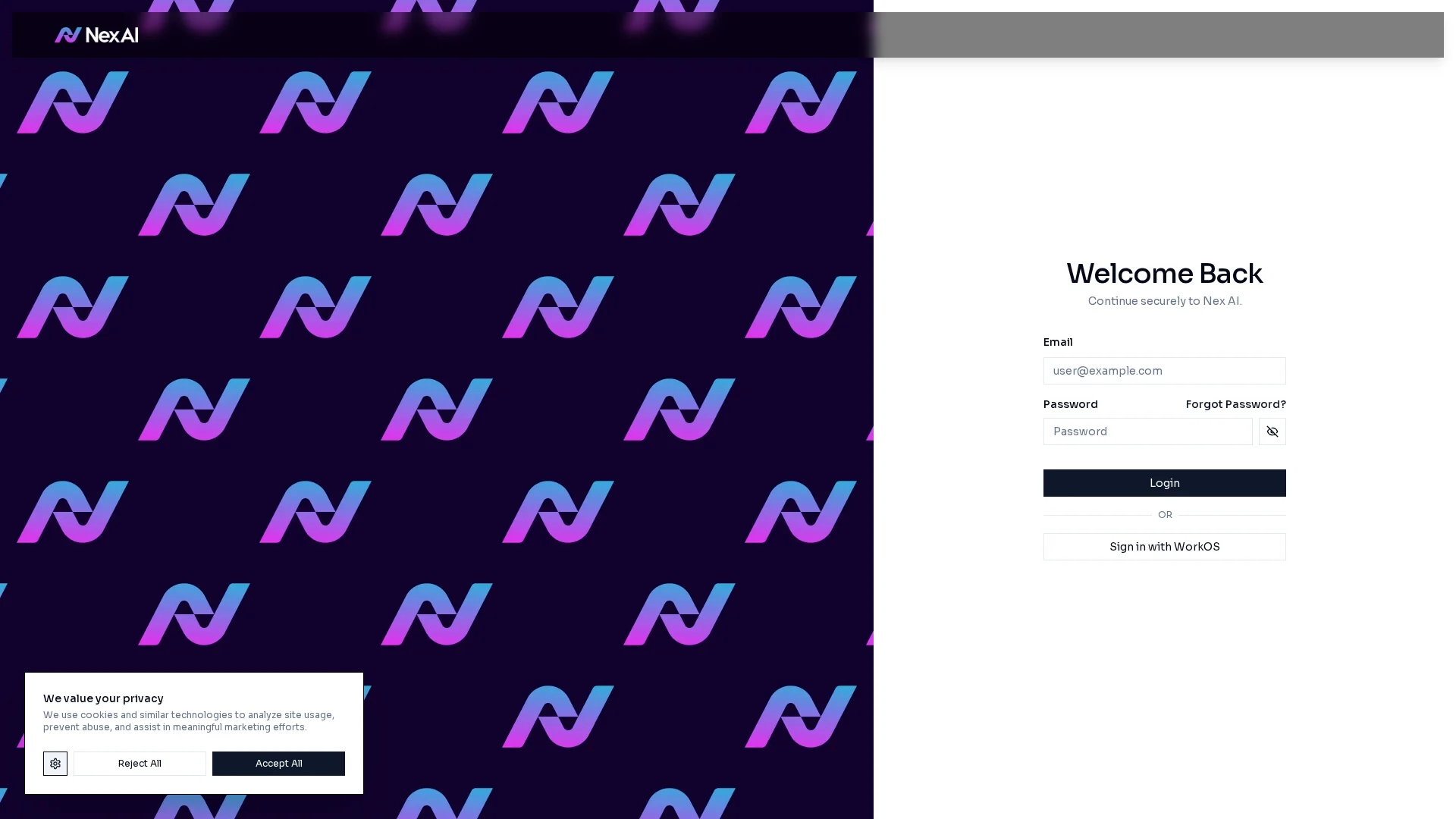
Sign in using your email and password; create an account if you don't have one.
It supports Word documents, spreadsheets, PDFs, and other common file types.
Yes, it offers AI-powered text highlighting, editing, and prompt templates.
Pricing and trial details are not specified; check the official site for updates.
Integration details are not provided; contact support for specific inquiries.
Similar Tools You Might Like
Discover more AI-powered tools that complement your workflow
List Your AI Tool & Reach Thousands of Users
Join 500+ AI innovators already thriving on our platform. Get visibility, feedback, and boost your conversions.
Expand Your Audience
Connect with over 50,000 AI enthusiasts actively looking for tools like yours.
Boost Your Authority
Get verified reviews and ratings to build credibility in the AI marketplace.
Drive Conversions
Our premium placements and targeted audience deliver quality leads and sign-ups.