
mymind
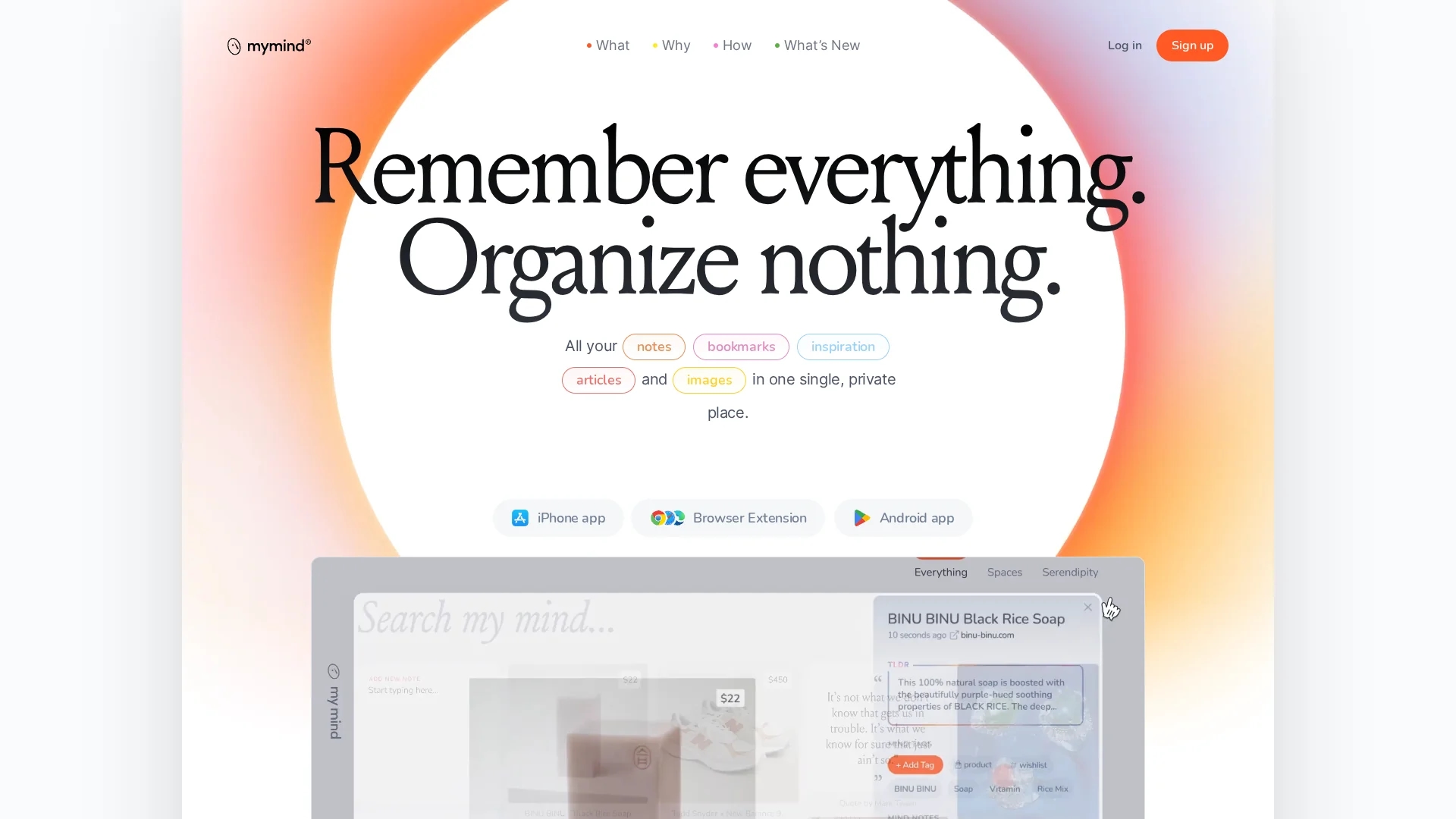
AI-powered personal knowledge manager that automatically saves, tags, and visually searches notes, images, bookmarks, and articles in a private, no-ads space for distraction-free recall.
Disclaimer: Visionary Hub is not affiliated with, endorsed by, or the operator of this tool. All trademarks, logos, and content are the property of their respective owners. Full disclaimer available here
Key Features
AI automatic organization
Automatically classifies, tags, and organizes saved content without manual input.
Visual search
Search by color, visual similarity, brand, date or keywords for fast retrieval.
Image OCR
Recognizes and indexes text inside images, screenshots, and handwritten notes.
AI summaries
Generates brief summaries and indexed content for articles and PDFs.
Same Vibe
Finds other saved items with similar mood, aesthetic, or themes.
Smart Spaces
Auto-groups items around searches or themes without manual collection setup.
Cross-device sync
Instantly syncs notes, bookmarks, images, and articles across devices.
Privacy-first
No ads, no tracking, no data selling; subscriptions fund the service.
Get Started
Share & Save
Share on Social Media
Why Choose mymind
Automatic organization:
AI classifies and tags saved content so you avoid manual folders and tagging.Visual intelligence:
Understands images deeply—objects, colors, moods—for intelligent visual search results.Privacy-first design:
No ads, no data selling, and subscription funding protect user data and focus.Cross-device sync:
Seamless synchronization across iOS, Android, macOS, Windows, and web browsers.
Pricing
mymind provides paid subscriptions only: Student $7.99/month and Mastermind $12.99/month or $129/year (annual billing). There is no free tier; subscriptions support the privacy-first, ad-free service.
About mymind
AI-powered personal knowledge manager that automatically saves, tags, and visually searches notes, images, bookmarks, and articles in a private, no-ads space for distraction-free recall.
What mymind Does
mymind captures and stores notes, images, bookmarks, articles, PDFs, videos, and screenshots in a single private space. The AI automatically interprets and tags content so users can retrieve items without manual filing.
The platform provides visual and keyword search, color-based and similarity matching, OCR for text in images, AI-generated summaries for articles and PDFs, and features like "Same Vibe" and Smart Spaces to surface related content.
Use cases include creating visual moodboards for designers, compiling research for academics, curating writing sources for content creators, and saving code snippets or resources for developers.
Pros & Cons
AI automation
Auto-interprets and tags content, reducing manual organization time.
Privacy-centric
No ads, no data selling, and strong encryption protect user data.
Visual interface
Minimalist, visual-first design suited for creatives and visual thinkers.
Support
Responsive customer support noted positively by users.
Paid only
No free tier; access requires a paid subscription.
No collaboration
Designed for personal use only—no team sharing or collaboration features.
Onboarding time
Importing existing data and learning AI features requires initial effort.
Frequently Asked Questions
No. mymind automatically tags and organizes saved items using AI; you can add custom tags if desired, but manual categorization isn’t required.
Yes. mymind does not run ads, sell user data, or track users invasively; the service is funded entirely by member subscriptions and uses strong encryption.
mymind runs on iOS, Android, macOS, Windows, and modern web browsers, with browser extensions and instant sync across devices.
No. mymind is intentionally designed for private, individual use and does not include team collaboration or shared workspaces.
mymind analyzes saved articles and PDFs, generates AI summaries, creates intelligent tags, and indexes content for faster search and retrieval.
Similar Tools You Might Like
Discover more AI-powered tools that complement your workflow
List Your AI Tool & Reach Thousands of Users
Join 500+ AI innovators already thriving on our platform. Get visibility, feedback, and boost your conversions.
Expand Your Audience
Connect with over 50,000 AI enthusiasts actively looking for tools like yours.
Boost Your Authority
Get verified reviews and ratings to build credibility in the AI marketplace.
Drive Conversions
Our premium placements and targeted audience deliver quality leads and sign-ups.