
MyEdit
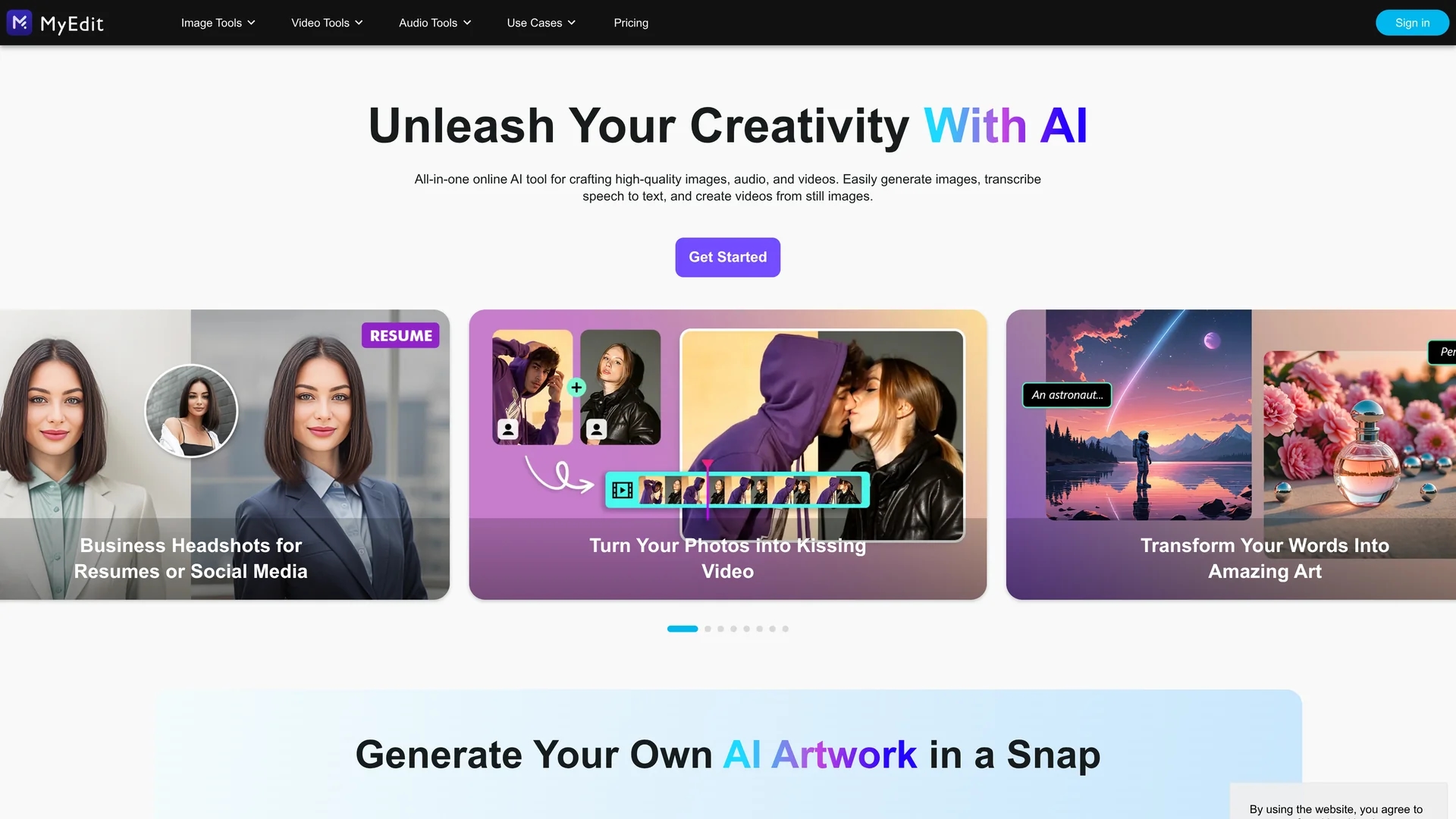
Karaoke Maker by MyEdit uses AI vocal isolation to convert MP3, WAV, FLAC, or M4A files into customizable instrumental tracks with adjustable vocal bleed and pitch control.
Disclaimer: Visionary Hub is not affiliated with, endorsed by, or the operator of this tool. All trademarks, logos, and content are the property of their respective owners. Full disclaimer available here
Key Features
Vocal Separation
AI-powered automatic removal of vocals from audio tracks.
Vocal Bleed Slider
Controls amount of vocals retained in the instrumental.
Pitch Adjustment
Allows transposing songs to different keys for practice.
Multi-Format Support
Accepts MP3, WAV, FLAC, and M4A files via drag-and-drop.
Get Started
Share & Save
Share on Social Media
Why Choose MyEdit
AI Isolation:
Uses AI to accurately separate vocals from instrumentals.Custom Controls:
Adjust vocal bleed and transpose pitch for tailored tracks.Cross-Platform:
Runs in browsers on desktop and mobile without installation.
Pricing
MyEdit offers a free plan with no credit card required. Paid plans include Audio Plan at $4/month and Audio Pro Plan at $7/month.
About MyEdit
Karaoke Maker by MyEdit uses AI vocal isolation to convert MP3, WAV, FLAC, or M4A files into customizable instrumental tracks with adjustable vocal bleed and pitch control.
What MyEdit Does
Karaoke Maker converts audio files into karaoke versions by isolating and removing vocals using AI technology. Users benefit from creating custom instrumental tracks for practice, performances, or content production.
The tool features AI-powered vocal separation, a slider to control vocal bleed, and pitch adjustment to transpose songs. It supports MP3, WAV, FLAC, and M4A formats with drag-and-drop upload and works across desktop and mobile browsers.
Musicians, vocalists, and content creators use it to produce backing tracks, prepare rehearsals, and generate instrumentals for videos or podcasts.
Pros & Cons
No Installation
Browser-based tool works on multiple devices without setup.
Flexible Output
Adjusts vocal presence and pitch for customized instrumentals.
Limited File Size
Maximum upload size is 900 MB and 90 minutes duration.
No Developer Info
Developer or company details are not publicly available.
Frequently Asked Questions
It supports MP3, WAV, FLAC, and M4A audio files for vocal removal.
Yes, a slider controls how much vocal bleed remains in the output.
Yes, files can be up to 900 MB or 90 minutes long for processing.
No, it runs entirely in the browser on desktop and mobile devices.
There is a free plan and paid Audio plans at $4 and $7 per month.
Similar Tools You Might Like
Discover more AI-powered tools that complement your workflow
List Your AI Tool & Reach Thousands of Users
Join 500+ AI innovators already thriving on our platform. Get visibility, feedback, and boost your conversions.
Expand Your Audience
Connect with over 50,000 AI enthusiasts actively looking for tools like yours.
Boost Your Authority
Get verified reviews and ratings to build credibility in the AI marketplace.
Drive Conversions
Our premium placements and targeted audience deliver quality leads and sign-ups.