
Muddy
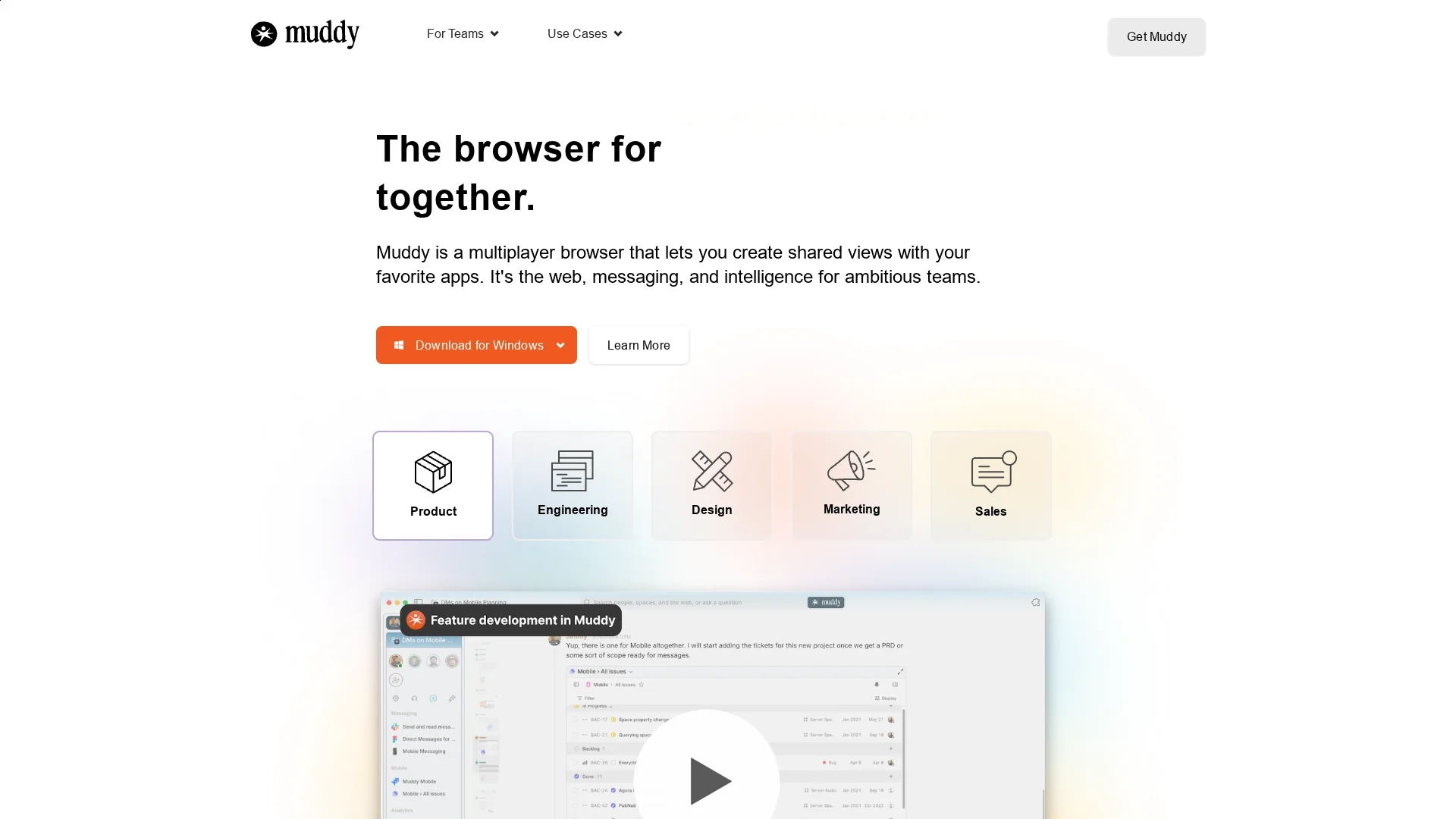
Muddy is a secure collaboration browser offering end-to-end encryption, real-time messaging, file sharing, and video conferencing to enhance team productivity and remote work.
Disclaimer: Visionary Hub is not affiliated with, endorsed by, or the operator of this tool. All trademarks, logos, and content are the property of their respective owners. Full disclaimer available here
Key Features
End-to-End Encryption
Protects all communications with strong privacy measures.
Real-Time Messaging
Enables instant, secure chat among team members.
File Sharing
Allows easy exchange of documents within project channels.
Video Conferencing
Supports spontaneous video calls to enhance remote meetings.
Get Started
Share & Save
Share on Social Media
Why Choose Muddy
Secure Communication:
End-to-end encryption ensures privacy for sensitive team discussions.AI Workspace:
AI organizes tabs and conversations to simplify collaboration.Cross-Platform:
Available on Mac, Windows, iOS, and Android for flexible access.
Pricing
Get started for free with your entire team. Downloads available for Mac, Windows, iOS, and Android. For detailed pricing, visit the official Muddy website.
About Muddy
Muddy is a secure collaboration browser offering end-to-end encryption, real-time messaging, file sharing, and video conferencing to enhance team productivity and remote work.
What Muddy Does
Muddy functions as a multiplayer browser and collaboration platform that enables teams to communicate securely with end-to-end encryption. It facilitates real-time messaging, file sharing, and video conferencing, allowing seamless interaction across locations and devices.
The platform offers AI-powered workspace management, categorizing tabs and conversations for easy access. It supports universal commenting across apps and websites, enabling organized discussions. Muddy also integrates with third-party applications, enhancing workflow efficiency.
Ideal for industries requiring secure communication and collaborative project management, Muddy supports remote teams in engineering, design, marketing, sales, and product development.
Pros & Cons
Integrated AI
Automatically organizes workspaces and conversations.
Multi-App Support
Works with any browser app and Chrome extensions.
No Direct Signup Link
No explicit user registration URL found on the homepage.
Limited Pricing Details
Specific pricing plans and costs are not publicly detailed.
Frequently Asked Questions
Many users adopt Muddy as their default work browser, importing history and passwords from Chrome.
Yes, individuals can build and manage workspaces before sharing with teams.
No setup is needed; Muddy's AI starts assisting out of the box using your browsing context.
Muddy supports all browser-based apps, including Chrome extensions.
Cookies and passwords are stored locally; no data is stored on Muddy servers.
Similar Tools You Might Like
Discover more AI-powered tools that complement your workflow
List Your AI Tool & Reach Thousands of Users
Join 500+ AI innovators already thriving on our platform. Get visibility, feedback, and boost your conversions.
Expand Your Audience
Connect with over 50,000 AI enthusiasts actively looking for tools like yours.
Boost Your Authority
Get verified reviews and ratings to build credibility in the AI marketplace.
Drive Conversions
Our premium placements and targeted audience deliver quality leads and sign-ups.