
MindMap AI
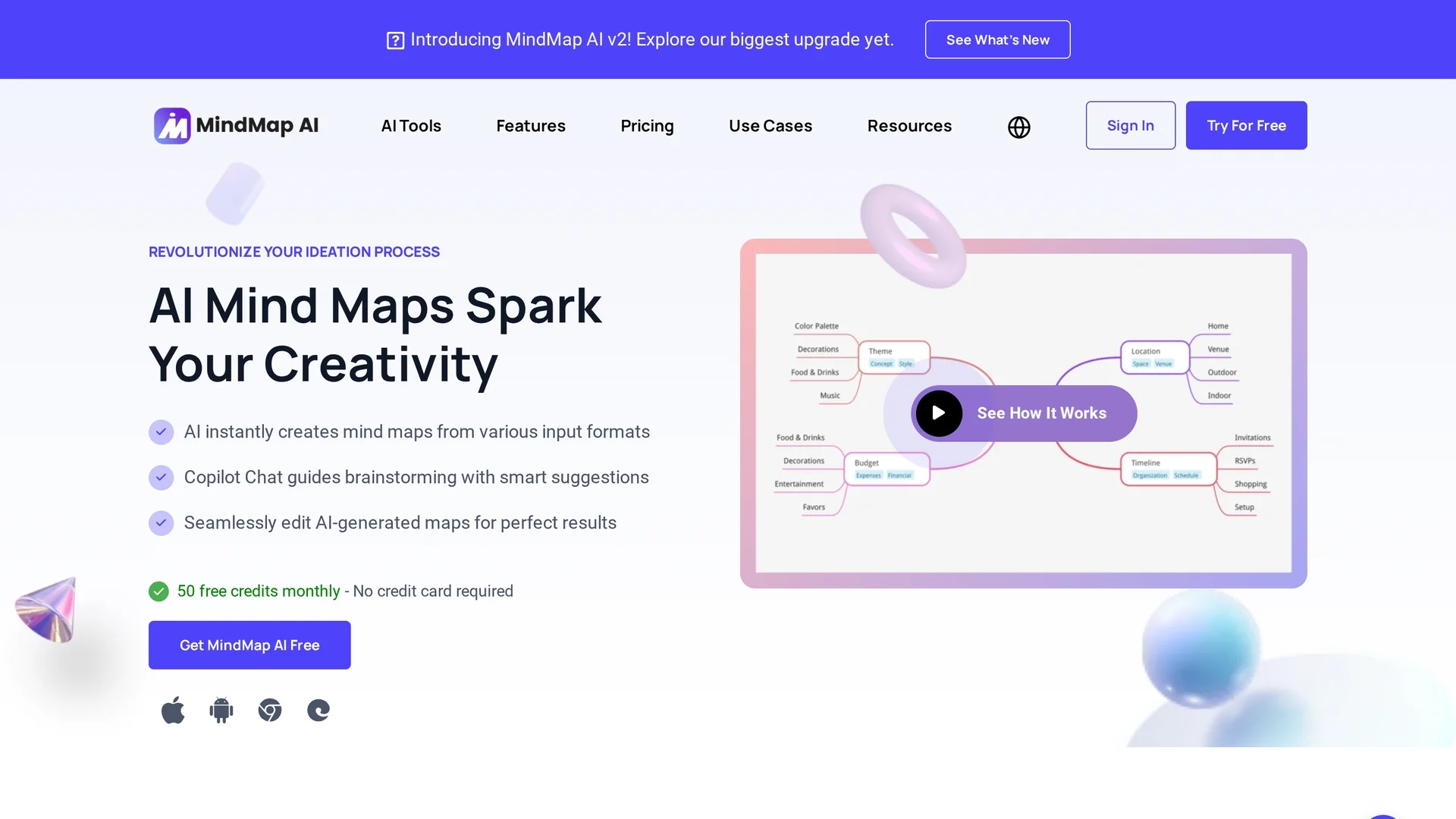
MindMap AI is an AI-powered tool that creates dynamic mind maps from text, PDFs, images, audio, and video inputs, featuring an AI Copilot Chat for brainstorming and multi-format export options.
Disclaimer: Visionary Hub is not affiliated with, endorsed by, or the operator of this tool. All trademarks, logos, and content are the property of their respective owners. Full disclaimer available here
Key Features
AI-Powered Mapping
Automatically generates structured mind maps from diverse content types.
Real-Time Collaboration
Enables multiple users to work on mind maps simultaneously.
Seamless Editing
Allows manual refinement and customization of AI-generated maps.
Custom Layouts
Offers different views like Mind Map, Org Chart, and Logic Chart.
Get Started
Share & Save
Share on Social Media
Why Choose MindMap AI
Multi-format Input:
Supports text, PDFs, images, audio, and video for versatile mind map creation.AI Copilot Chat:
Provides smart brainstorming assistance with conversation history.Flexible Export:
Exports mind maps in multiple formats including PNG, SVG, PDF, and Markdown.
Pricing
MindMap AI offers a free plan with 50 monthly credits and no credit card required. Paid plans include Basic at $7.5/month and Pro at $15/month. Student discounts and free trials are available. Visit the pricing page for details.
About MindMap AI
MindMap AI is an AI-powered tool that creates dynamic mind maps from text, PDFs, images, audio, and video inputs, featuring an AI Copilot Chat for brainstorming and multi-format export options.
What MindMap AI Does
MindMap AI creates detailed mind maps from multiple input types including text, PDFs, images, audio, and video, helping users visually organize complex information. It benefits users by simplifying brainstorming and project planning.
The tool features an AI Copilot Chat that offers intelligent suggestions and maintains conversation history for ongoing idea development. Users can manually edit maps, reorganize structures, and customize visual styles. It supports exporting maps in PNG, SVG, PDF, Markdown, CSV, and other formats.
Ideal for education, business, and creative industries, MindMap AI facilitates note-taking, project management, and presentation preparation, enhancing productivity and clarity across diverse workflows.
Pros & Cons
Wide Format Support
Accepts various file types for comprehensive mind mapping.
User Control
Preserves manual edits without AI overwriting user changes.
No Direct Import
Does not support direct import from other mind map software.
Word Limit
Supports up to 4,000 words per mind map generation.
Frequently Asked Questions
Yes, it offers a free plan with 50 monthly credits and no credit card required.
Supports text, PDFs, images, audio, video, CSV, Markdown, JSON, XML, and HTML files.
Yes, you can add, remove, or modify nodes and reorganize the map structure.
Yes, it offers real-time collaboration for multiple users on the same mind map.
Yes, mind maps and uploaded files are private unless you share them via public links.
Similar Tools You Might Like
Discover more AI-powered tools that complement your workflow

List Your AI Tool & Reach Thousands of Users
Join 500+ AI innovators already thriving on our platform. Get visibility, feedback, and boost your conversions.
Expand Your Audience
Connect with over 50,000 AI enthusiasts actively looking for tools like yours.
Boost Your Authority
Get verified reviews and ratings to build credibility in the AI marketplace.
Drive Conversions
Our premium placements and targeted audience deliver quality leads and sign-ups.