MJSplitter
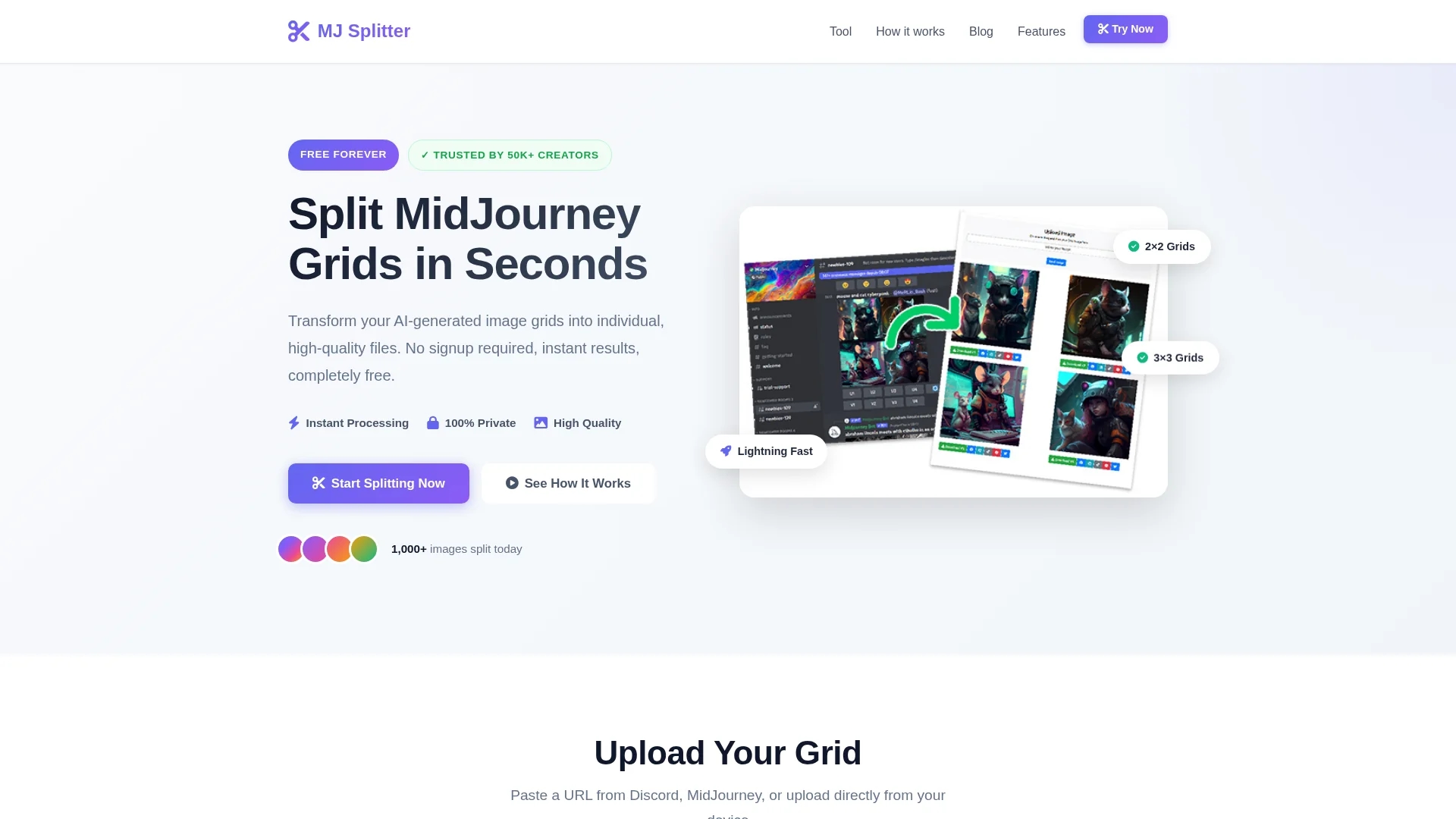
Free online tool to split Midjourney Grid images into individual JPEG files quickly and easily without signup.
Disclaimer: Visionary Hub is not affiliated with, endorsed by, or the operator of this tool. All trademarks, logos, and content are the property of their respective owners. Full disclaimer available here
Key Features
Grid Splitting
Automatically splits 2×2 and 3×3 Midjourney grids into single images.
Multiple Input Options
Supports image uploads and URL pasting from Discord or Midjourney.
High-Quality Output
Downloads individual images in JPEG format without quality loss.
Batch Download
Allows downloading all split images at once as a ZIP file.
Get Started
Share & Save
Share on Social Media
Why Choose MJSplitter
Fast Processing:
Splits grids in under two seconds for instant results.Privacy Focused:
Images are processed locally and not stored on servers.Free Access:
No signup or fees required, fully free to use.
Pricing
MJSplitter is completely free to use with no hidden fees or subscription plans.
About MJSplitter
Free online tool to split Midjourney Grid images into individual JPEG files quickly and easily without signup.
What MJSplitter Does
MJSplitter splits AI-generated Midjourney Grid images into separate, high-quality JPEG images for easy use and sharing. This allows users to extract individual images from complex grids efficiently.
The tool supports image uploads or URL pasting from Discord or Midjourney, automatically detects grid layouts, and processes images in under two seconds. It preserves image quality without compression and deletes uploaded images after 24 hours to ensure privacy.
Ideal for digital artists, content creators, social media managers, and product designers, MJSplitter facilitates creating social media posts, portfolios, prints, and personalized wallpapers from AI image grids.
Pros & Cons
Ease of Use
Simple interface requiring no account or technical skills.
Cross-Platform
Works seamlessly on desktop, tablet, and mobile devices.
Limited Grid Types
Supports only 2×2 and 3×3 grids, no other layouts.
No Advanced Editing
Does not offer image editing beyond splitting.
Frequently Asked Questions
Upload your image or paste its URL, then click the 'Split image' button to process.
No, images are deleted from the server after 24 hours to protect your privacy.
No, MJSplitter is completely free with no subscription or hidden fees.
Supports PNG, JPG, JPEG, and WEBP image formats for upload.
Currently, only 2×2 and 3×3 Midjourney grids are supported for splitting.
Similar Tools You Might Like
Discover more AI-powered tools that complement your workflow
List Your AI Tool & Reach Thousands of Users
Join 500+ AI innovators already thriving on our platform. Get visibility, feedback, and boost your conversions.
Expand Your Audience
Connect with over 50,000 AI enthusiasts actively looking for tools like yours.
Boost Your Authority
Get verified reviews and ratings to build credibility in the AI marketplace.
Drive Conversions
Our premium placements and targeted audience deliver quality leads and sign-ups.