Microsoft Edge AI-Browser
Microsoft Edge AI-Browser integrates Copilot mode for AI-driven browsing, voice navigation, vertical tabs, built-in VPN, split-screen, and real-time video translation to enhance productivity and security.
Disclaimer: Visionary Hub is not affiliated with, endorsed by, or the operator of this tool. All trademarks, logos, and content are the property of their respective owners. Full disclaimer available here
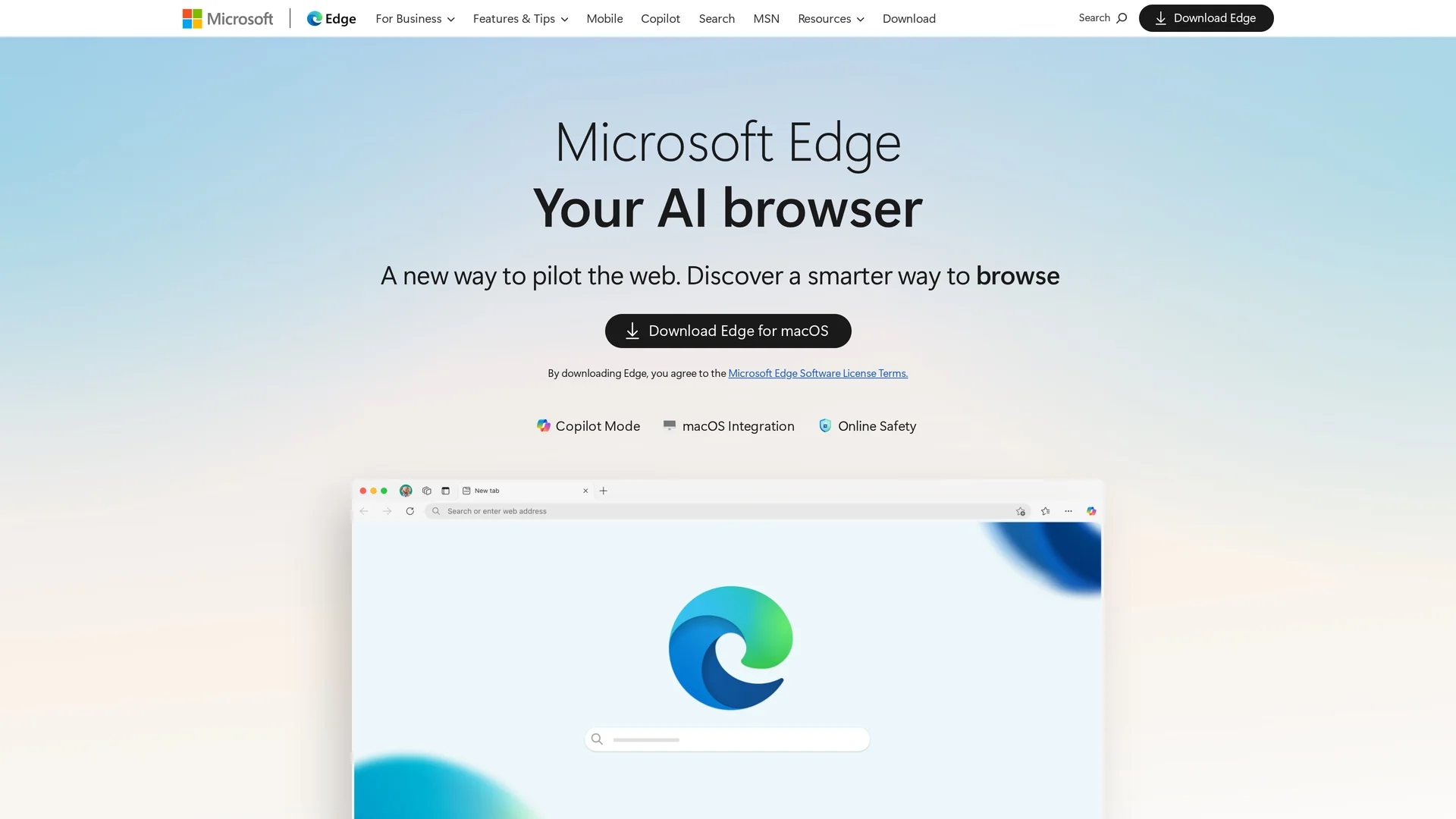
Key Features
Copilot Mode
AI assistant embedded in the browser for focused browsing and quick answers.
Vertical Tabs
Organize multiple projects efficiently with a vertical tab layout.
Built-in VPN
Secure your browsing sessions with integrated VPN functionality.
Real-time Translation
Translate videos instantly for seamless global communication.
Get Started
Share & Save
Share on Social Media
Why Choose Microsoft Edge AI-Browser
AI Integration:
Copilot mode delivers quick, relevant answers without leaving the page.Productivity:
Vertical tabs and workspace organization streamline multitasking.Security:
Built-in VPN and advanced security features protect user data.
Pricing
Microsoft Edge is a free web browser available for download on multiple platforms, including macOS. No paid plans are required to access its AI features.
About Microsoft Edge AI-Browser
Microsoft Edge AI-Browser integrates Copilot mode for AI-driven browsing, voice navigation, vertical tabs, built-in VPN, split-screen, and real-time video translation to enhance productivity and security.
What Microsoft Edge AI-Browser Does
Microsoft Edge AI-Browser functions as an AI-enhanced web browser that improves user productivity and security. It provides quick answers and voice navigation through its integrated Copilot mode, allowing users to browse and search efficiently without distractions.
Key features include a vertical tab layout for better project organization, built-in VPN for secure browsing, split-screen functionality for multitasking, and real-time video translation to facilitate global communication. The browser also supports workspace organization to streamline workflows.
This browser is suitable for industries such as content creation, e-commerce, research, and remote work, where efficient multitasking and secure browsing are essential.
Pros & Cons
Cross-Platform
Available on macOS, Windows, iOS, and Android devices.
Native Mac Support
Integrates with macOS features like Touch ID and Spotlight search.
Feature Variability
Some features may vary by device type and browser version.
Resource Usage
AI features may increase system resource consumption during use.
Frequently Asked Questions
Copilot mode is an AI assistant built into Edge that provides quick answers and helps with browsing tasks.
Yes, Microsoft Edge is free to download and use across supported devices.
Yes, it integrates with macOS features like Touch ID, Spotlight search, and trackpad gestures.
Yes, Edge includes a built-in VPN to secure your browsing sessions.
You can download it from the official Microsoft Edge website at microsoft.com/en-us/edge.
Similar Tools You Might Like
Discover more AI-powered tools that complement your workflow
List Your AI Tool & Reach Thousands of Users
Join 500+ AI innovators already thriving on our platform. Get visibility, feedback, and boost your conversions.
Expand Your Audience
Connect with over 50,000 AI enthusiasts actively looking for tools like yours.
Boost Your Authority
Get verified reviews and ratings to build credibility in the AI marketplace.
Drive Conversions
Our premium placements and targeted audience deliver quality leads and sign-ups.