
Microsoft 365 Co-pilot
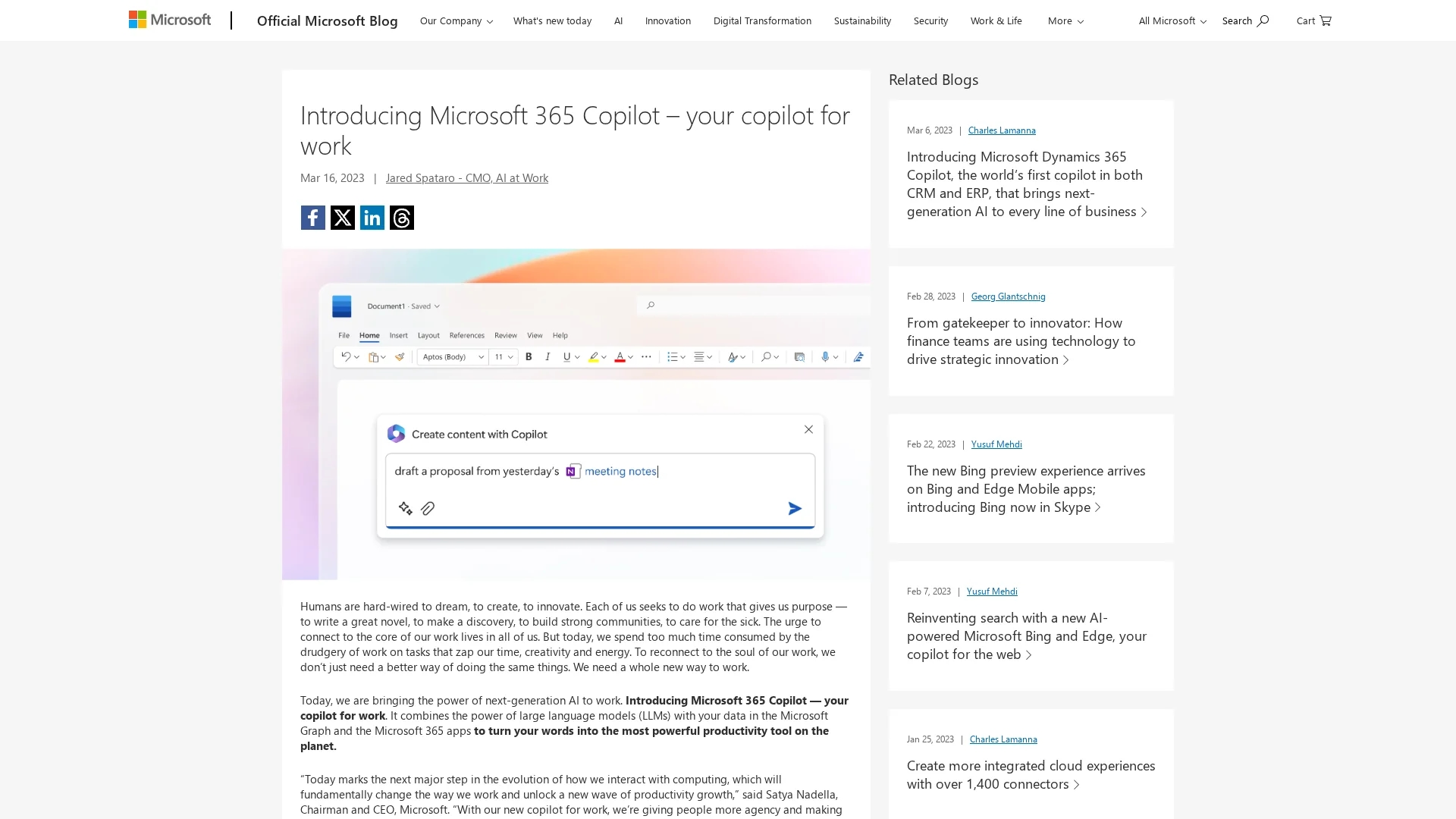
Microsoft 365 Copilot integrates AI with Microsoft 365 apps to boost creativity, productivity, and skills, featuring Business Chat for project data summarization with enterprise-grade security.
Disclaimer: Visionary Hub is not affiliated with, endorsed by, or the operator of this tool. All trademarks, logos, and content are the property of their respective owners. Full disclaimer available here
Key Features
Report Generation
Automatically creates detailed reports from business data.
Content Suggestions
Provides writing and editing assistance within documents.
Scheduling Assistance
Helps manage calendars and meeting planning efficiently.
Data Summarization
Summarizes emails, chats, and plans for quick insights.
Get Started
Share & Save
Share on Social Media
Why Choose Microsoft 365 Co-pilot
Deep Integration:
Works seamlessly within Microsoft 365 apps for consistent user experience.Enterprise Security:
Built with Microsoft’s comprehensive security, compliance, and privacy standards.Business Chat:
Aggregates data across apps to summarize projects and communications effectively.
Pricing
Microsoft 365 Copilot pricing details have not been publicly disclosed. For current pricing and licensing information, visit the official Microsoft 365 Copilot page.
About Microsoft 365 Co-pilot
Microsoft 365 Copilot integrates AI with Microsoft 365 apps to boost creativity, productivity, and skills, featuring Business Chat for project data summarization with enterprise-grade security.
What Microsoft 365 Co-pilot Does
Microsoft 365 Copilot automates and enhances productivity by embedding AI into Microsoft 365 apps, helping users create documents, analyze data, and manage communications more efficiently. It reduces manual tasks, freeing users to focus on higher-value work.
Key features include generating reports, suggesting content, assisting with scheduling, summarizing emails and plans, and providing insights on chat activity. It leverages large language models combined with users’ business data in Microsoft Graph to deliver accurate, contextual responses.
Industries such as business analysis, marketing, IT, and strategic planning benefit from Copilot’s ability to streamline workflows, improve collaboration, and upskill users through personalized recommendations.
Pros & Cons
Productivity Boost
Reduces busywork by automating routine tasks.
Contextual AI
Uses real-time business data for accurate, relevant responses.
Pricing Transparency
Official pricing details are not yet publicly available.
Learning Curve
Users may require time to adapt to AI-driven workflows.
Frequently Asked Questions
Copilot integrates with Word, Excel, PowerPoint, Outlook, Teams, and more Microsoft 365 apps.
It inherits Microsoft’s enterprise-grade security, compliance, and privacy policies, including data permissioning.
Pricing and trial details have not been publicly disclosed; check the official site for updates.
Yes, it summarizes email threads, chats, and meetings to provide concise updates and action items.
It is designed for enterprises, business analysts, creative professionals, IT specialists, and strategic planners.
Similar Tools You Might Like
Discover more AI-powered tools that complement your workflow

List Your AI Tool & Reach Thousands of Users
Join 500+ AI innovators already thriving on our platform. Get visibility, feedback, and boost your conversions.
Expand Your Audience
Connect with over 50,000 AI enthusiasts actively looking for tools like yours.
Boost Your Authority
Get verified reviews and ratings to build credibility in the AI marketplace.
Drive Conversions
Our premium placements and targeted audience deliver quality leads and sign-ups.