
Mermaid Chart
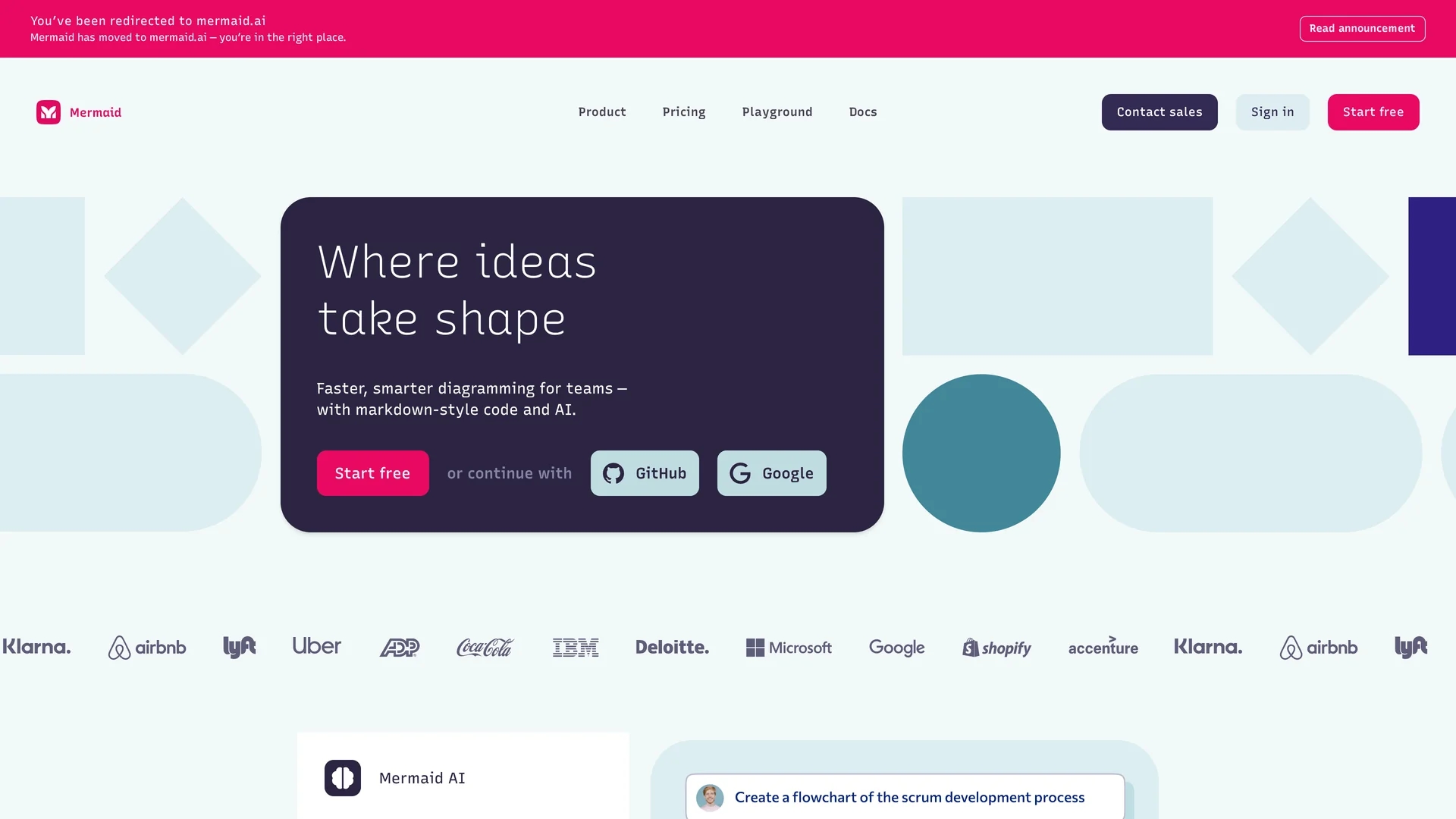
AI-powered diagramming platform that converts text, Markdown, or natural language into flowcharts, ERDs, Gantt and UML diagrams with real-time collaboration, IDE and docs integrations for developer and team workflows.
Disclaimer: Visionary Hub is not affiliated with, endorsed by, or the operator of this tool. All trademarks, logos, and content are the property of their respective owners. Full disclaimer available here
Key Features
AI-Powered Diagramming
Create and optimize diagrams from prompts, reducing manual effort.
Real-Time Collaboration
Co-edit diagrams, comment, and share live with team members.
Text-to-Editor
Hybrid Markdown-style and visual editor for code-like and graphical edits.
Integrations
Plugins for VS Code, GitHub, Confluence, PowerPoint, Word and ChatGPT.
Export & Embed
Export to PNG/SVG and embed diagrams in docs and presentations.
Security Controls
SOC2 compliance, SSO, encryption, and enterprise access controls.
Multiple Diagram Types
Support for flowcharts, sequence, C4, mind maps, Gantt, ER, UML.
Get Started
Share & Save
Share on Social Media
Why Choose Mermaid Chart
Text-first workflow:
Version-control diagrams as text for reproducible, git-friendly visuals.AI acceleration:
Generate and refine diagrams from prompts to save design time.Team scalability:
Real-time co-editing and org sharing scale across teams and projects.Workflow native:
IDE and docs plugins embed diagrams into developer and documentation flows.
Pricing
Basic (Free): limited to 6 diagrams and 15 AI credits. Plus: $10/user/month (annual) with unlimited diagrams and 300 AI credits. Premium: $20/user/month (annual) with expanded features and unlimited AI credits. Enterprise: custom pricing with SSO and contracts. Free trials available.
About Mermaid Chart
AI-powered diagramming platform that converts text, Markdown, or natural language into flowcharts, ERDs, Gantt and UML diagrams with real-time collaboration, IDE and docs integrations for developer and team workflows.
What Mermaid Chart Does
Mermaid Chart converts plain text, Markdown-style code, or natural language prompts into professional diagrams—flowcharts, sequence diagrams, ERDs, Gantt charts, mind maps and UML—so teams produce consistent visuals without manual drawing.
The platform provides a hybrid editor combining text and visual modes, AI-assisted diagram generation and refinement, real-time co-editing, comment threads, export to PNG/SVG, and integrations with IDEs and docs.
Common use cases include architecture diagrams in code repositories, project timelines, documentation visuals for technical writers, and classroom or team whiteboarding.
Pros & Cons
Text-based
Create diagrams via code or prompts for version control and automation.
Collaboration
Real-time co-editing, comments, and external sharing for teams.
Integrations
Seamless plugins for Confluence, VS Code, GitHub and docs.
Highly rated
Strong usability and features ratings on G2 and SoftwareAdvice.
Mindmap limits
Mindmap views become crowded with many nodes, reducing clarity.
Support quality
Customer support satisfaction is reported lower on review platforms.
Missing VSM
No built-in Value Stream Mapping for supply-chain process visualization.
Frequently Asked Questions
Mermaid Chart is the commercial collaboration platform built on the open-source Mermaid.js library, adding AI diagram generation, team features, versioning, and visual editing tools.
Mermaid Chart offers a Basic free plan that includes up to 6 diagrams, limited size, and 15 AI credits for entry-level use.
Mermaid Chart integrates with GitHub, Confluence, VS Code, JetBrains IDEs, PowerPoint, Word, ChatGPT, GitLab, Notion, Obsidian and other developer and docs tools.
Mermaid Chart provides SOC2 compliance, SSO, custom encryption, secure access controls, and enterprise diagram ownership to meet organizational security needs.
Similar Tools You Might Like
Discover more AI-powered tools that complement your workflow


List Your AI Tool & Reach Thousands of Users
Join 500+ AI innovators already thriving on our platform. Get visibility, feedback, and boost your conversions.
Expand Your Audience
Connect with over 50,000 AI enthusiasts actively looking for tools like yours.
Boost Your Authority
Get verified reviews and ratings to build credibility in the AI marketplace.
Drive Conversions
Our premium placements and targeted audience deliver quality leads and sign-ups.