
Merge JPG
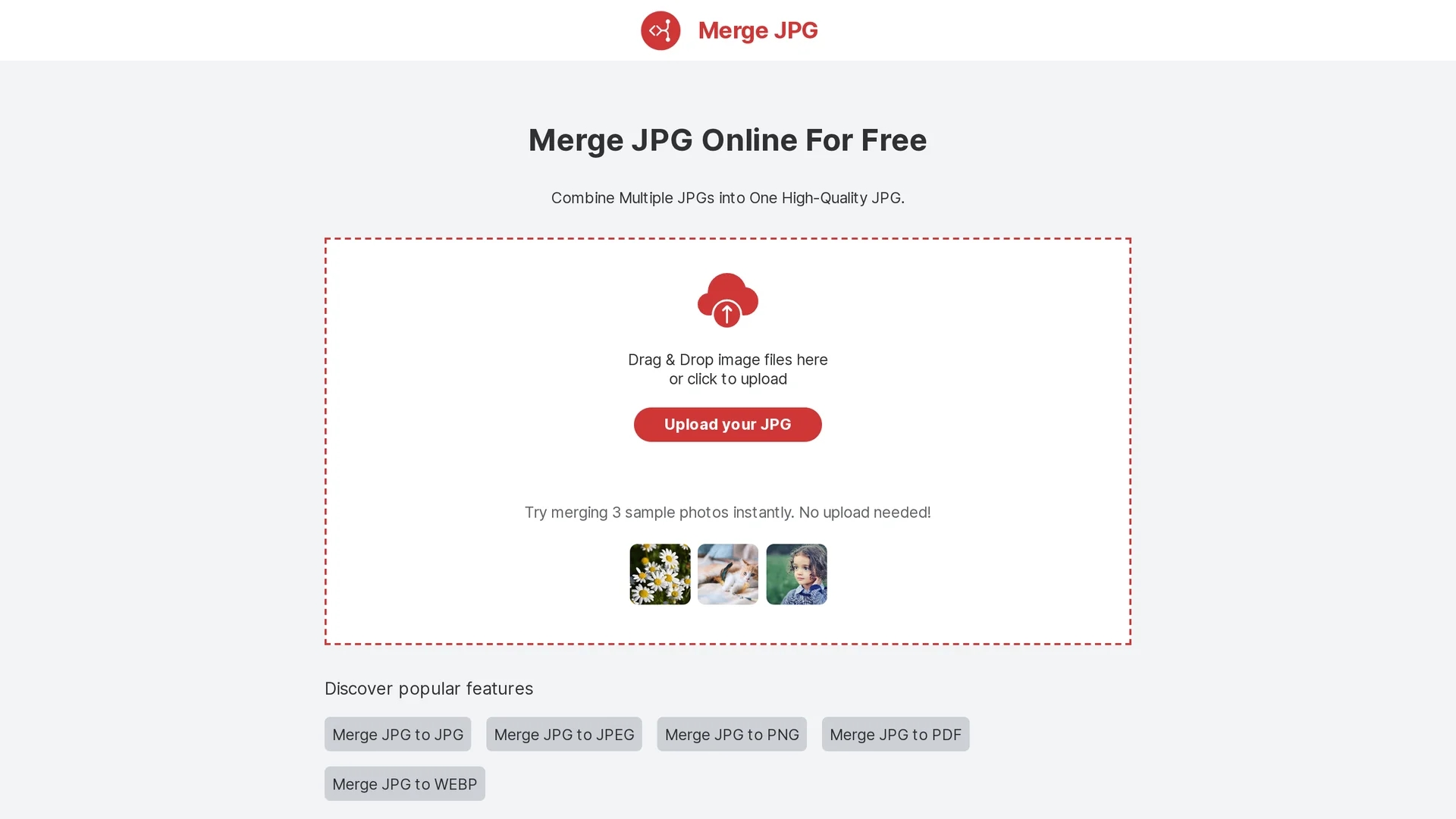
Merge JPG Online is a free web tool to combine multiple JPG, PNG, WEBP, or PDF images into one high-quality file with customizable layouts and automatic privacy protection.
Disclaimer: Visionary Hub is not affiliated with, endorsed by, or the operator of this tool. All trademarks, logos, and content are the property of their respective owners. Full disclaimer available here
Key Features
Drag & Drop
Easily upload images by dragging or clicking to select files.
Layout Options
Arrange images horizontally or vertically before merging.
Multiple Formats
Supports JPG, JPEG, PNG, WEBP, and PDF inputs.
Automatic Deletion
Uploaded files are deleted after merging to ensure privacy.
Get Started
Share & Save
Share on Social Media
Why Choose Merge JPG
Free Usage:
No cost or registration required to merge images quickly.Privacy:
Automatically deletes uploaded images after processing.Format Support:
Handles JPG, PNG, WEBP, and PDF image files.
Pricing
This free online tool requires no payment or subscription. Users can merge images without account creation or fees.
About Merge JPG
Merge JPG Online is a free web tool to combine multiple JPG, PNG, WEBP, or PDF images into one high-quality file with customizable layouts and automatic privacy protection.
What Merge JPG Does
Merge JPG Online combines multiple image files into one cohesive file, simplifying sharing, printing, or digital documentation. Users benefit from a streamlined process that requires no software installation or account creation.
The tool supports JPG, JPEG, PNG, WEBP, and PDF formats, allowing drag-and-drop or click-to-upload functionality. Users can arrange images in horizontal or vertical layouts before merging. Advanced compression algorithms ensure high-quality output with reduced file size. Uploaded files are automatically deleted after processing to protect user privacy.
This tool is useful for creating photo collages, compiling product images for e-commerce, organizing scanned documents, and preparing educational materials. It serves professionals, students, marketers, and designers who need fast, reliable image merging online.
Pros & Cons
User-Friendly
Simple interface with drag-and-drop and no installation.
High Quality
Maintains image resolution with advanced compression.
Limited Editing
No advanced image editing or enhancement features.
No Signup
Lacks user accounts for saving projects or history.
Frequently Asked Questions
Yes, Merge JPG Online requires no registration or account.
The tool supports JPG, JPEG, PNG, WEBP, and PDF formats.
No file size or image count limits are specified; speed depends on connection.
No, the tool preserves original resolution with minimal compression loss.
All uploaded images are automatically deleted after processing.
Similar Tools You Might Like
Discover more AI-powered tools that complement your workflow
List Your AI Tool & Reach Thousands of Users
Join 500+ AI innovators already thriving on our platform. Get visibility, feedback, and boost your conversions.
Expand Your Audience
Connect with over 50,000 AI enthusiasts actively looking for tools like yours.
Boost Your Authority
Get verified reviews and ratings to build credibility in the AI marketplace.
Drive Conversions
Our premium placements and targeted audience deliver quality leads and sign-ups.